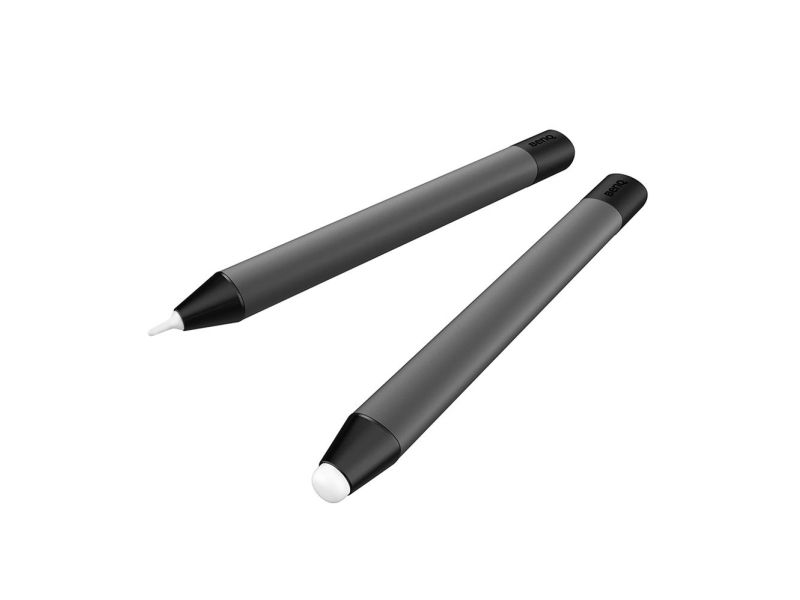
BenQ TPY21, Interactive display, Benq, Grey, RP6502, RP7502, RP8602, Capacitive, White
FBAC4895-B52C-4E03-B099-A6A8F8B8017B Created with sketchtool. 706D6907-81E1-46A2-B8F9-7B702A1EF2C7 Created with sketchtool. 6A870209-E7F5-44F5-A66F-09E20C85A0DC Created with sketchtool. 0BB04D6C-A9AB-4913-BF4F-5A23954E68E1 Created with sketchtool. 501E26C7-66C1-4DAA-B740-6CFAF55A1B39 Created with sketchtool. C105F7D3-D5EE-43C9-9EE8-05CC42B296D4 Created with sketchtool. D94689D8-7CBB-41C8-AC06-F79D81FF82D5 Created with sketchtool. DA4C7ED9-2512-4D52-94F0-92800F2A6E04 Created with sketchtool. 42E133FD-828F-4CF4-A0BF-560014487A57 Created with sketchtool. F52D9745-4BFD-4506-BEEF-630FD09EF2D9 Created with sketchtool.
out of stock
The item is not in stock. More info

Udsolgt

Varen er ikke på lager.

Brug funktionen ”Giv mig besked..." herunder for opdateringer.

Delivery options  - Select at checkout
Shipping @price - GLS
12,00
EUR 55,17
Incl. VAT 68,96
Total incl. delivery 83,96
Notify me when the item is in stock again
One tap to start writing. Two pens for dual users.
Designed for the RP series, the TPY21 pens offer you instant whiteboard access and intuitive features for simultaneous writing and creation.

Enable whiteboarding with a single tap
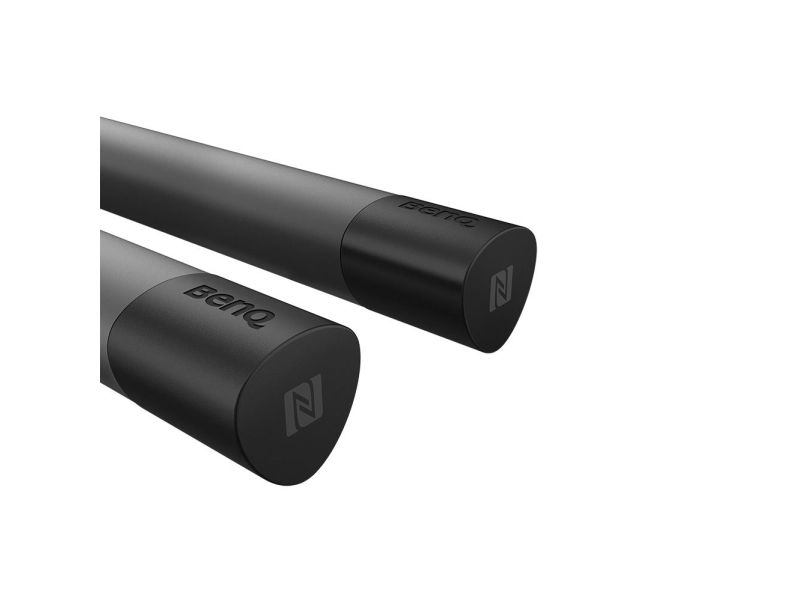
With its built-in NFC tag, you can just tap the end of a pen on the display’s NFC sensor to launch EZWrite and start writing.

Distinct colours for side-by-side writing
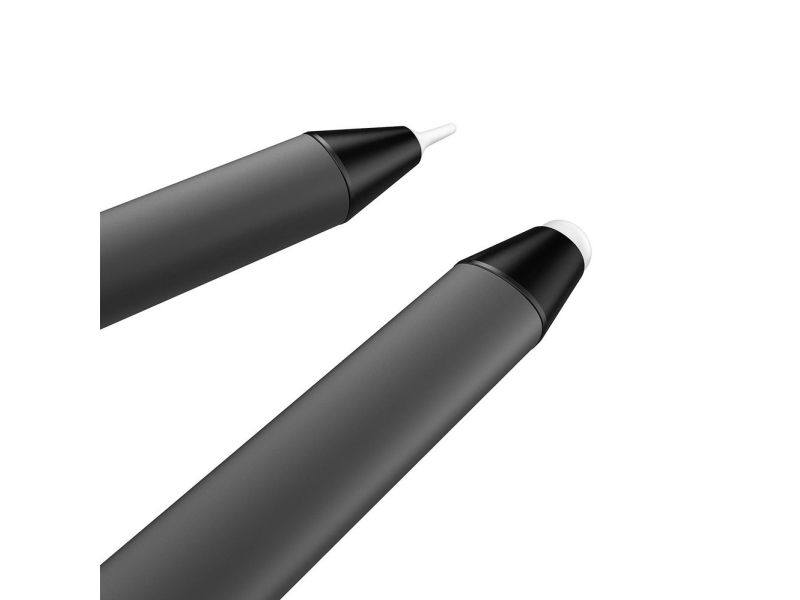
Designed for active collaboration, the TPY21 pens can be used with the dual-pen mode on EZWrite. When two users annotate simultaneously, contrasting colours are assigned to each of their pen strokes, making it easy to pinpoint who’s writing what.


Created for comfortable use
With its curved triangular barrel, the ergonomically designed TPY21 pens are easy to grip and write with. Used on BenQ interactive displays, they ensure smooth and natural strokes on the screen—just like ink on a canvas.

Uninterrupted writing without any charging
The TPY21 pens require no batteries or charging, allowing you to write and annotate freely without any interruptions. Just walk up to a BenQ interactive display, pick up a pen, and work for as long as you need to. And since both pens are straightforward and sturdy, they don’t require special care or maintenance.