The item is in a remote warehouse, delivery time is 2-3 business days. More info
Delivery options - Select at checkout
Shipping @price - GLS
12,00
EUR
679,94
Incl. VAT 849,93
Total incl. delivery
864,93
The function requires that you are logged in. Create a user and use our smart list system to keep track of future purchases, regular purchases or wish lists. Create user Login
Send på mail
Do you need a spare part for your printer or scanner?
Our configurator shows exactly the parts that fit PA03641-B301 - fusers, rollers, paper trays, print heads and much more.
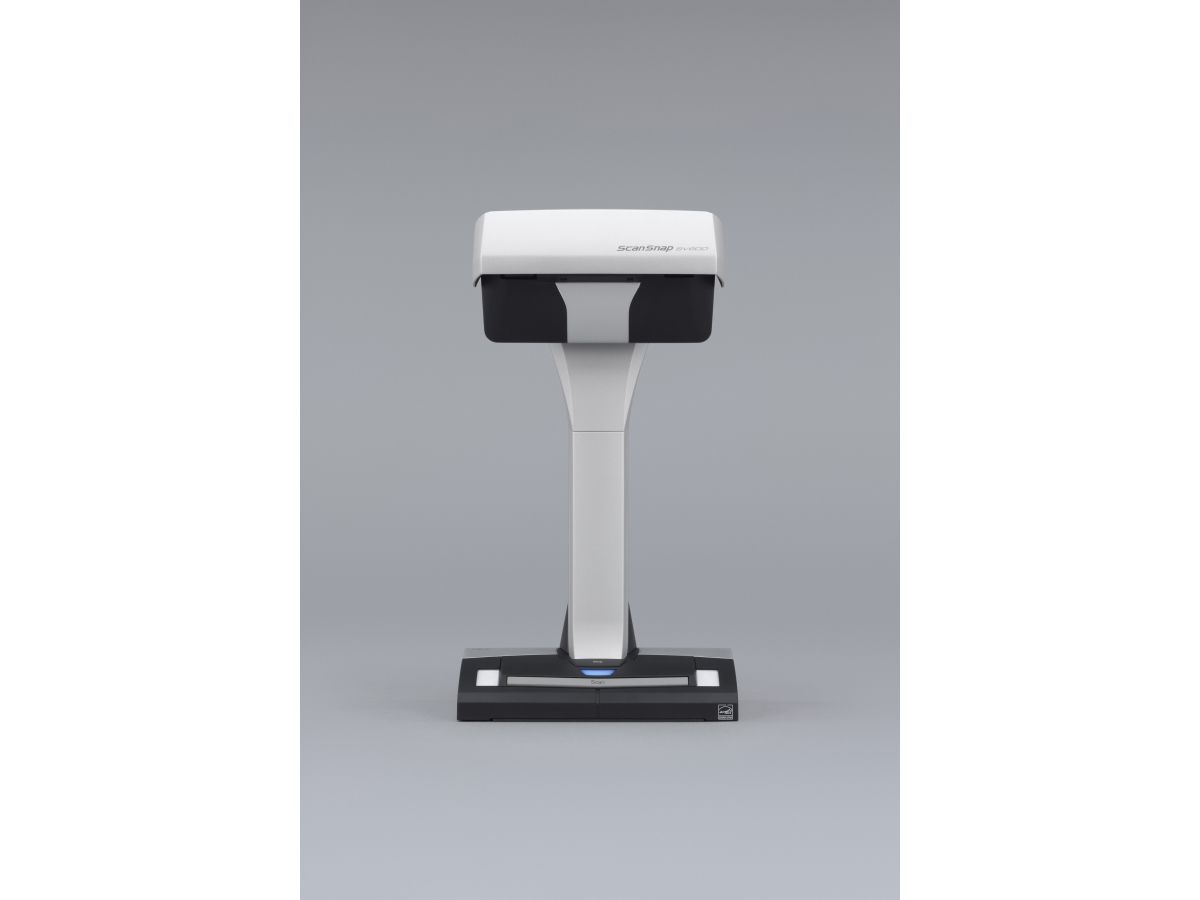
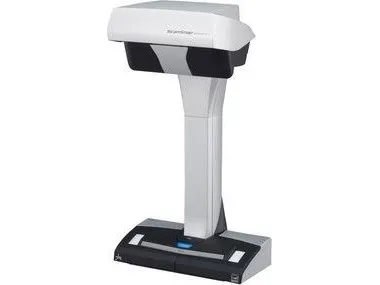
- One touch operation for PC and Mac - Scan a multitude of everyday documents including loose paper, bound material and delicate items - Multi cropping capability allowing for scanning of various documents at the same time - Continuous scanning capability with “page turning detection” and “timed scanning” - “VI technology” helps minimise any unevenness in image quality - Correct distortion and curvature of bound material with “Book Image Correction” - Small footprint and robust design allows for easy positioning in any environment.
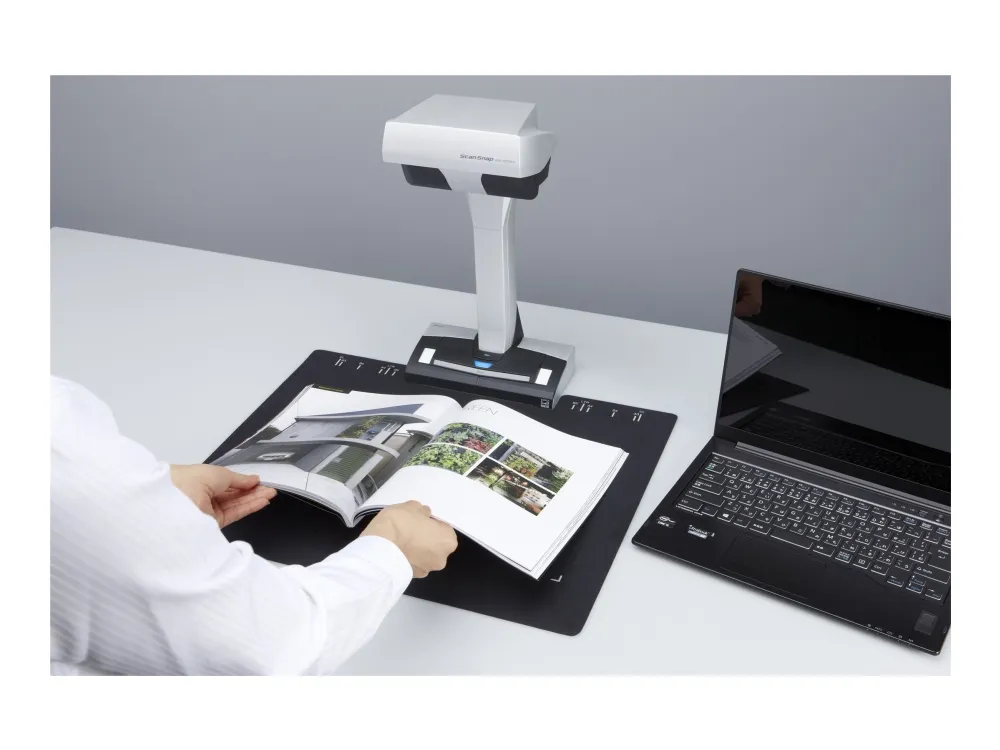
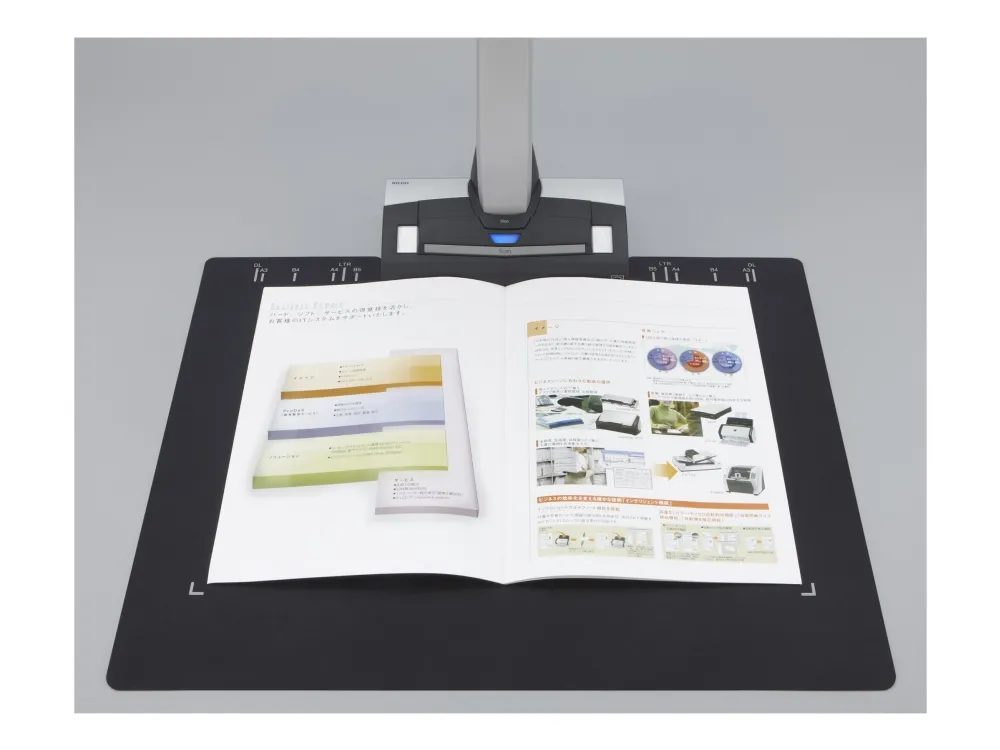
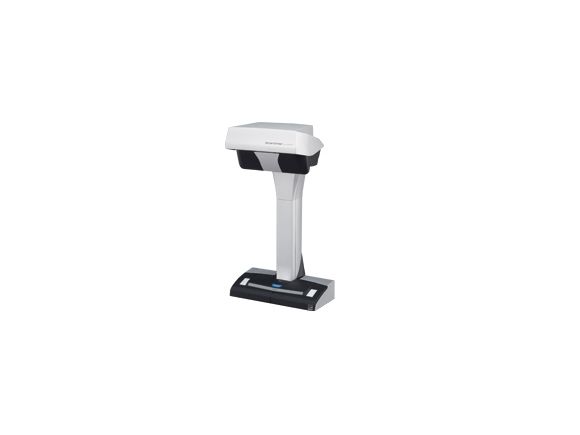
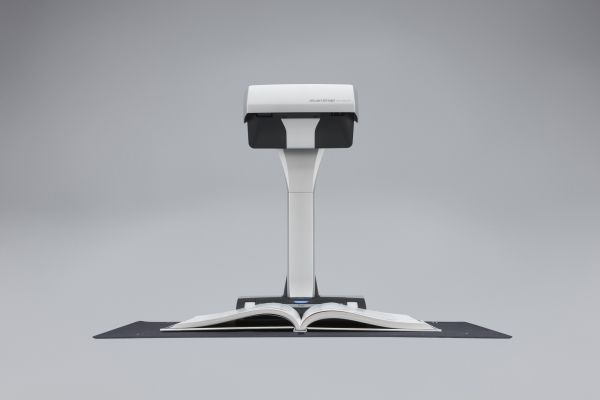
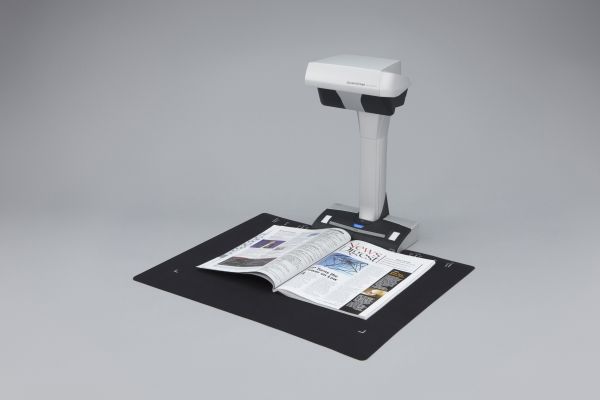
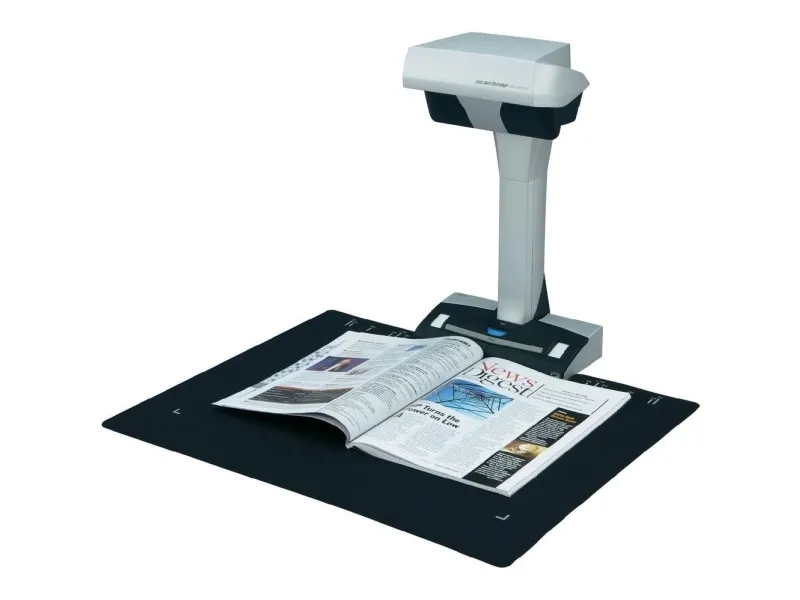
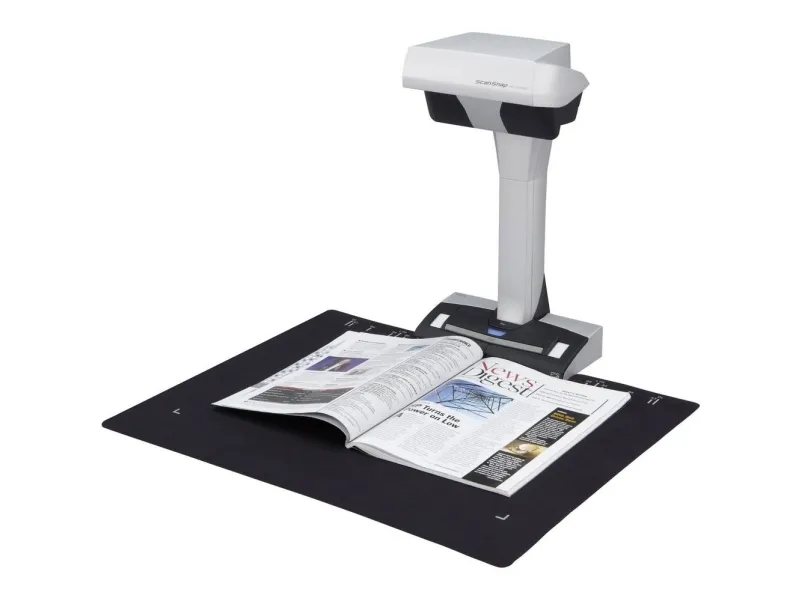
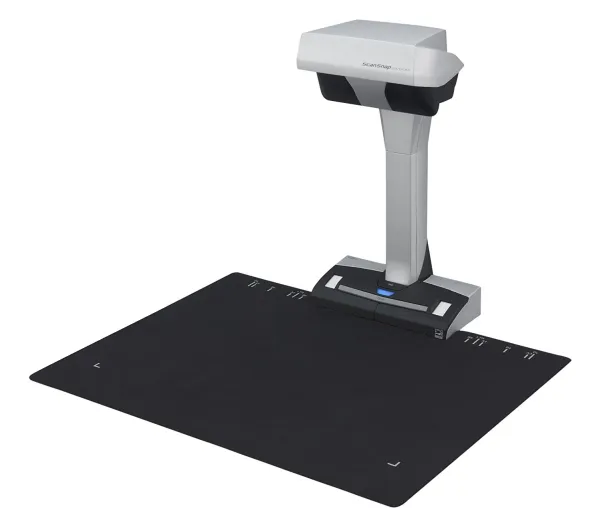
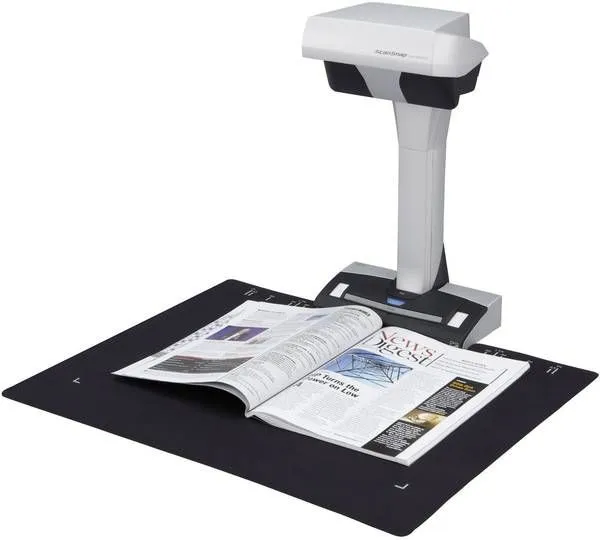
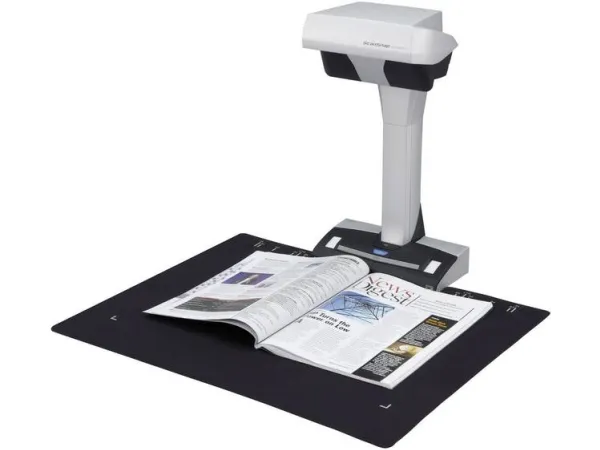
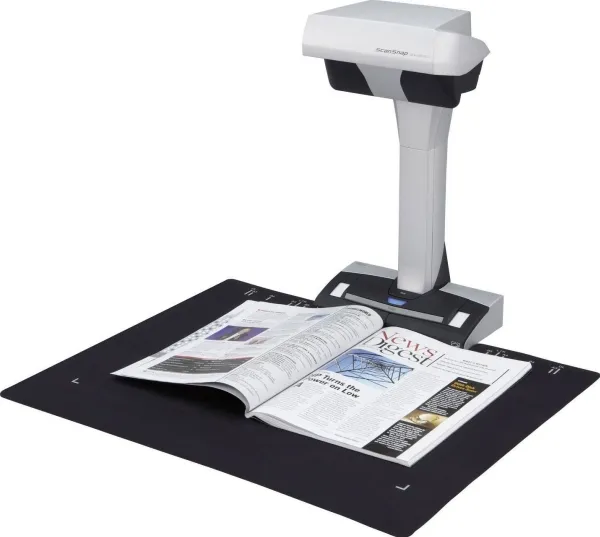
Digitise anything with ease The ScanSnap SV600 allows you to scan newspapers, bound documents, magazines or books without the need for cutting or causing damage.
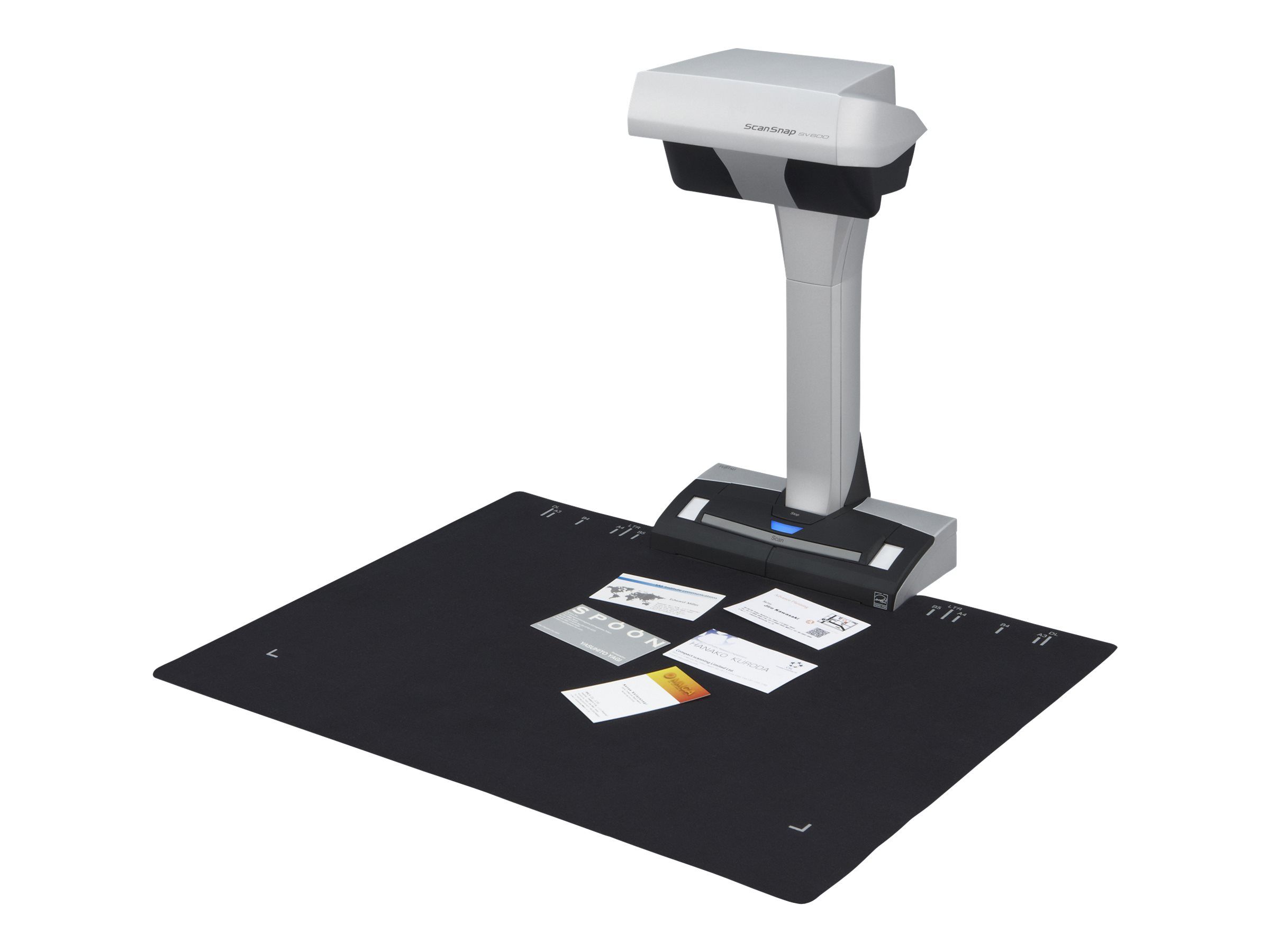
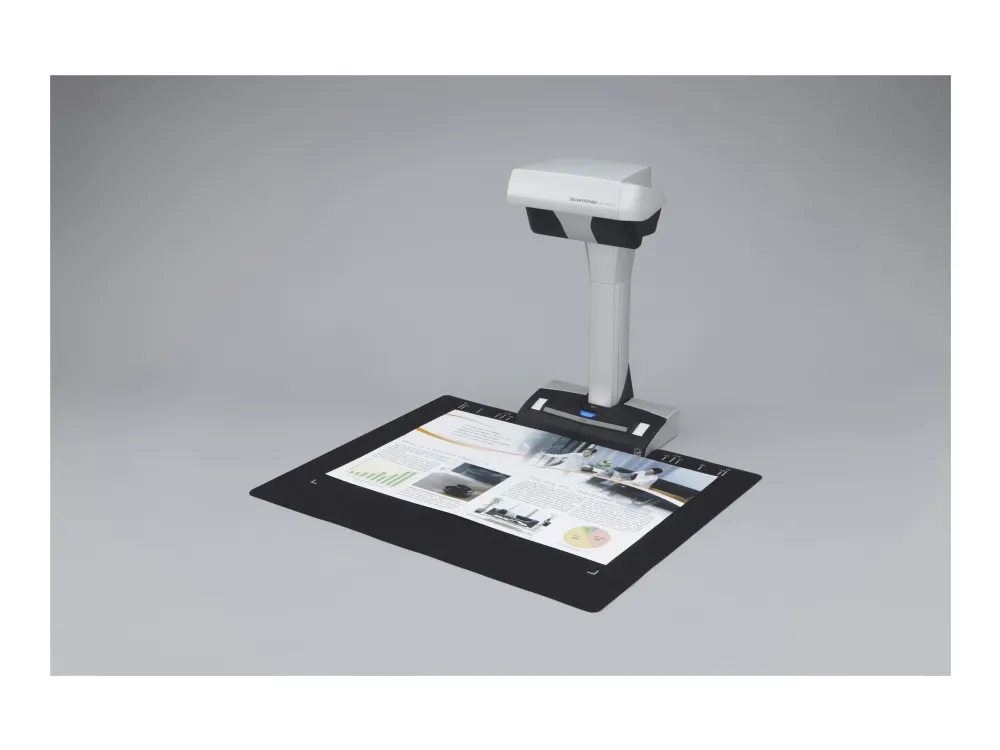
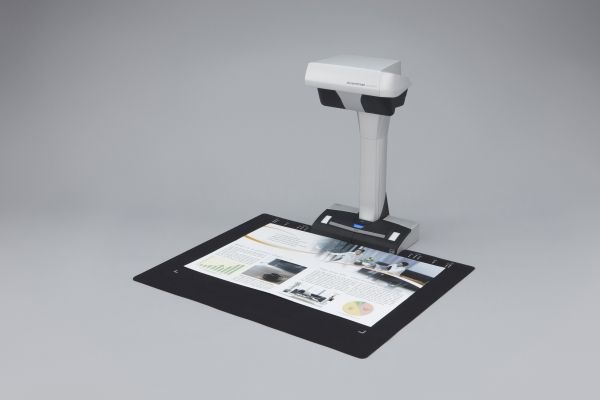
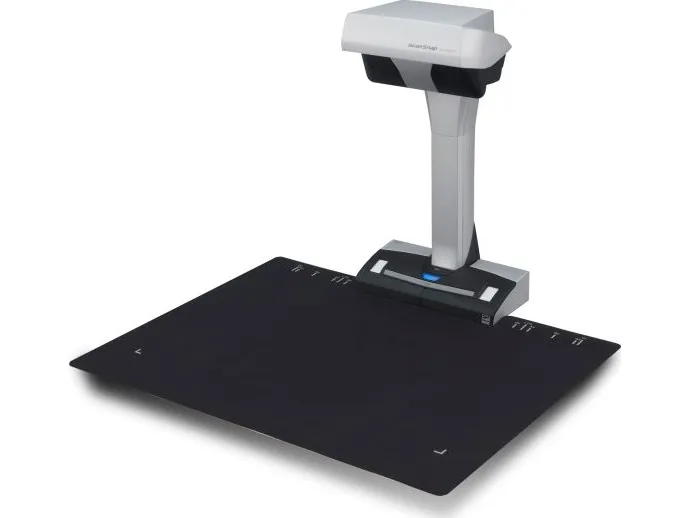
Scan anything from business cards to A3 size (landscape)* documents Any documents larger than A4 such as maps, historical documents and blueprints can be simply positioned on the black pad and scanned directly without any extra effort. User interaction retouch tool allows the possibility to hold the document in a good position without worrying about fingers on the scanned image. * The maximum document size will be 400 x 300 mm when the thickness of the document is over 5 mm.
New VI technology Equipped with “VI technology” which combines a ‘deep depth of field lens’, a ‘CCD linear image sensor’ and a ‘high directivity LED lamp’ the SV600 is able to comfortably minimise any unevenness in image quality and generate a smooth image even when scanning from a distance.
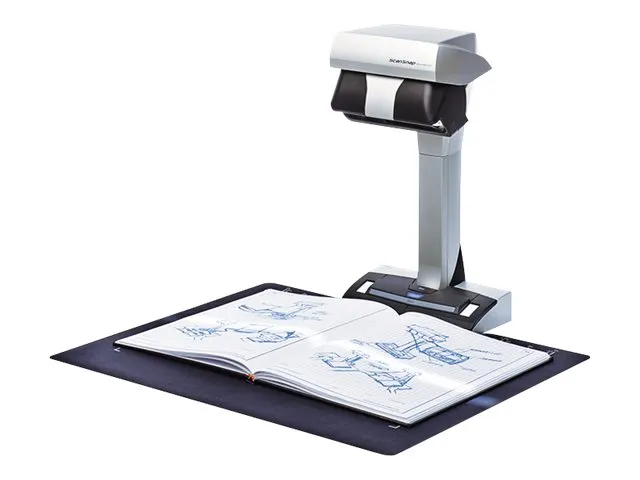
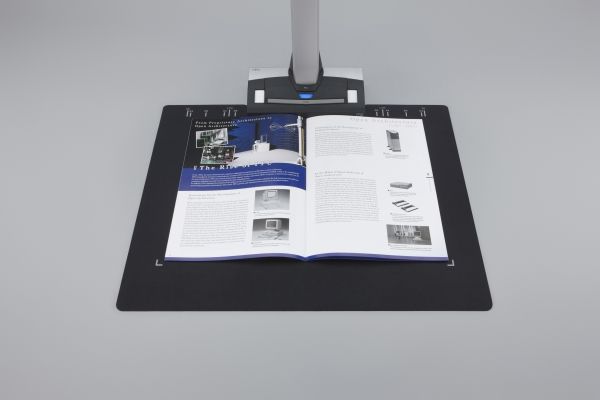
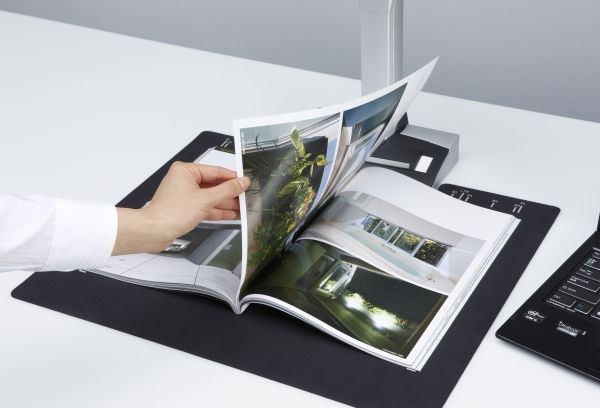
No problem scanning bound documents The SV600 can comfortably scan books and magazines and also documents with sticky notes can be scanned without any issues.
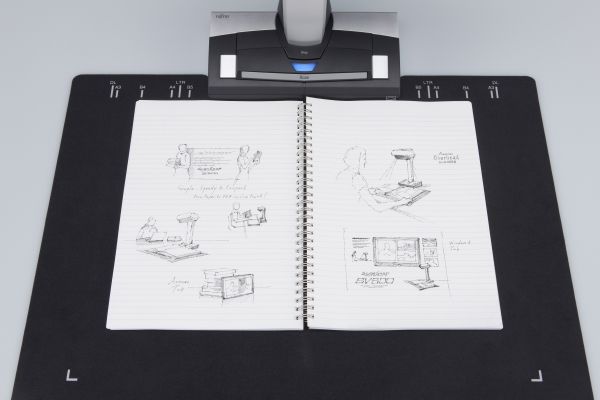
No need to worry about your delicate documents or books With “VI technology”, scanning can be performed without touching the document. You do not need to worry that documents such as crayon or oil paintings, pencil writings or photos will be damaged by touching.
Long depth of field lens Wide auto focus area even when the focus distance is variable
CCD linear image sensor Helps produce smooth images.
The SV600 scans documents with a movable head and incorporates a High directivity LED lamp Helps maintain the same brightness level without any impact from surroundings.
Smooth operation with the assistance of various functions The SV600 is enhanced with a host of customised features which helps continue ScanSnap’s concept of being simple, speedy and compact.
Quick Menu facilitates operability ScanSnap’s Quick Menu will automatically pop up after scanning enabling you to link your scanned data to an application both quickly and easily, scan directly to the cloud for example thereby easily sharing your documents.
ScanSnap SV600 includes
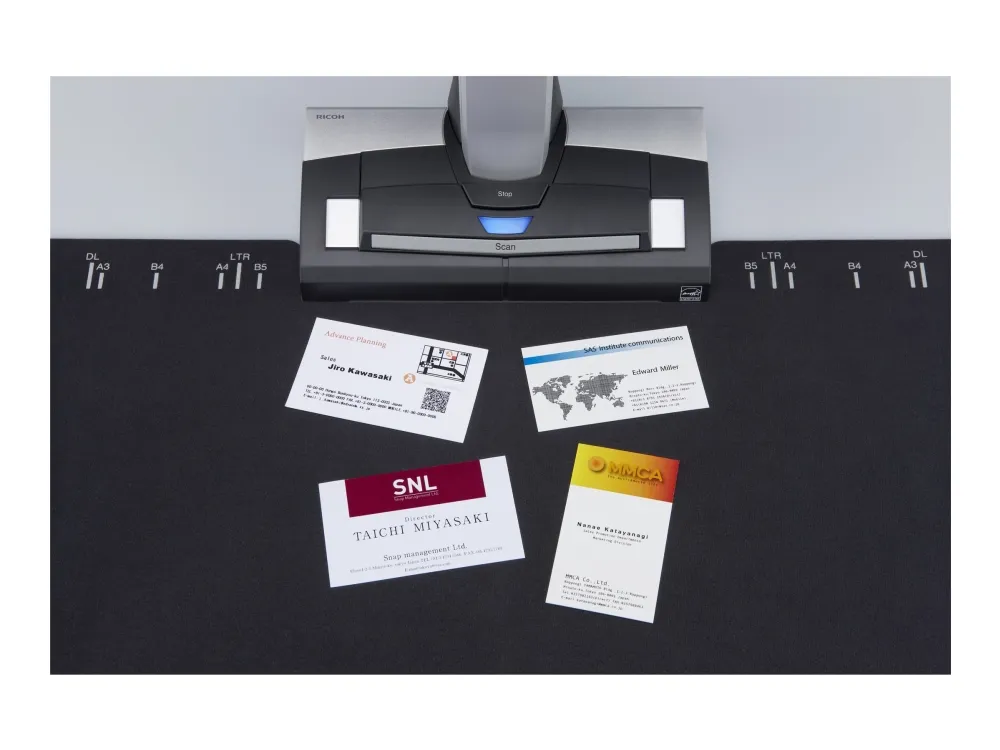
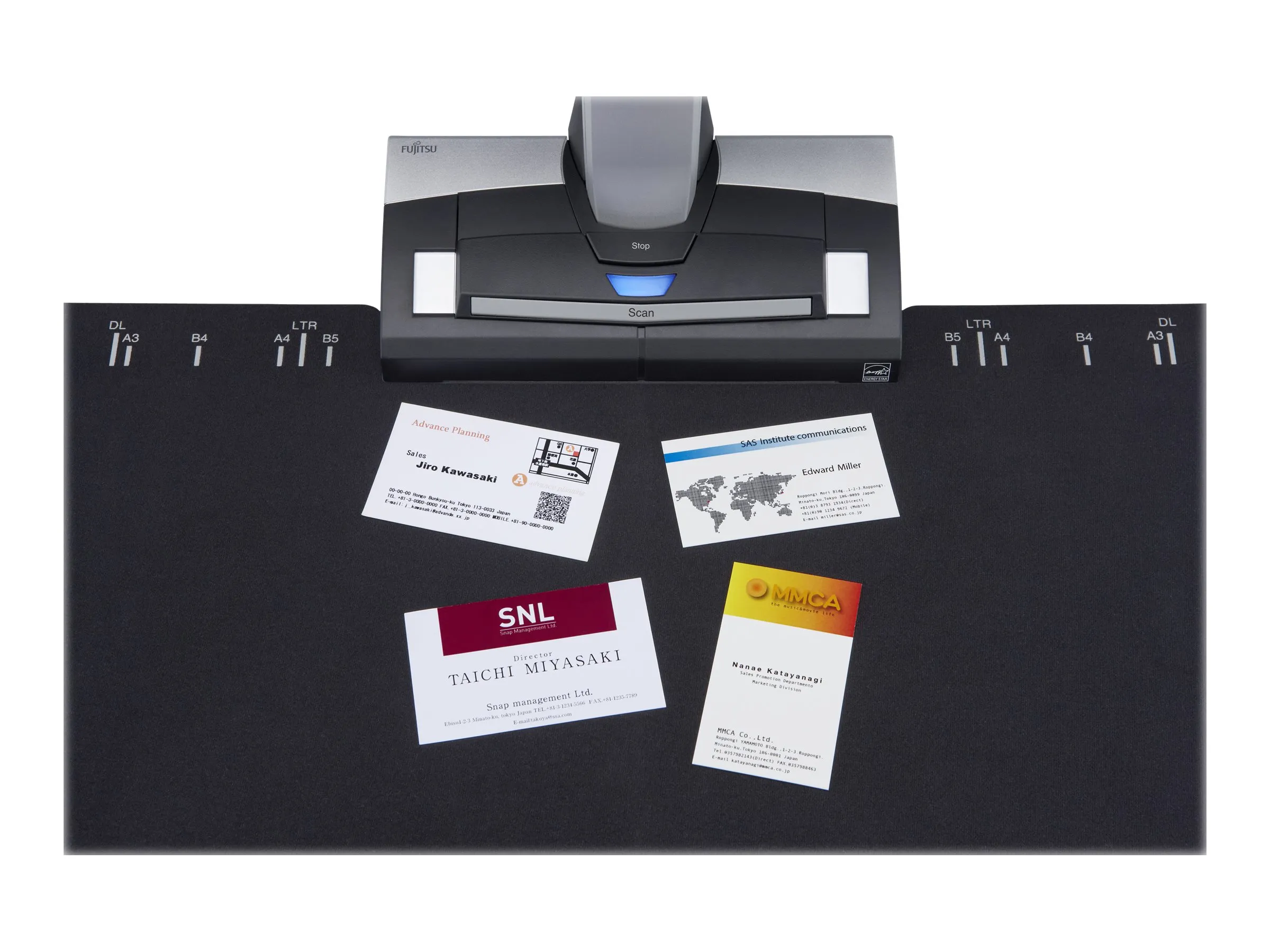
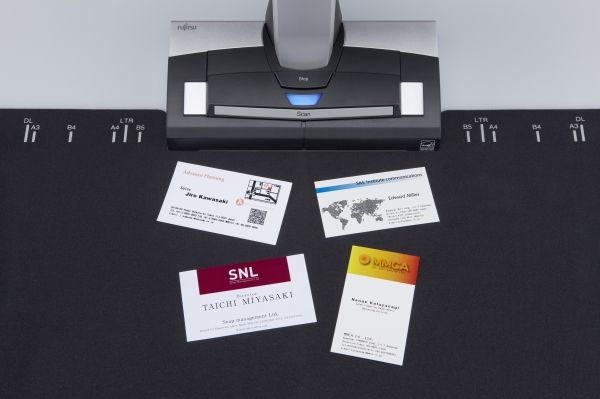
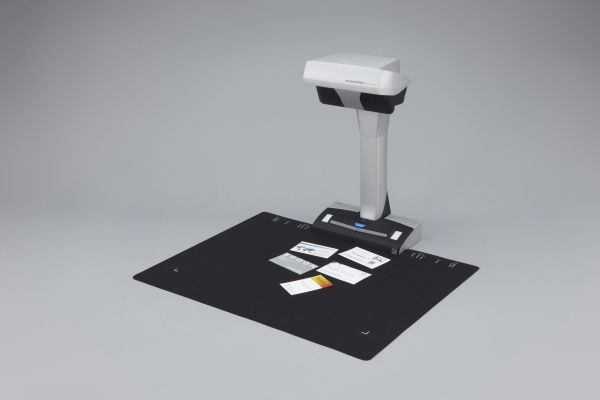
Automatically crop several documents with ‘Multiple Document Detection” In just one touch you can capture multiple documents of differing sizes in just one scan pass. Place several business cards, receipts and photos within the scanning area and the SV600 will capture all the documents and will intelligently crop to the exact size. * Up to 10 documents can be cropped automatically. At least 15 mm is needed between documents.
Fast start up time and scanning speed lead to time savings and efficiencies The SV600 can be ready to scan in no time from power up and just 3 seconds is then required to scan an A3 landscape sized document.
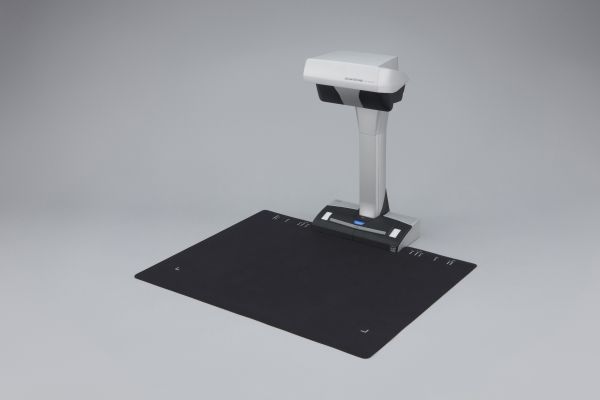
Compact design with a small footprint The SV600 is incredibly robust with a firm footing and is compact enough to enable efficient usage of your workspace without imposing to your daily routines when not in use.
Scan with one touch! With a host of impressive features, you can continuously scan multiple pages smoothly.
Page Turning Detection Automatically detect when the page is turned.
Timed Mode - You can set the time to start scanning after the “Scan” button is pressed. - For continuous scanning you can set the time interval before the next scanning to begin.
Auto image correction; enhances the reading experience Book Image Correction – Automatically correct distortion caused by the curve of an opened book or magazine. You can confirm and fine tune the scanned images on the preview dialog after scanning or have this be performed automatically.
Book Image Correction Can easily correctdistortion of the document.
User interaction retouch Finger images scanned while suppressing the document can be deleted with ease.
ScanSnap Receipt * The ScanSnap Receipt software allows you to easily scan and extract information from your receipts, and even export the data for tax filing.
*Available via an online update only.
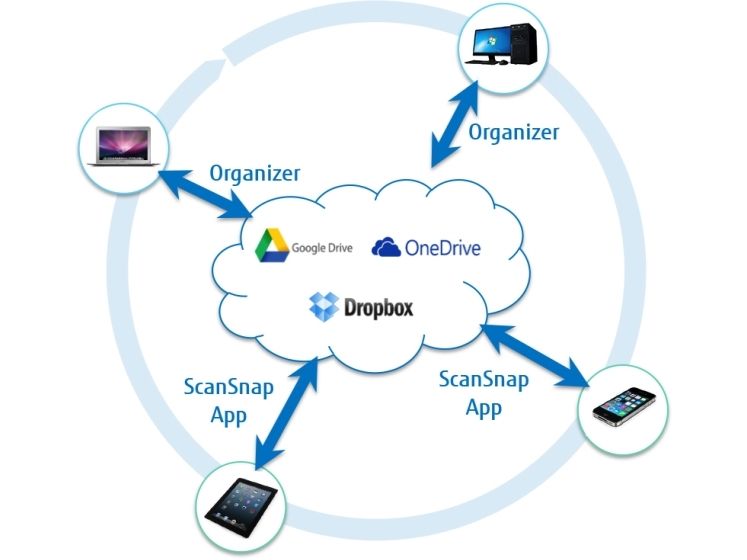
ScanSnap Sync* With ScanSnap Sync built into ScanSnap Organizer software and the ScanSnap Connect app, captured documents are automatically synchronized with all your devices through Dropbox, Google Drive or Microsoft OneDrive.
*Available via an online update only.
The Nuance software allows users to read directly from cloud based applications and to save directly to those cloud based applications meaning that the possibility of using and sharing digital documents is extended. In case documents are intended to be managed locally, ScanSnap Organizer will provide an ideal repository. This application plays an increasingly important role in the ScanSnap eco system, especially when additionally utilising the recently introduced ScanSnap Sync functionality, which allows for cross linkage from the ScanSnap Connect App to for example Dropbox, to Nuance Power PDF or to ScanSnap Organizer.
Produktbeskrivelse
Ricoh ScanSnap SV600 - overhead-scanner - desktopmodel - USB 2.0
Enhedstype
Overhead-scanner - desktopmodel
Interfacetype
USB 2.0
Scanningssensortype
CCD
Lyskilde
Hvid LED
Størst understøttede dokumentstørrelse
432 x 300 mm
Indgangstype
Farve
Optisk opløsning
285 dpi x 283 dpi
Maks. dokumentstørrelse
432 mm x 300 mm
Dokument fødertype
Manual
Effekt
AC 120/230 V (50/60 Hz)
Systemkrav
Microsoft Windows Vista (32/64 bits) SP2 eller senere, Microsoft Windows XP (32/64 bits) SP3, Apple MacOS X Lion 10.7, Microsoft Windows 7 (32/64 bits) SP1 eller senere, Apple OS X 10.8 Mountain Lion, Windows 8 (32/64 bit), Windows 8.1 (32/64 bit), Apple OS X 10.9 Mavericks, Apple MacOS X 10.10, Windows 10 (32/64 bits), Apple MacOS X 10.11, Apple macOS 10.12
Drivers & Utilities, ScanSnap Manager, CardMinder, Scan to Microsoft SharePoint, ScanSnap Organizer, ScanSnap Receipt, Nuance Power PDF, Nuance Power PDF Converter (Mac), ScanSnap Sync
OS nødvendig
Microsoft Windows Vista (32/64 bits) SP2 eller senere, Microsoft Windows XP (32/64 bits) SP3, Apple MacOS X Lion 10.7, Microsoft Windows 7 (32/64 bits) SP1 eller senere, Apple OS X 10.8 Mountain Lion, Windows 8 (32/64 bit), Windows 8.1 (32/64 bit), Apple OS X 10.9 Mavericks, Apple MacOS X 10.10, Windows 10 (32/64 bits), Apple MacOS X 10.11, Apple macOS 10.12
Detaljer om systemskrav
Windows XP/Vista/7/8/8.1/10 - Core i5 - 2.5 GHz - RAM 4 GB - HD 4200 MB (USB) MacOS X 10.7 eller senere - Core i5 - 2.5 GHz - RAM 4 GB - HD 2600 MB (USB)
Mål og vægt
Bredde
21 cm
Dybde
15.6 cm
Højde
38.3 cm
Vægt
3 kg
Producentgaranti
Service & Support
Begrænset garanti - 3 år
Miljømæssige parametre
Min. driftstemperatur
5 °C
Maks. driftstemperatur
35 °C
Fugtighedsgrad ved brug
20 - 80 % (ikke-kondenserende)
The item is known under the following item numbers in our system
EAN:
4939761308734
EAN:
4939761305412
SKU:
SDXFUSV600
Why do I find that the same product is available on different item numbers?
Manufacturers often release the same product with different item numbers, typically just different versions of the packaging. For example, the packaging may be targeted at different countries.
We try our best to unify the products, but it can happen that the same product appears on different item numbers in our system.