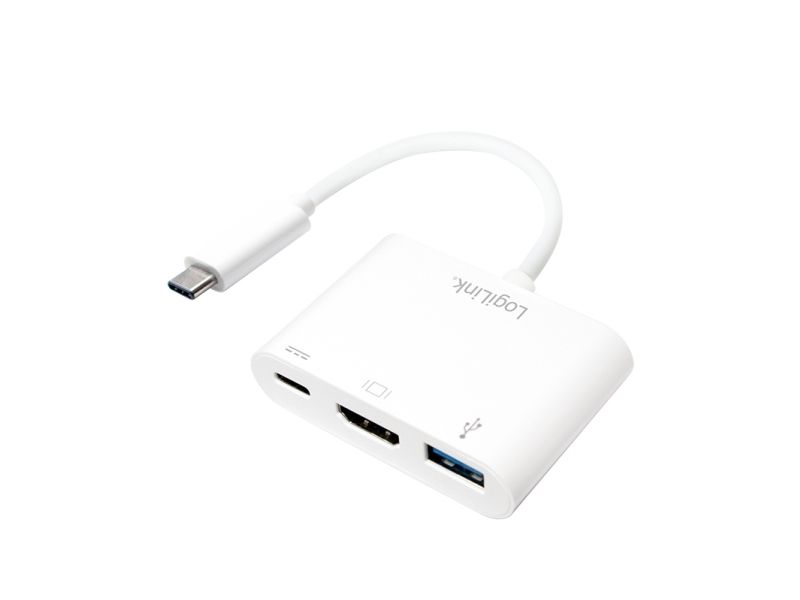
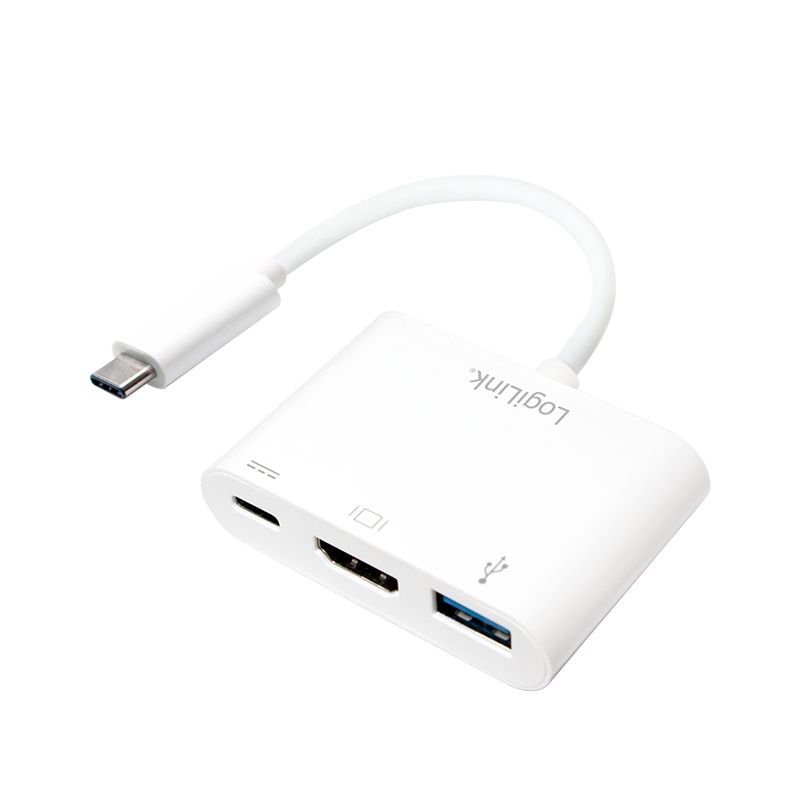
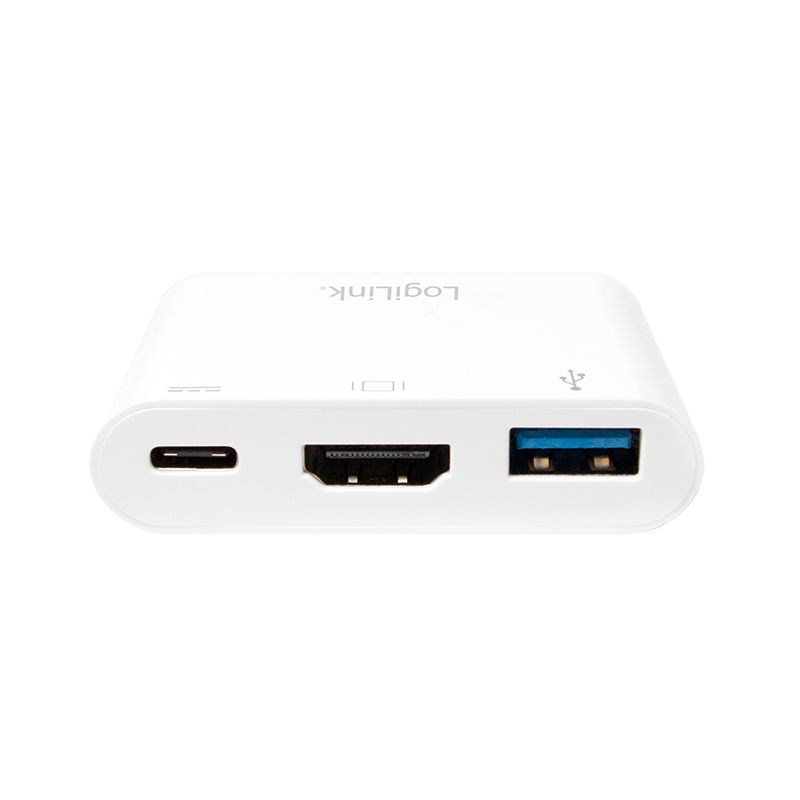
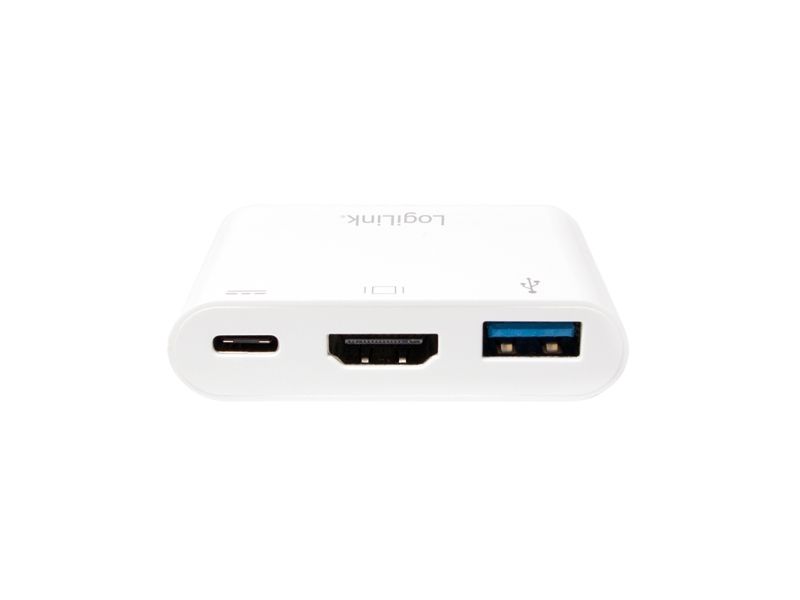
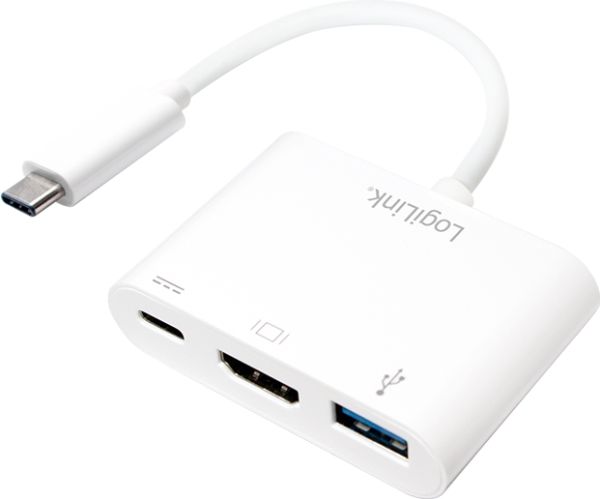
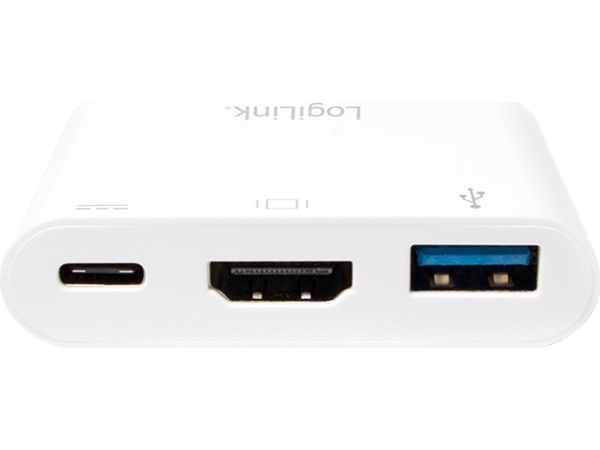
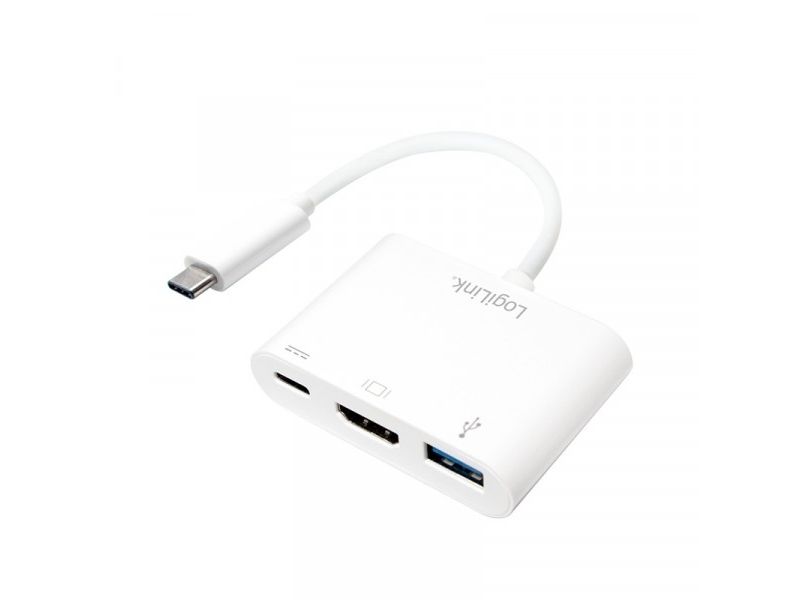
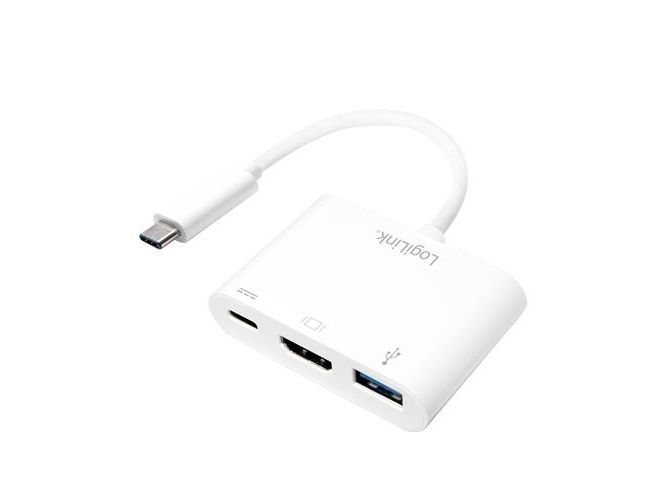
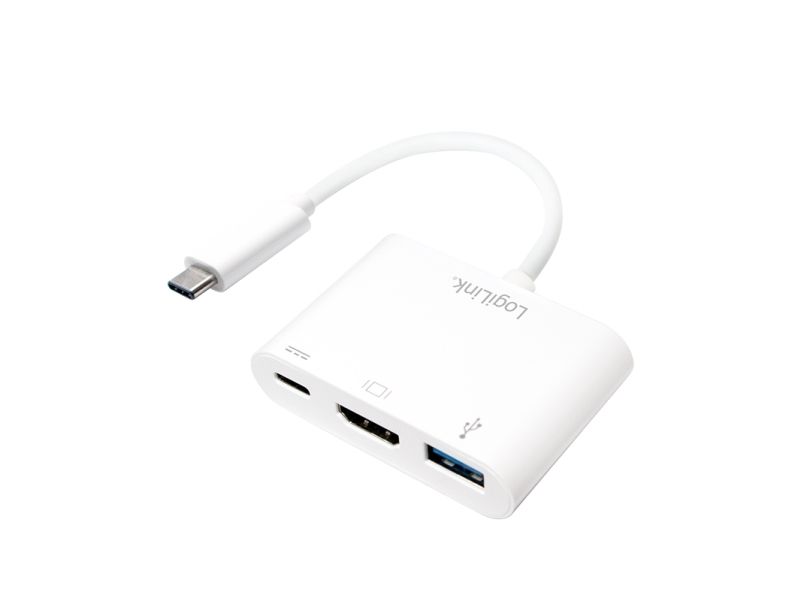
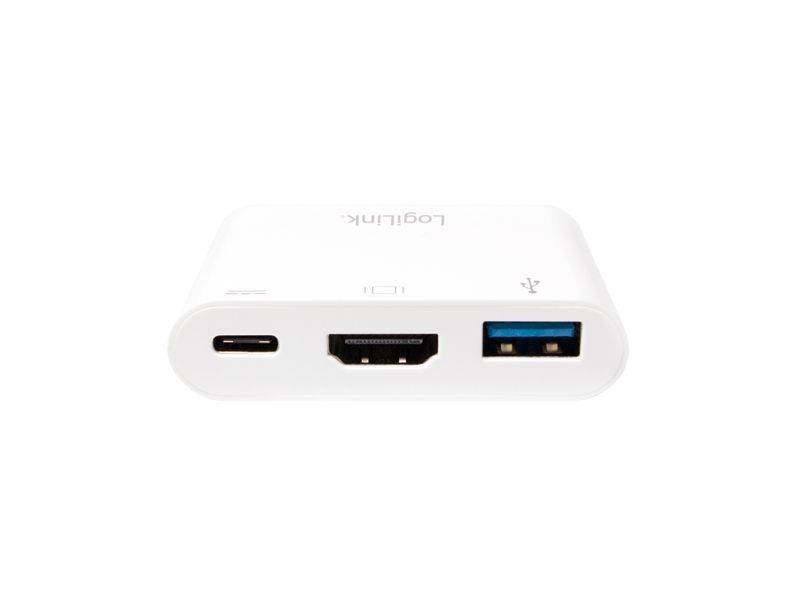
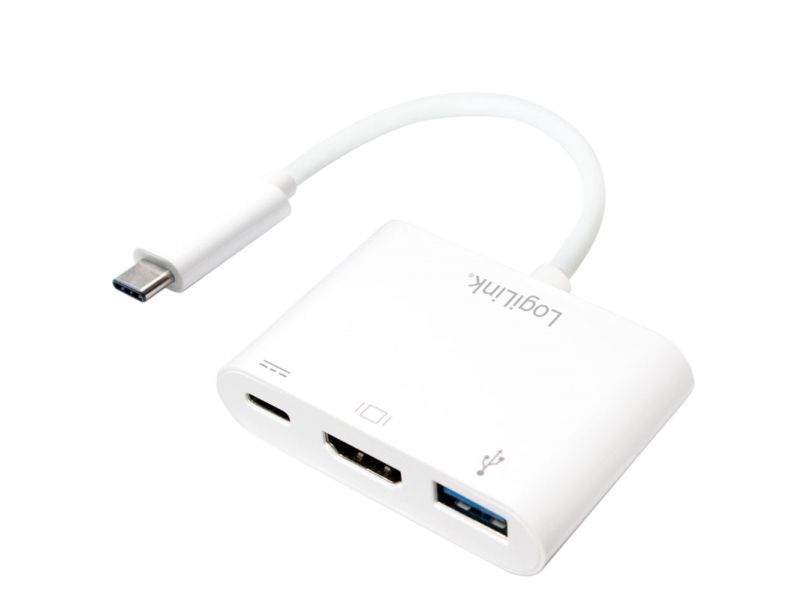
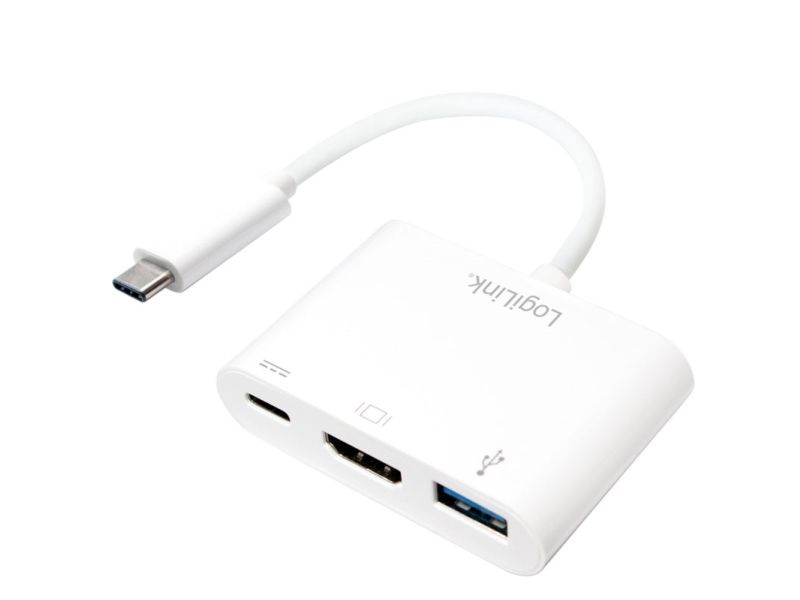
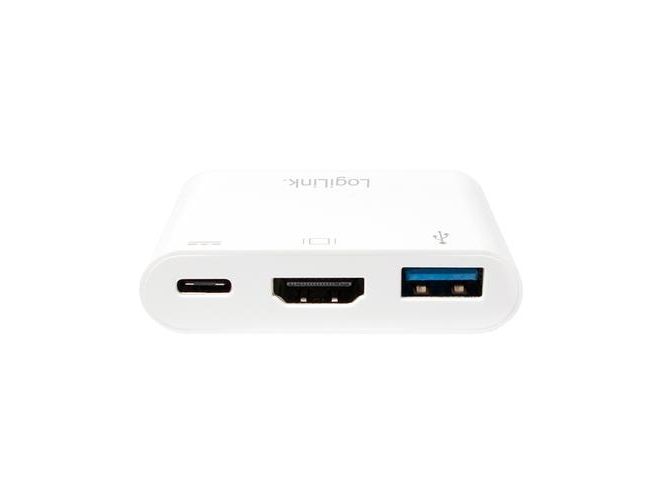
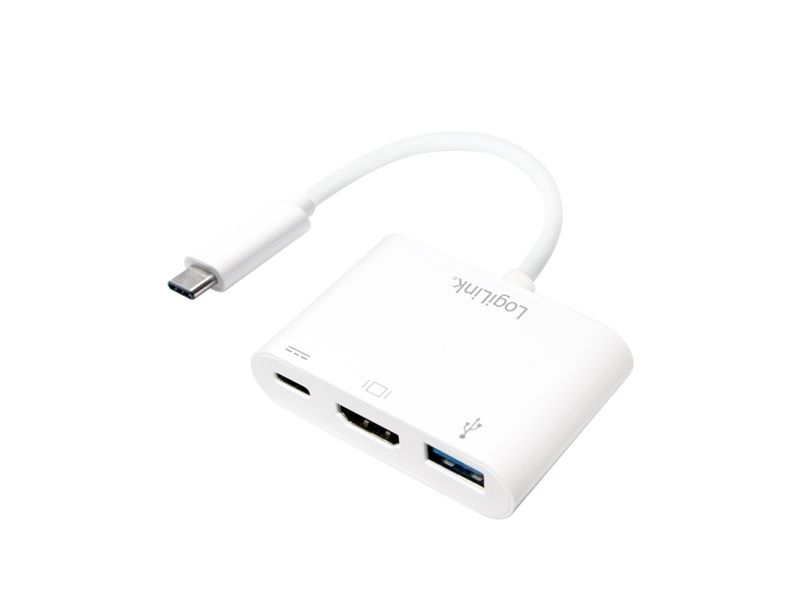
LogiLink USB 3.2 Gen1 Type-C adapter, C/M to HDMI/F+2xUSB, 1080p/60 Hz, PD, white,0.14 m, White, 1920 x 1080 pixels, 0 - 45 °C, -10 - 70 °C, 59.1 mm, 40.2 mm
FBAC4895-B52C-4E03-B099-A6A8F8B8017B Created with sketchtool. 706D6907-81E1-46A2-B8F9-7B702A1EF2C7 Created with sketchtool. 6A870209-E7F5-44F5-A66F-09E20C85A0DC Created with sketchtool. 0BB04D6C-A9AB-4913-BF4F-5A23954E68E1 Created with sketchtool. 501E26C7-66C1-4DAA-B740-6CFAF55A1B39 Created with sketchtool. C105F7D3-D5EE-43C9-9EE8-05CC42B296D4 Created with sketchtool. D94689D8-7CBB-41C8-AC06-F79D81FF82D5 Created with sketchtool. DA4C7ED9-2512-4D52-94F0-92800F2A6E04 Created with sketchtool. 42E133FD-828F-4CF4-A0BF-560014487A57 Created with sketchtool. F52D9745-4BFD-4506-BEEF-630FD09EF2D9 Created with sketchtool.
Remote stock (2-3 days)
The item is in a remote warehouse, delivery time is 2-3 business days. More info
Delivery options - Click an option to choose
Shipping @price - GLS
12,00
EUR 33,42
Incl. VAT 41,78
Total incl. delivery 56,78
You can connect the USB-C to HDMI multiport adapter from LogiLink to your MacBook with the USB-C and to an HDMI display via HDMI connection. You can also connect a USB-C port or USB 3.0 device for charging. With this adapter, you can transfer your MacBook or Chrome display to your HDMI-enabled TV in up to 60 Hz to 1080p HD. Simply plug the adapter into the USB-C port on your MacBook or Chromebook and then connect it to your TV or projector using an HDMI cable (not included). Use standard USB port devices such as a flash drive, camera, or USB cable to sync and charge your smartphone. It supports both video and audio output. You can also connect a charging cable to the USB-C or USB 3.0 port.