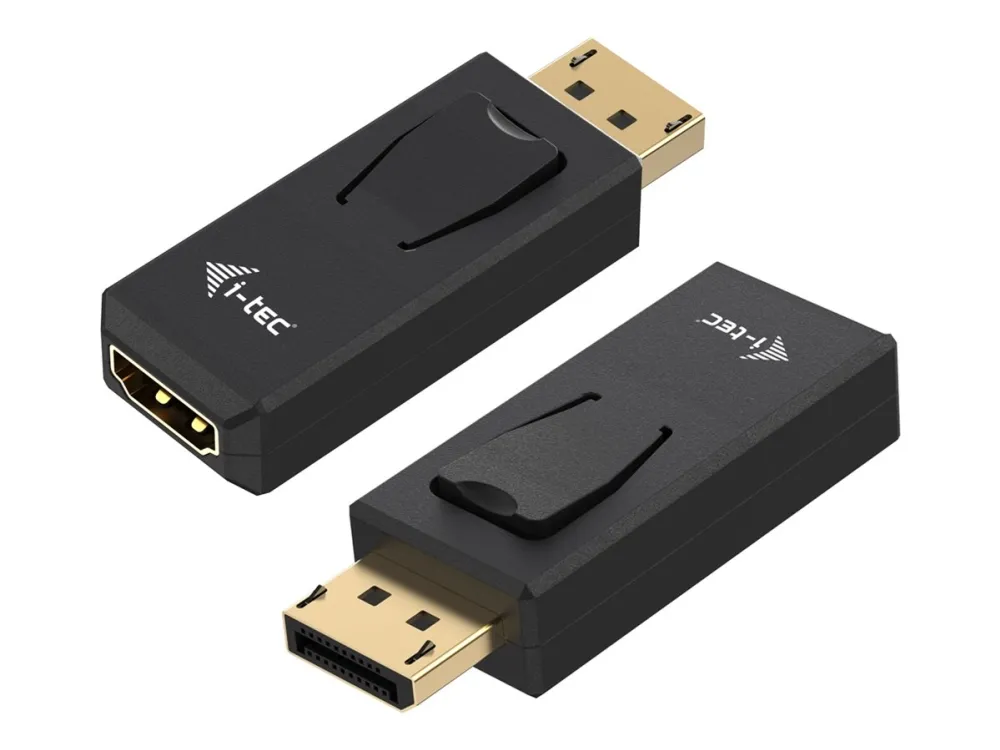
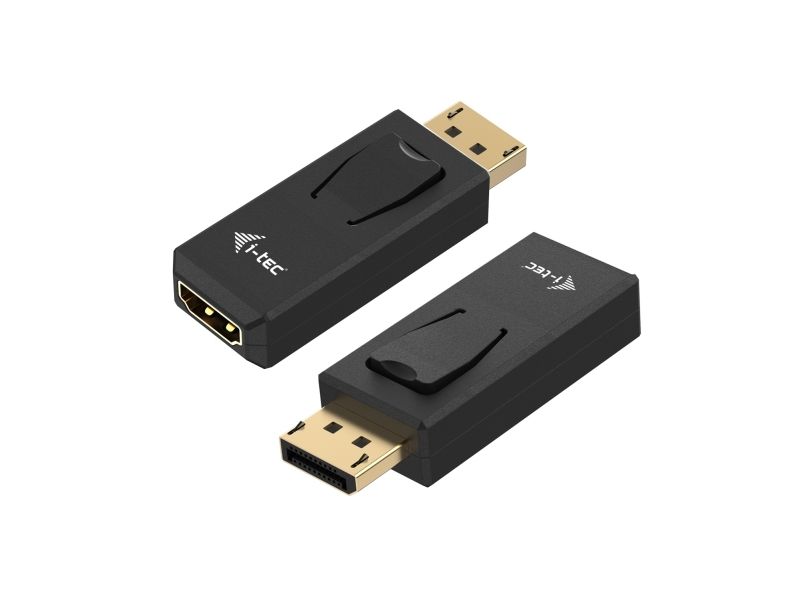
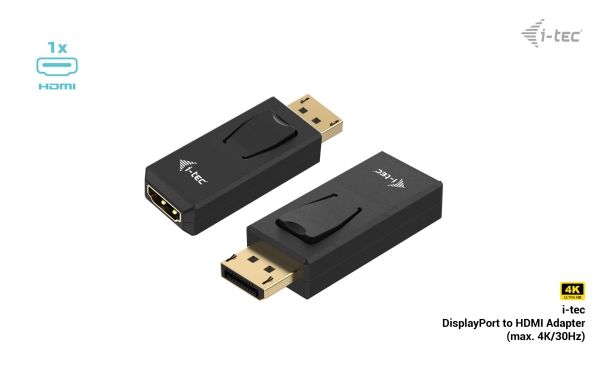
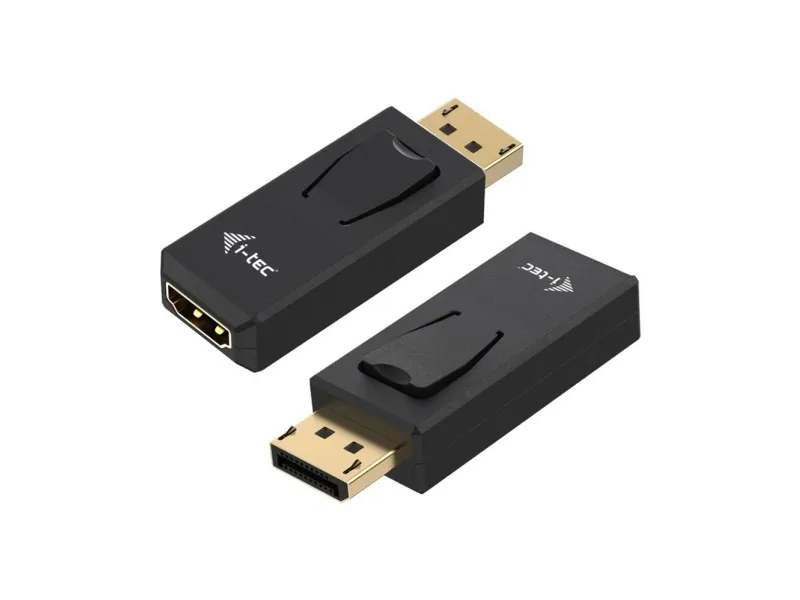
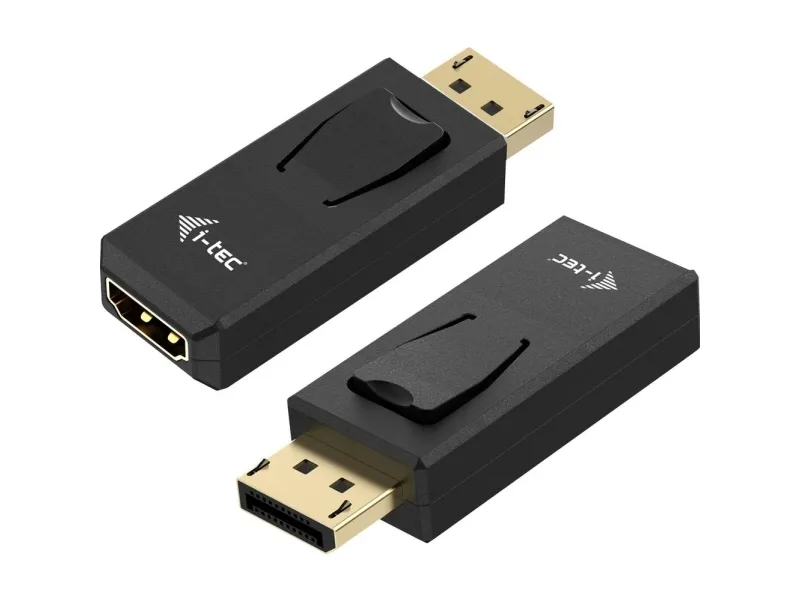
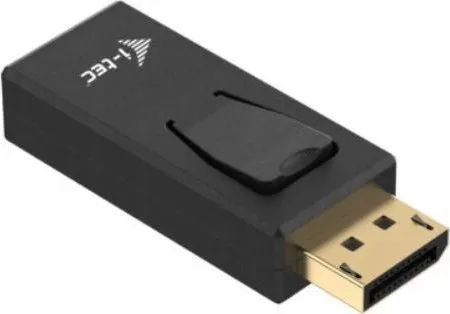
i-tec Passive DisplayPort to HDMI Adapter (max 4K/30Hz), Displayport, HDMI, Black, 62 mm, 22 mm, 12 mm
FBAC4895-B52C-4E03-B099-A6A8F8B8017B Created with sketchtool. 706D6907-81E1-46A2-B8F9-7B702A1EF2C7 Created with sketchtool. 6A870209-E7F5-44F5-A66F-09E20C85A0DC Created with sketchtool. 0BB04D6C-A9AB-4913-BF4F-5A23954E68E1 Created with sketchtool. 501E26C7-66C1-4DAA-B740-6CFAF55A1B39 Created with sketchtool. C105F7D3-D5EE-43C9-9EE8-05CC42B296D4 Created with sketchtool. D94689D8-7CBB-41C8-AC06-F79D81FF82D5 Created with sketchtool. DA4C7ED9-2512-4D52-94F0-92800F2A6E04 Created with sketchtool. 42E133FD-828F-4CF4-A0BF-560014487A57 Created with sketchtool. F52D9745-4BFD-4506-BEEF-630FD09EF2D9 Created with sketchtool.
Remote stock (2-3 days)
The item is in a remote warehouse, delivery time is 2-3 business days. More info
Delivery options  - Select at checkout
Shipping @price - GLS
12,00
EUR 14,17
Incl. VAT 17,71
Total incl. delivery 32,71
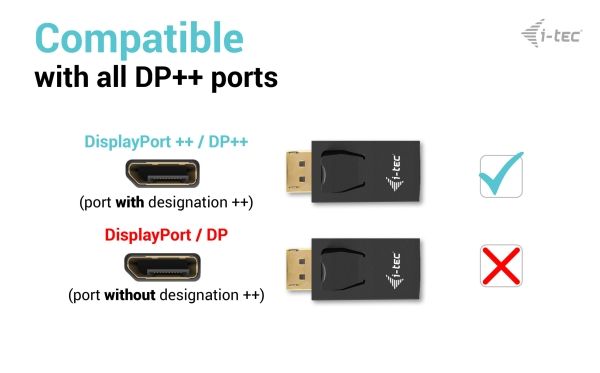
Extend your desktop with an external HDMI monitor via the DisplayPort port. This adapter supports a resolution of up to 4K/30 Hz and is suitable for use with all devices equipped with an DisplayPort++ port (NOTE: the adapter will not work if connected to a port not marked “DP++”) .

Using it is very simple: just plug the adapter into the DP port of your computer, connect it to your display using the HDMI connector, and you can start using it instantly. The driver is installed automatically from the system.

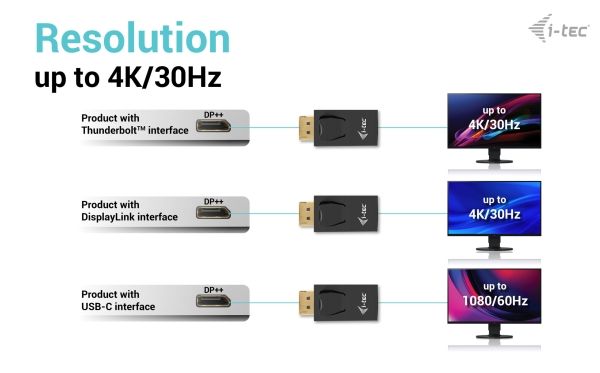
In the case of DisplayPort with DisplayLink, the maximum resolution will be 4K / 30 Hz (e.g., i-tec docking stations or video adapters with product number starting with CAxxxxxxxxx)

In the case of a DisplayPort connection with Thunderbolt, the maximum resolution will be 4K / 30 Hz (e.g., i-tec docking stations or video adapters with a product number starting with TBxxxxxxxxx)

In the case of DisplayPort with USB-C, the maximum resolution will be FHD (1080p) / 60 Hz (e.g., i-tec docking stations or video adapters with product number starting with C31xxxxxxxxx)