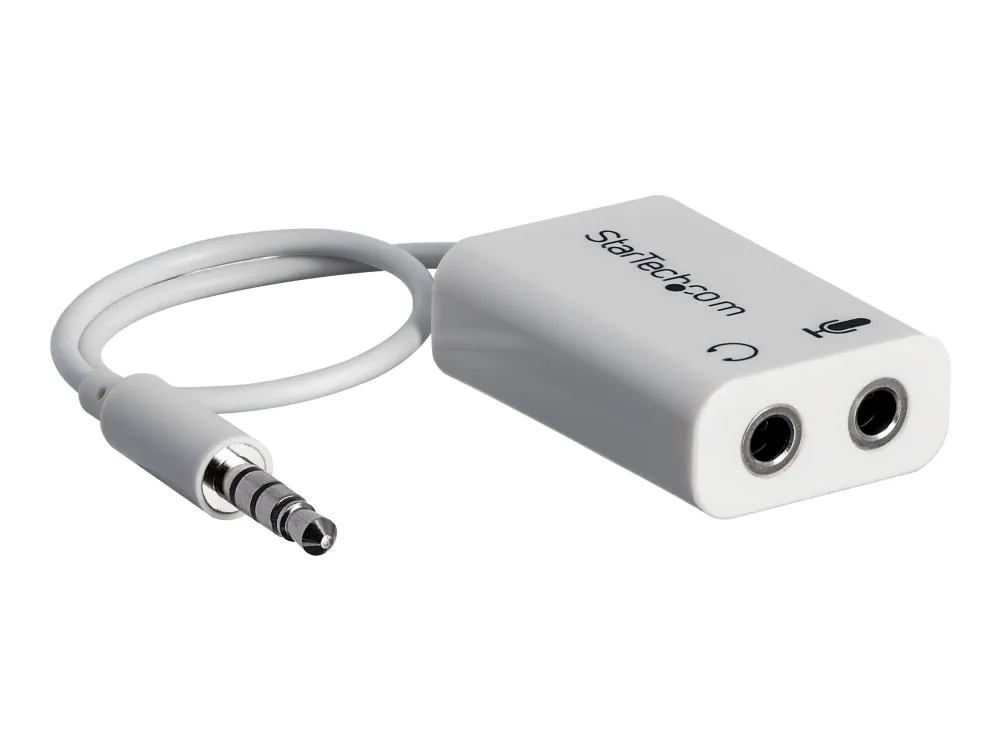
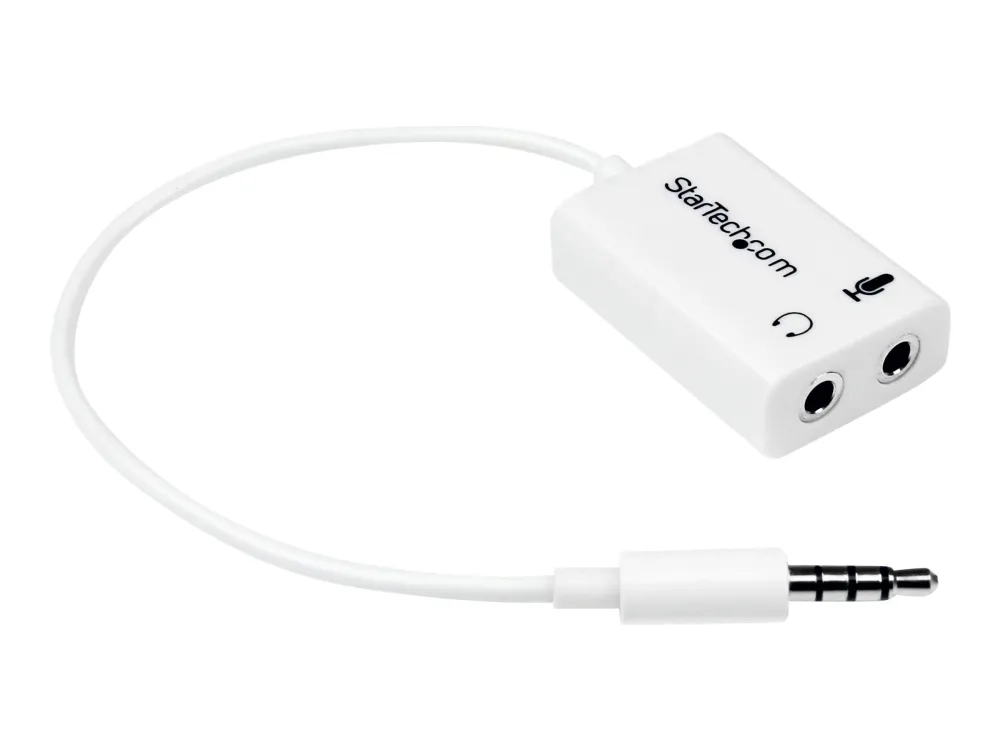
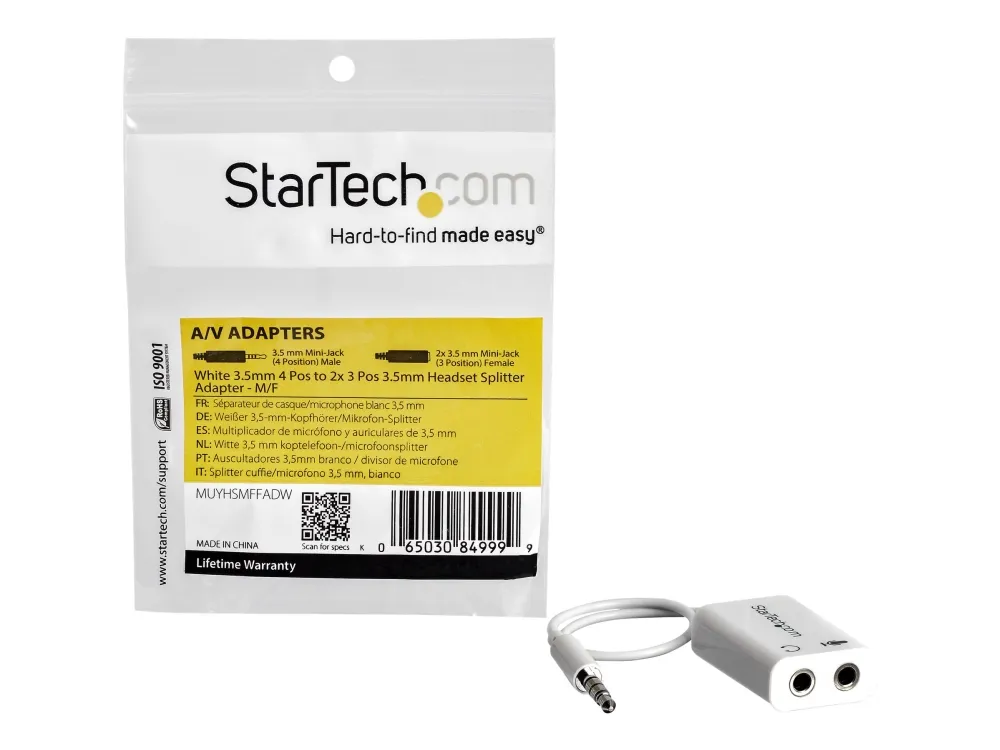
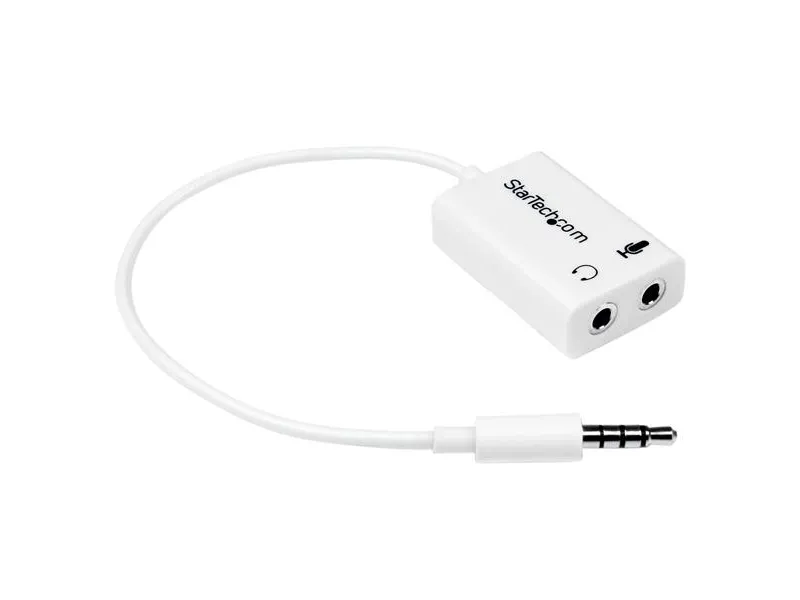
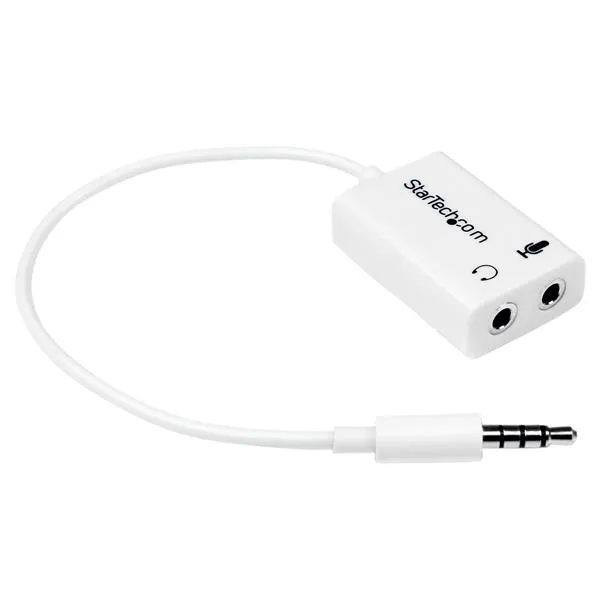
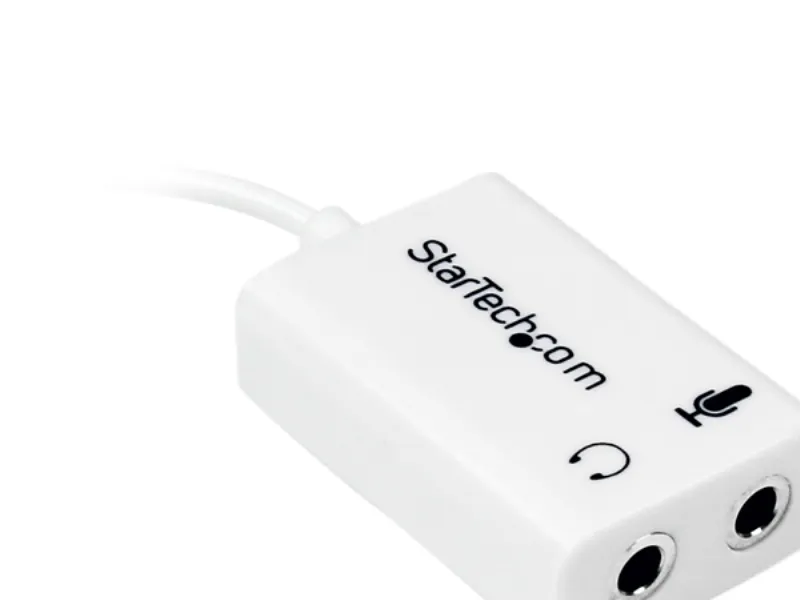
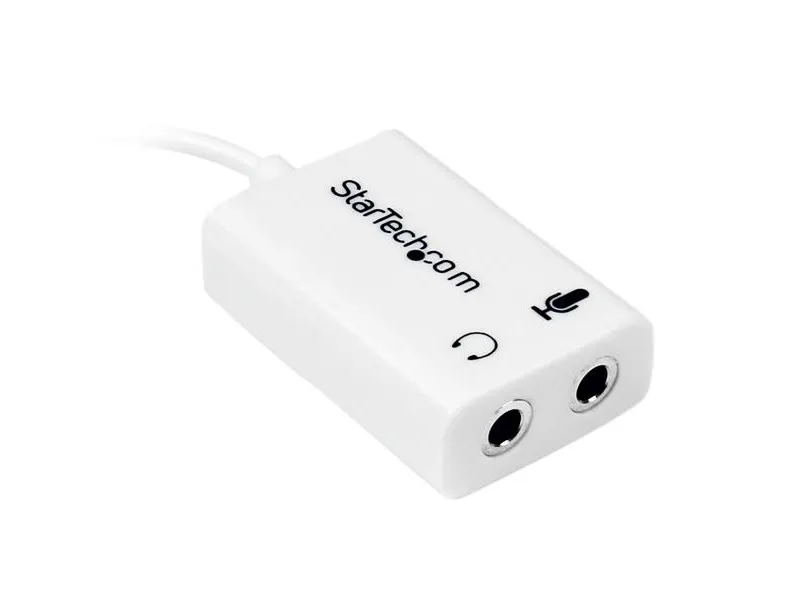
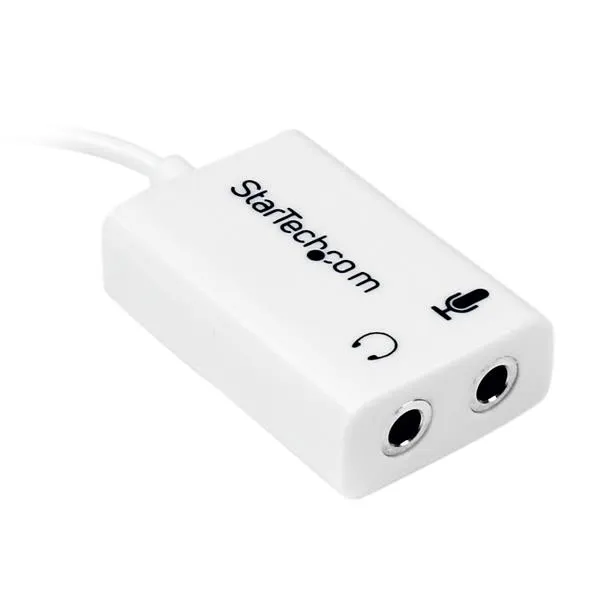
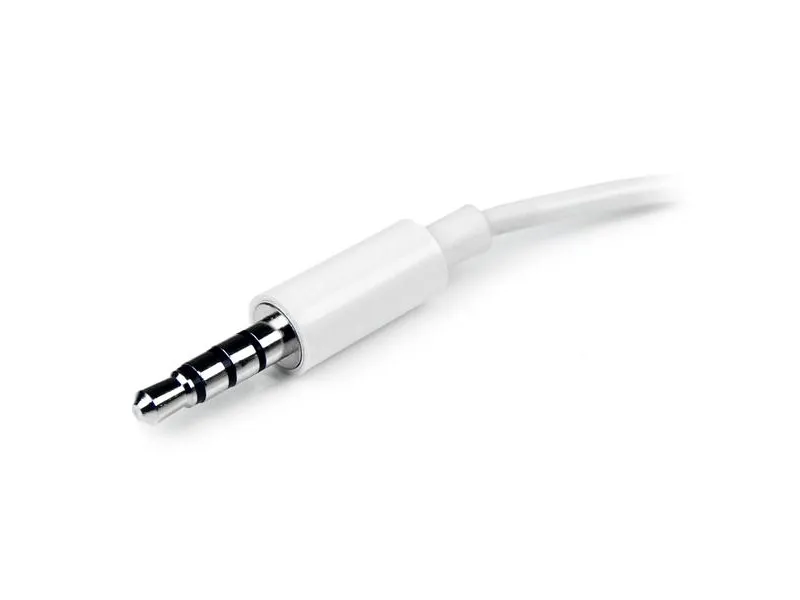
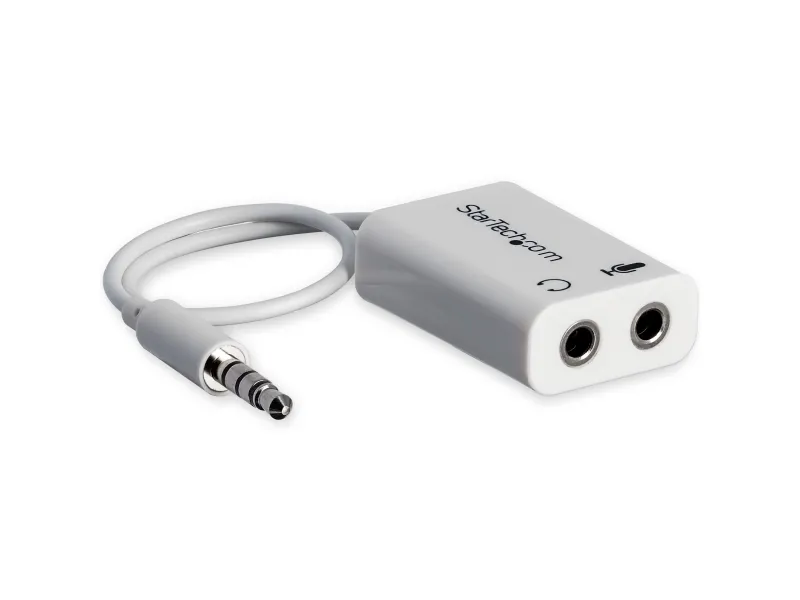
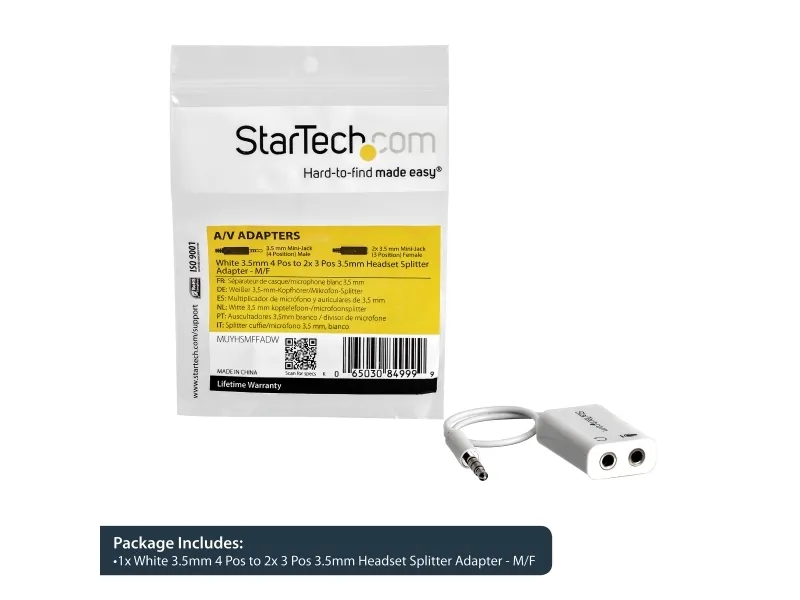
StarTech.com White headset adapter for headsets with separate headphone / microphone plugs - 3.5mm 4 position to 2x 3 position 3.5mm M/F, White, 3.5mm, 2x3.5mm, Male, Female, Polyvinyl chloride (PVC)
FBAC4895-B52C-4E03-B099-A6A8F8B8017B Created with sketchtool. 706D6907-81E1-46A2-B8F9-7B702A1EF2C7 Created with sketchtool. 6A870209-E7F5-44F5-A66F-09E20C85A0DC Created with sketchtool. 0BB04D6C-A9AB-4913-BF4F-5A23954E68E1 Created with sketchtool. 501E26C7-66C1-4DAA-B740-6CFAF55A1B39 Created with sketchtool. C105F7D3-D5EE-43C9-9EE8-05CC42B296D4 Created with sketchtool. D94689D8-7CBB-41C8-AC06-F79D81FF82D5 Created with sketchtool. DA4C7ED9-2512-4D52-94F0-92800F2A6E04 Created with sketchtool. 42E133FD-828F-4CF4-A0BF-560014487A57 Created with sketchtool. F52D9745-4BFD-4506-BEEF-630FD09EF2D9 Created with sketchtool.
Remote stock (2-3 days)
The item is in a remote warehouse, delivery time is 2-3 business days. More info
Delivery options  - Select at checkout
Shipping @price - GLS
12,00
EUR 10,99
Incl. VAT 13,74
Total incl. delivery 28,74
Have you recently purchased a newer laptop or Ultrabook and now you can't figure out where to plug in your favorite headset?

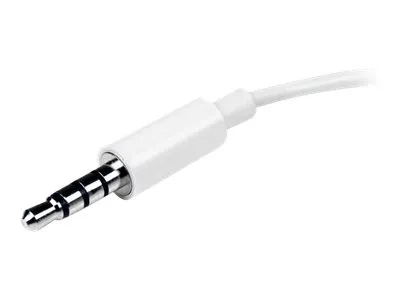
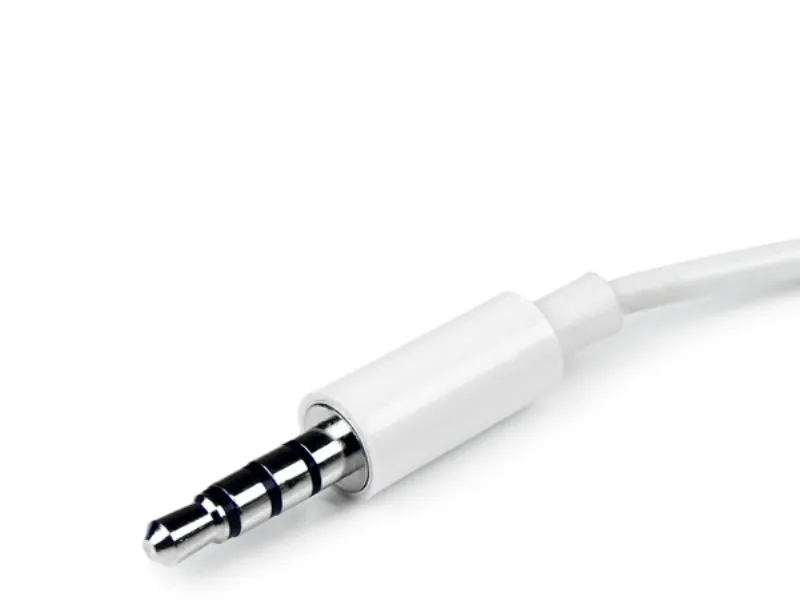
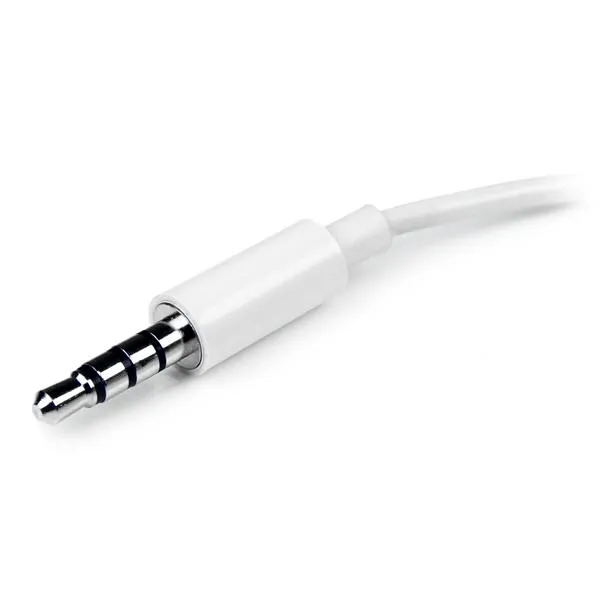
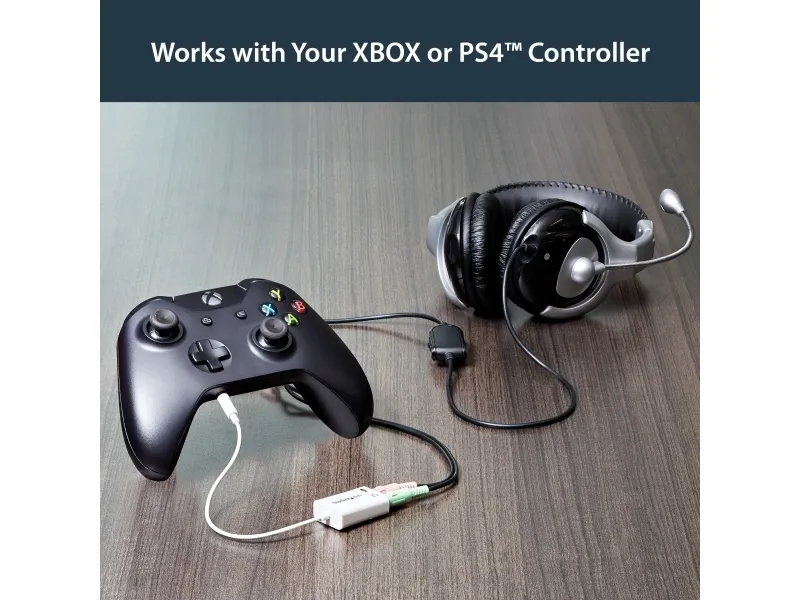
Most new laptops and Ultrabooks come equipped with a single 3.5mm 4-position (4pin) audio port that supports both audio input and output. A great number of headsets on the market come equipped with two separate headphone and microphone connectors that are not compatible with this new configuration.

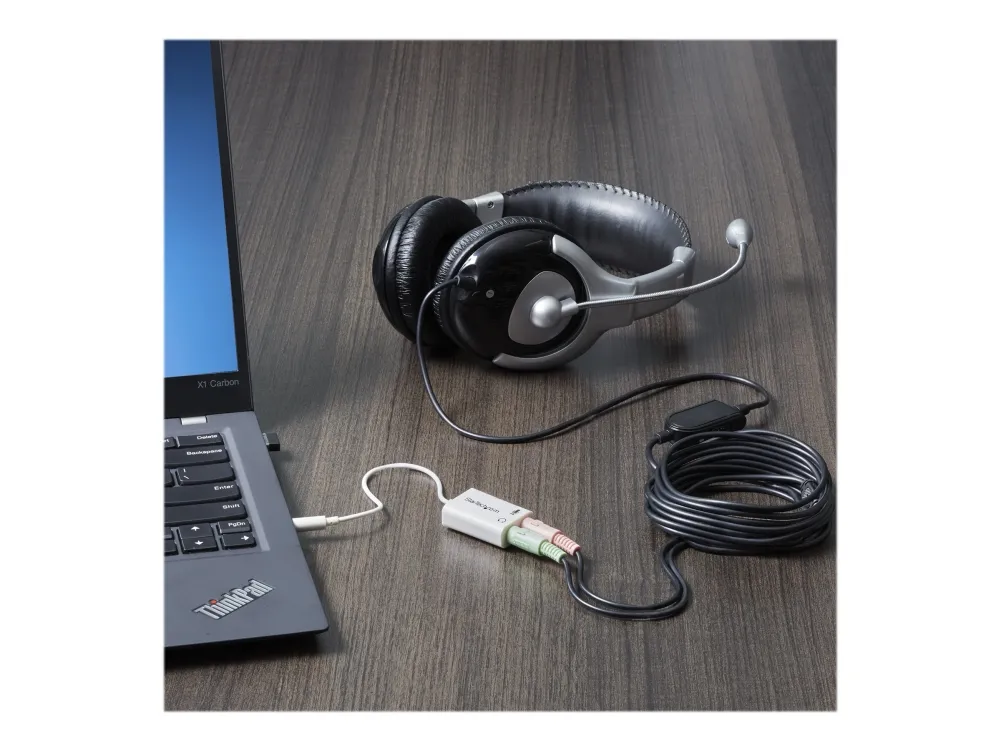
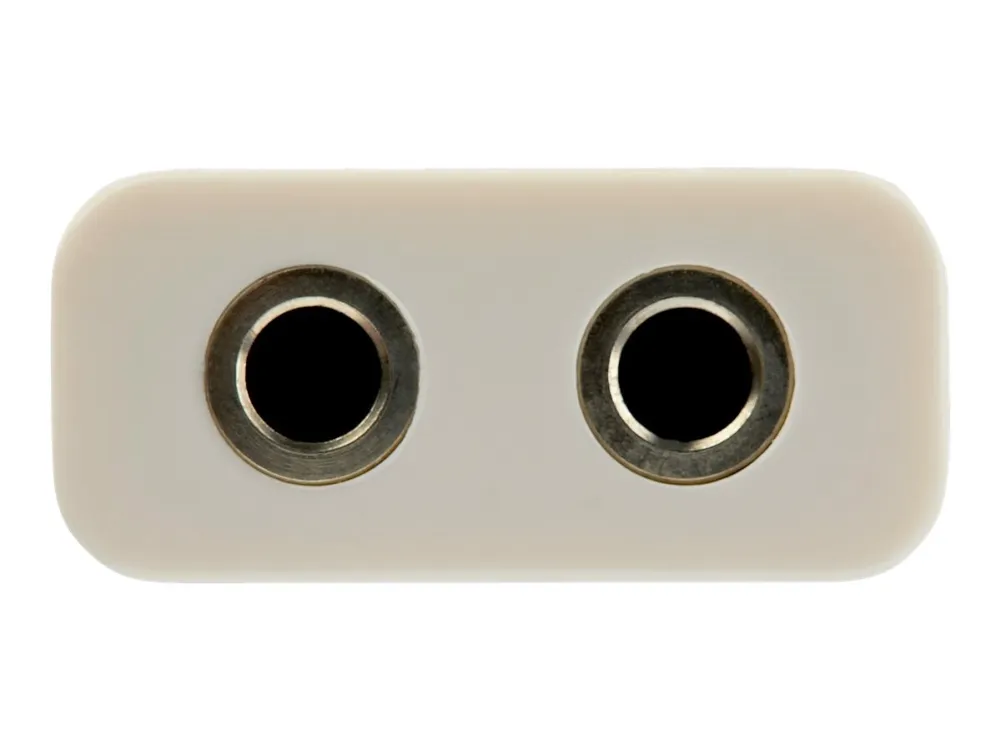
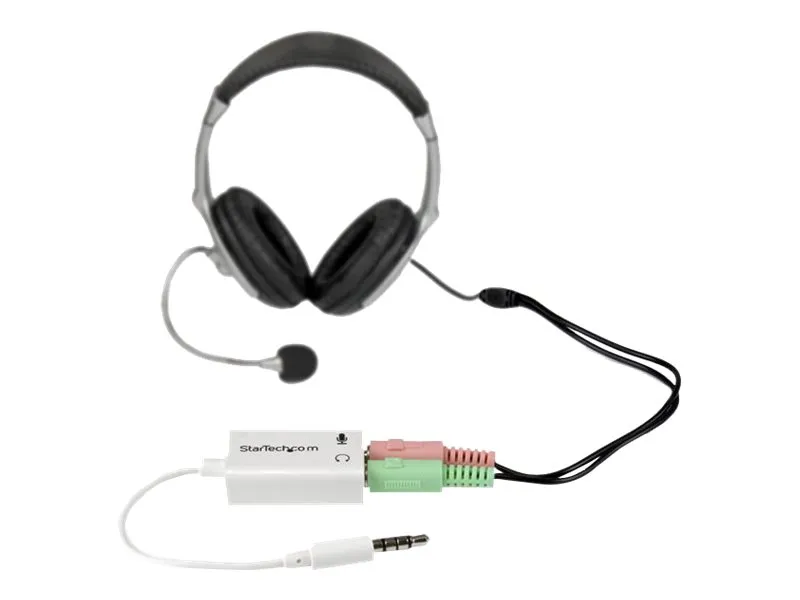
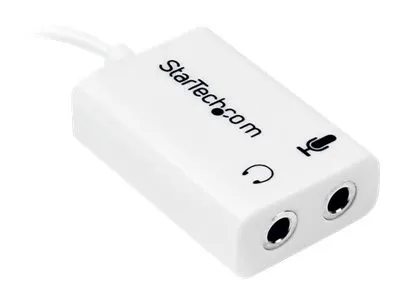
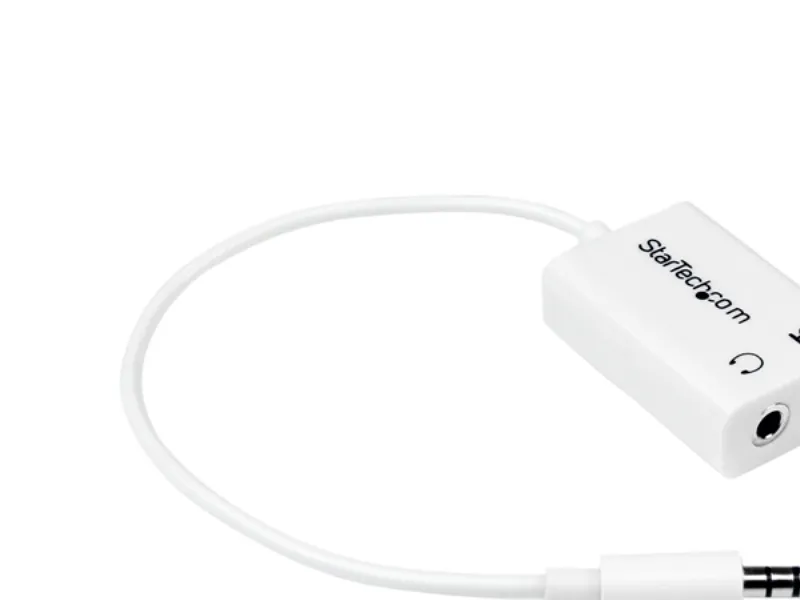
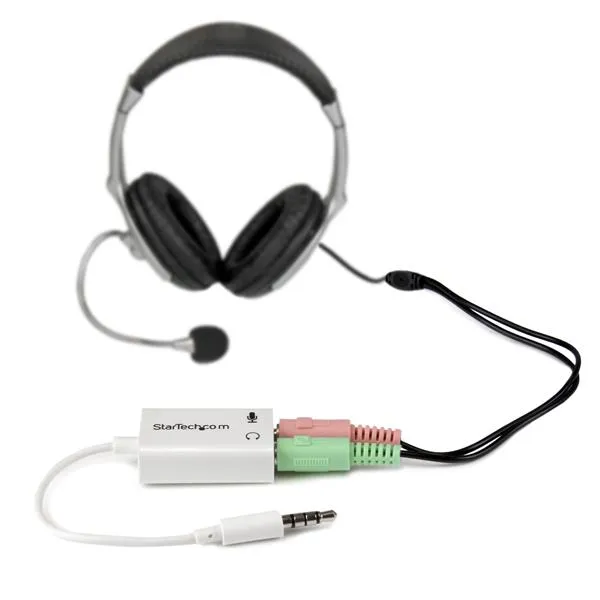
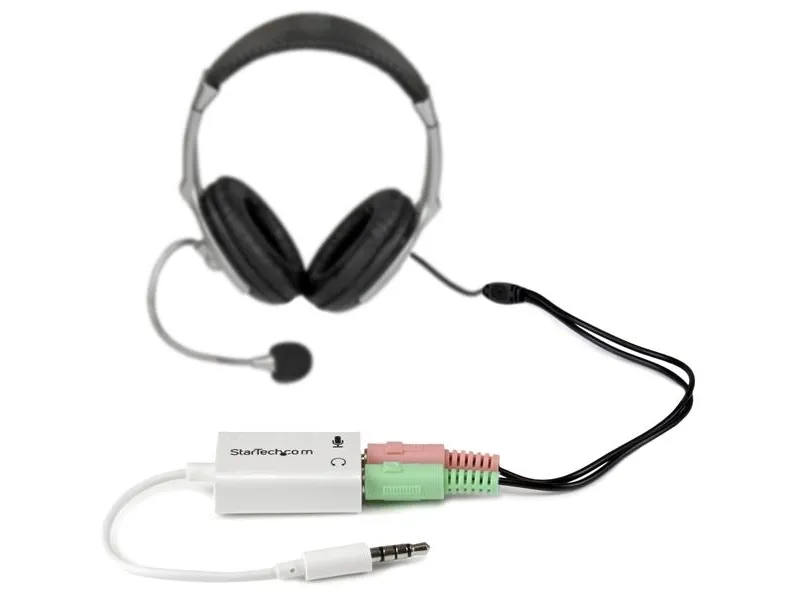
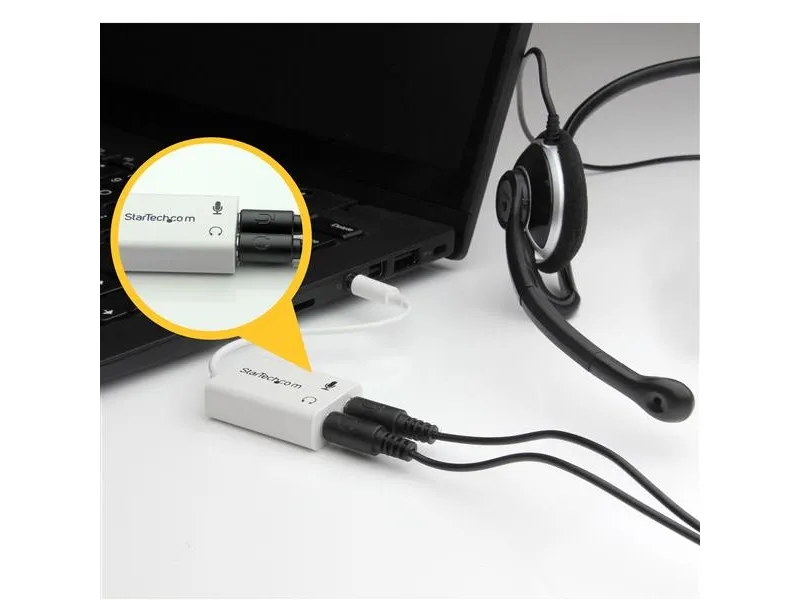
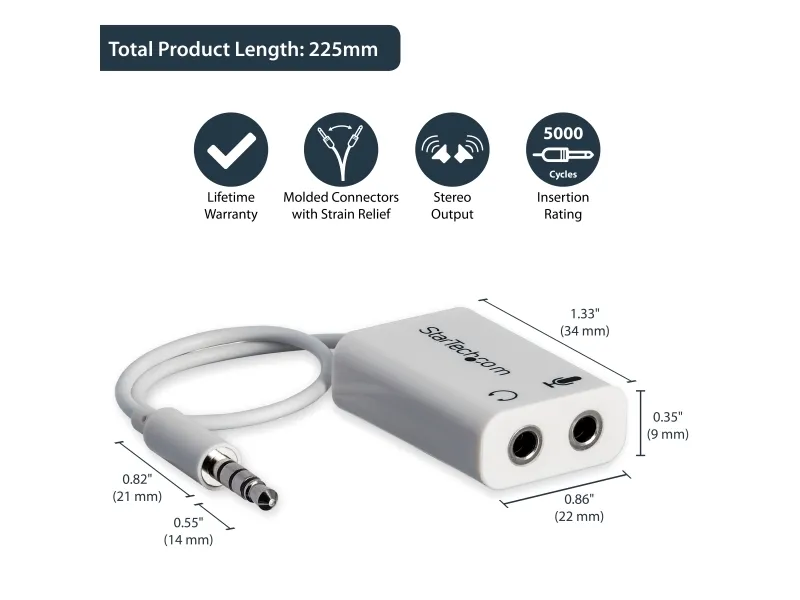
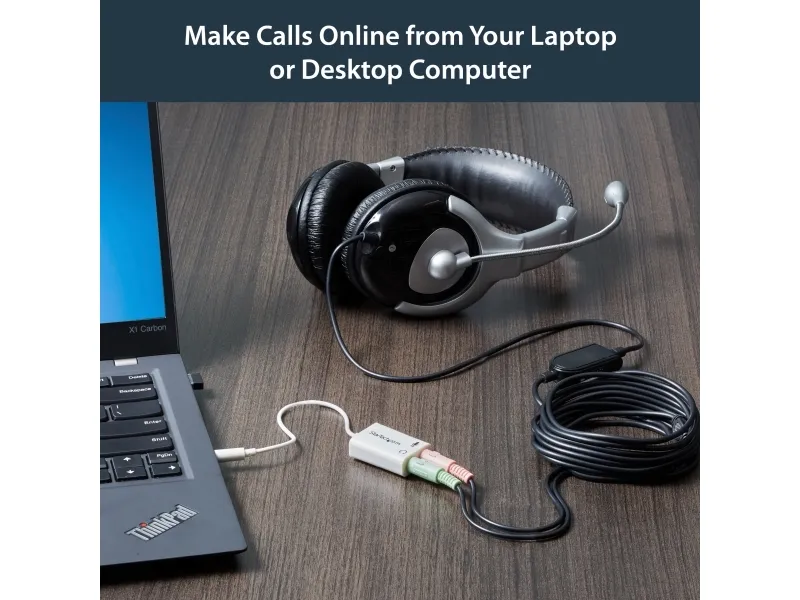
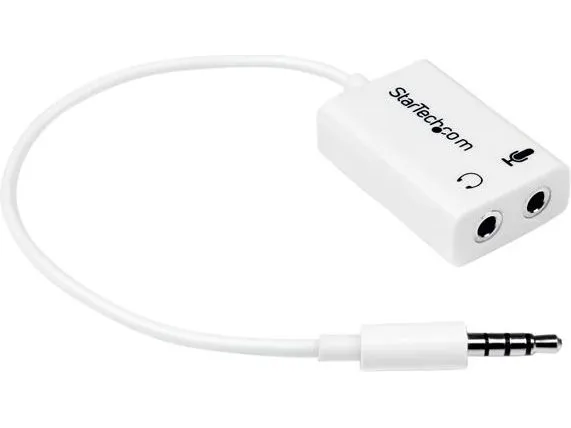
The MUYHSMFFADW white headset adapter features two 3.5mm 3-position ports that provide a separate headphone and microphone connection that can be connected to the single audio port on your laptop. Alternatively, you can also connect a separate microphone and powered speakers if you prefer to use Skype or chat online without using a headset.

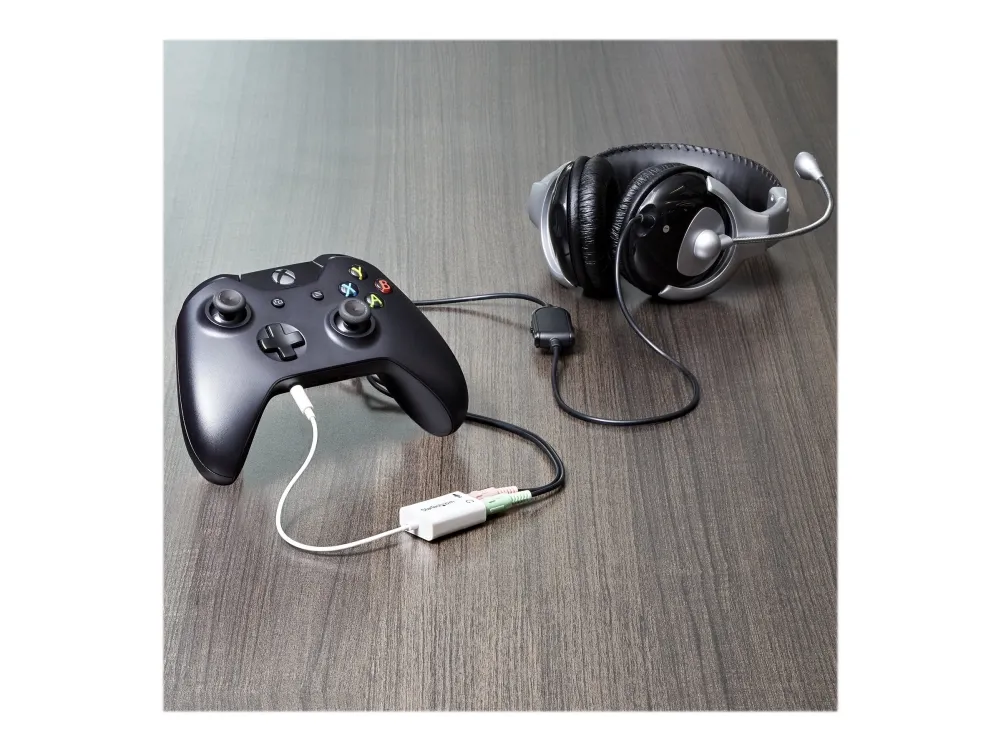
Simply connect the headphone plug from your headset into the audio output port marked with the headphone symbol, and connect the microphone plug into the audio input port marked with the microphone symbol. Plug the adapter into the audio port on your laptop and you're all set.

Want to work or game without using a headset?

You can also connect a microphone and powered speakers to your laptop using the adapter. Just plug in your microphone into the audio input port marked with the microphone symbol, and plug your powered speakers into the audio output port marked with the headphone symbol, and connect the adapter to the audio port on your laptop.

Are you travelling for work or taking a trip?

The headset adapter features a compact and sturdy design that makes it the perfect solution for mobile applications.

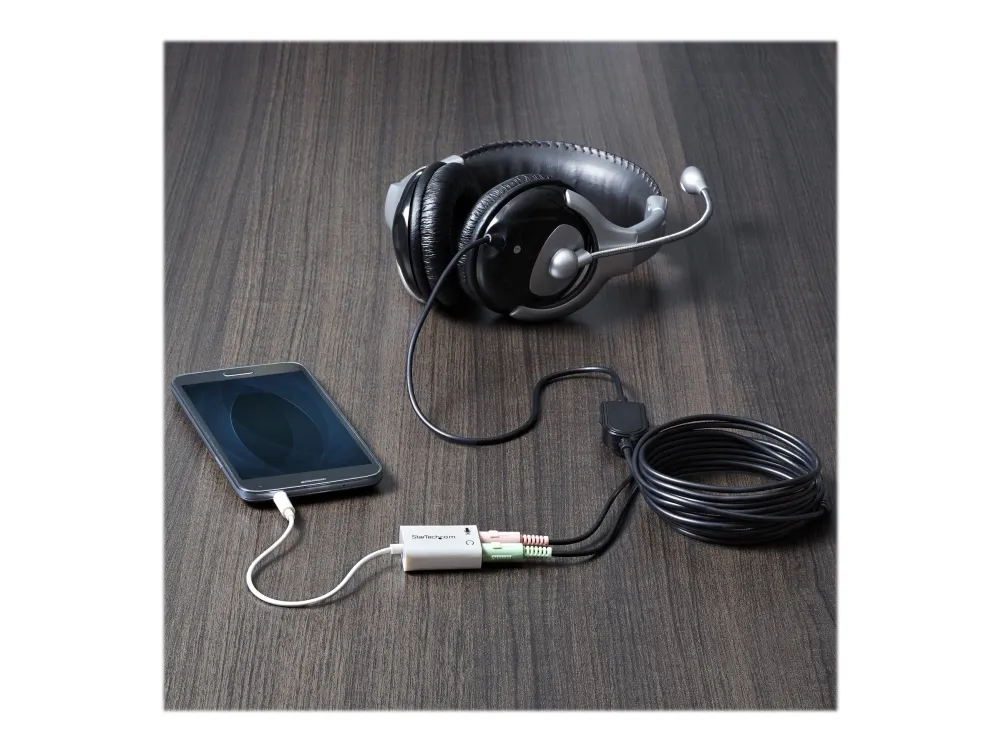
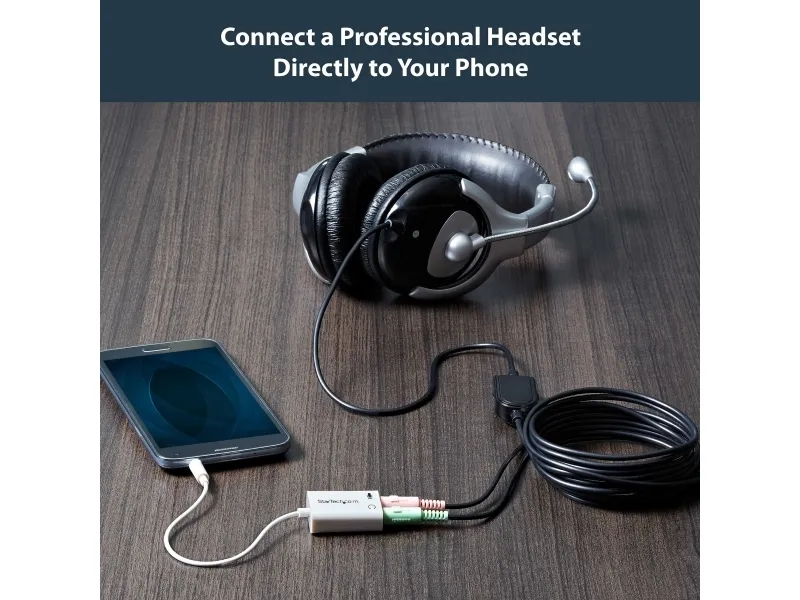
Tuck the adapter in with your tablet or slip it inside another carrying case. It works great with tablets and smartphones that have a single audio port. Just connect the headphone and microphone plugs from your headset into the adapter, connect the adapter to your mobile device and start talking.

This adapter is not a headphone splitter or Y-cable. It cannot be used to split the audio output to two separate sets of headphones or speakers.

Some laptops and mobile devices will not work with all external microphones. This is typically caused by an impedance mismatch between the microphone and the device. This is due to hardware incompatibility and is not a limitation of the MUYHSMFFADW adapter.