The item is in a remote warehouse, delivery time is 2-3 business days. More info
Delivery options - Select at checkout
159,20
EUR
3.165,82
Incl. VAT 3.957,28
Total incl. delivery
4.156,28
The function requires that you are logged in. Create a user and use our smart list system to keep track of future purchases, regular purchases or wish lists. Create user Login

Send på mail
Do you need a spare part for your monitor or projector?
Our configurator shows exactly the parts that fit 9H.F9GTK.DE4 - lamps, stands, power supplies, filters and much more.
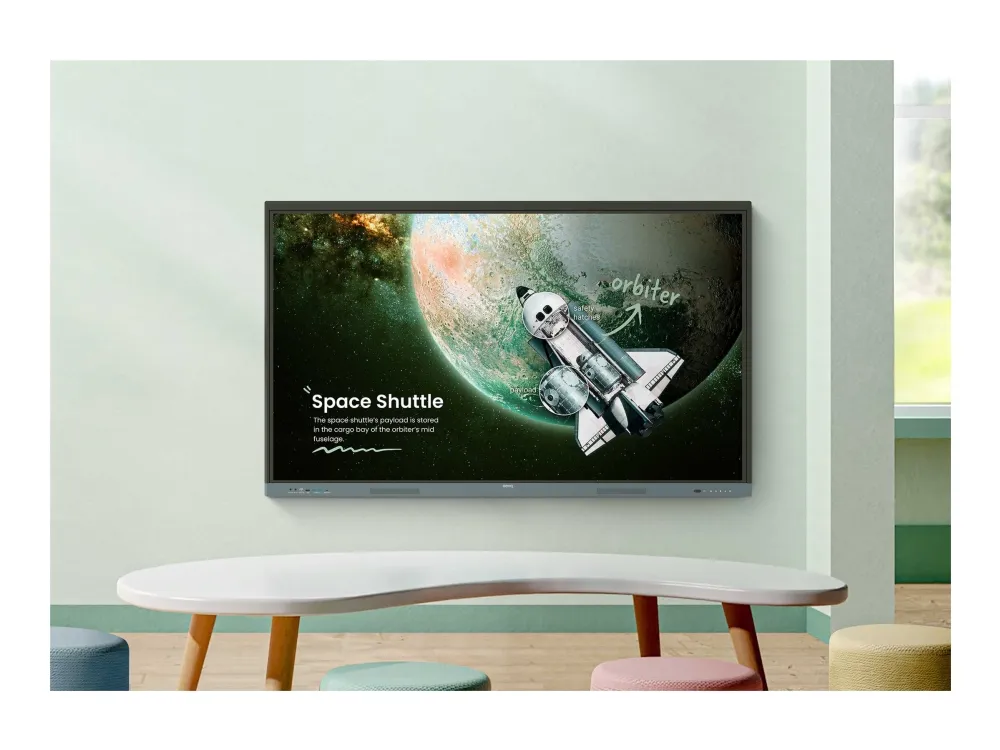
BenQ Board Essential The essence of education Have all the essential tools you need for effective interactive lessons.
Harness the power of Google The EDLA-certified BenQ Board combines Google services with ever-reliable BenQ hardware and software.
Expansive app library
Install education apps directly from Google Play for more interactive lessons.
Go-to Google services
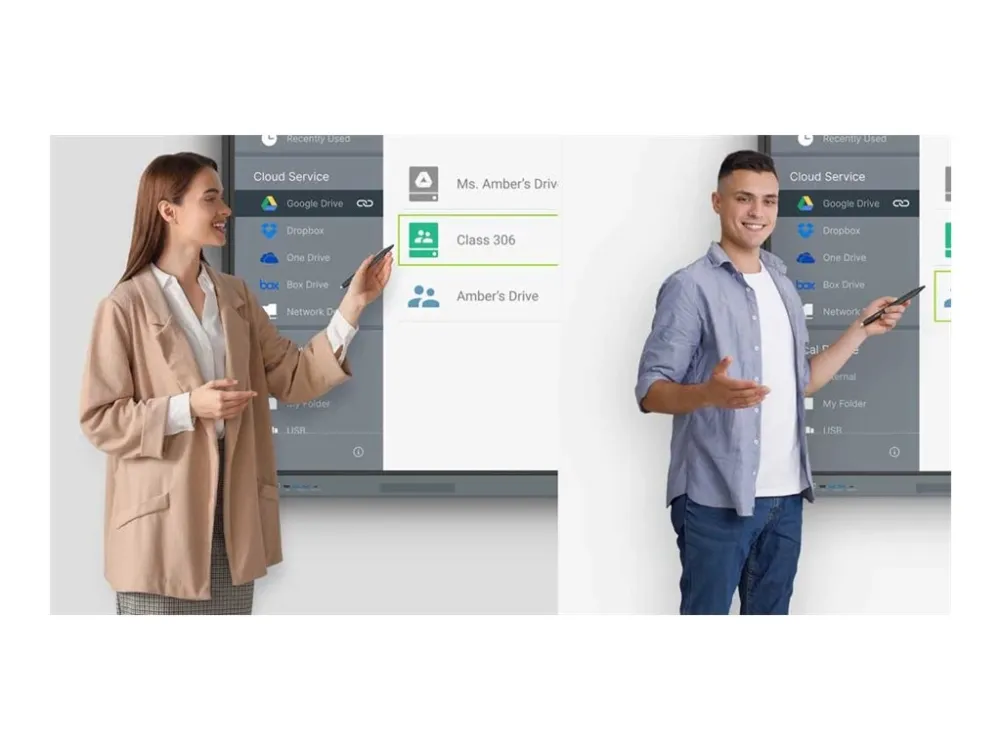
Access essential Google Core Services such as Google Drive and Meet.
Google Docs editors
Quickly open lesson files with any Google app on a large touchscreen display.
Direct file access Google Drive integration lets you access and save files to your cloud storage directly from the board.
Built-in data security Keep your boards safe against security and privacy threats with Google Play Protect and Safe Browsing.
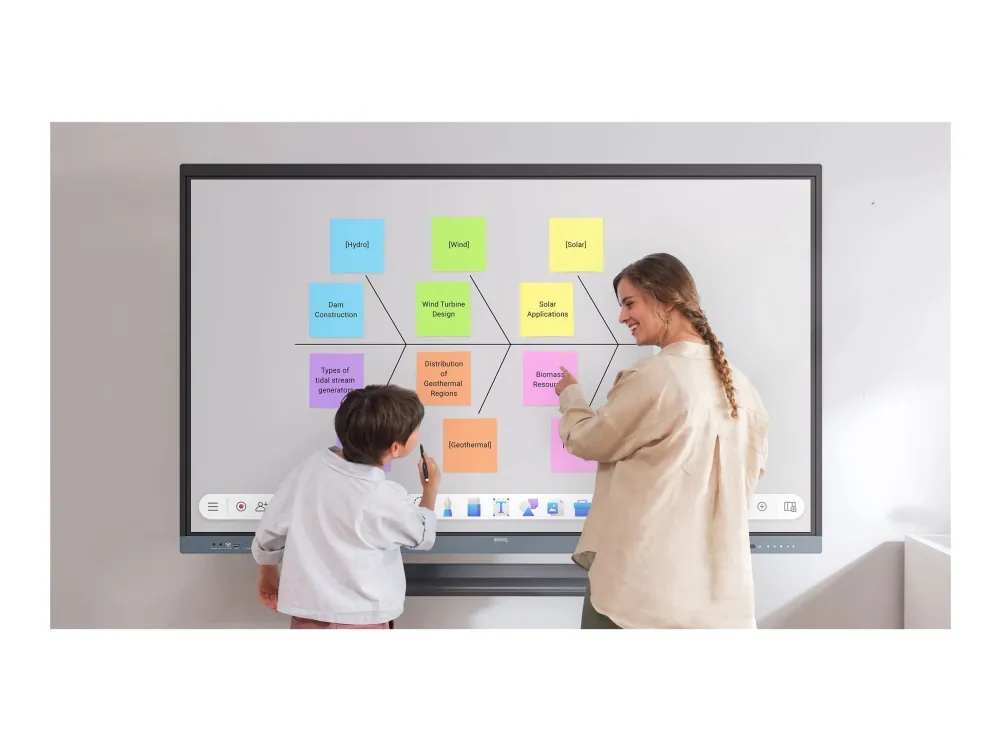
A whiteboard like no other Do more than just write or draw. EZWrite’s expandable canvas offers limitless possibilities with its rich collection of lesson tools and helpful AI features.
Use your own files Import a variety of lesson files, interact with its contents on the whiteboard, and then export the session as an editable file for a future class.
A tool for every need Pull up any of EZWrite’s built-in tools that are designed to engage students, and meet a wide variety of lesson activities and subjects.
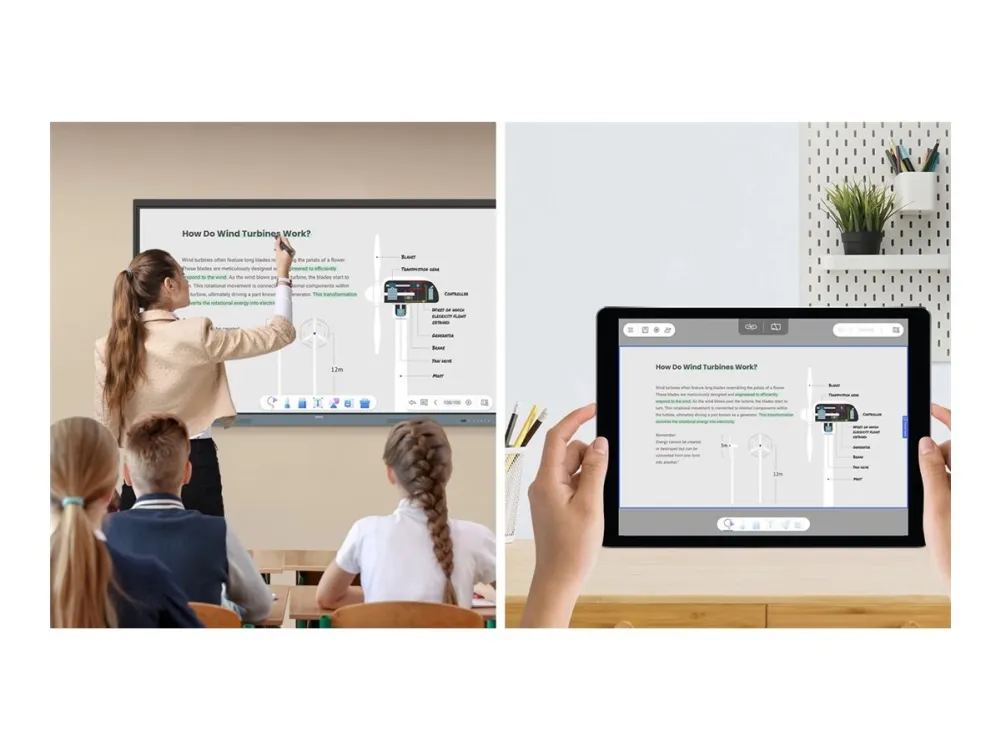
Take lessons to the cloud Extend the whiteboard so that others can participate and interact with the board whether they’re joining from their seats or from home.
Built-in AI tools for more inclusive lessons
Text-to-speech
Have displayed text read aloud
Multilingual translation
Translate text with a tap
OCR
Edit text from imported images
Essential tools for every teacher The RE04 uncomplicates your teaching experience by giving you everything you need on one board.
Your own space and data All accounts are secure and separate—allowing you to have your own teaching space while preventing others from accessing your data.
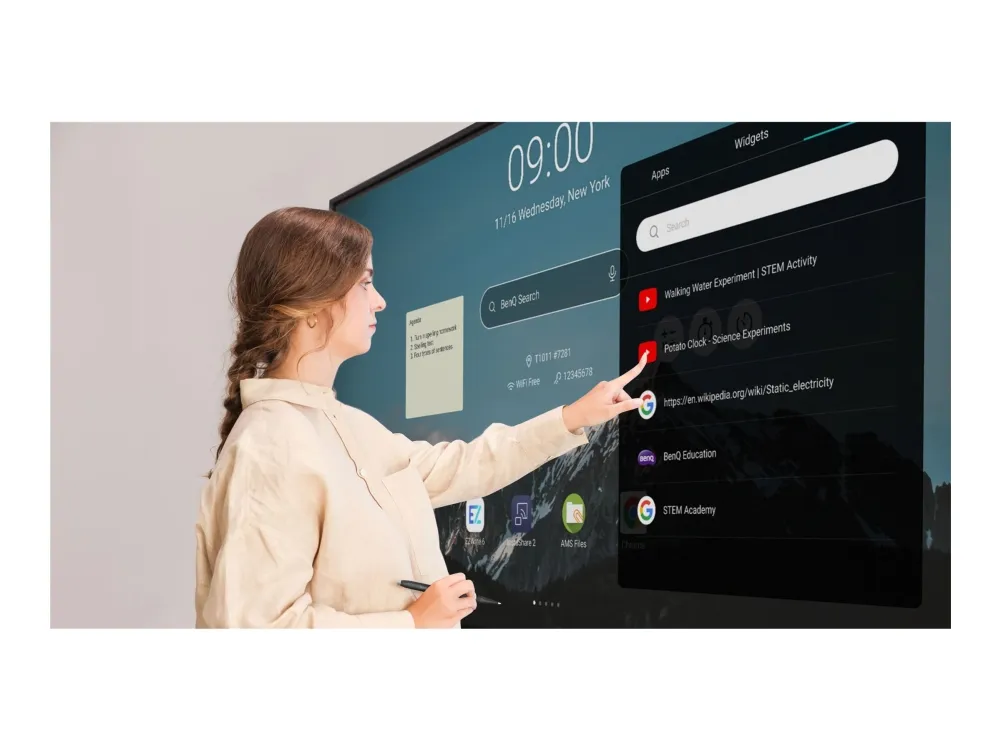
Organise with ease Save time by having all your most-used apps, files, and widgets arranged and accessible directly from your home screen.
Snap. Record. Write. The Floating Tool lets you take snapshots, record your screen, and annotate over any app, file, webpage, or video displayed on the board.
Sidebar access Expand the sidebar for convenient access to recent apps, files, and input sources, as well as a shortcut to the home screen.*Available in Q2.
Expanded search Use BenQ Search to quickly query related content from the internet or sort through your lessons files stored on the board or your cloud.
Enhance your lesson flow Increase teaching efficiency with the multi-window mode, allowing you to whiteboard while using other apps on the side. *Available in Q3.
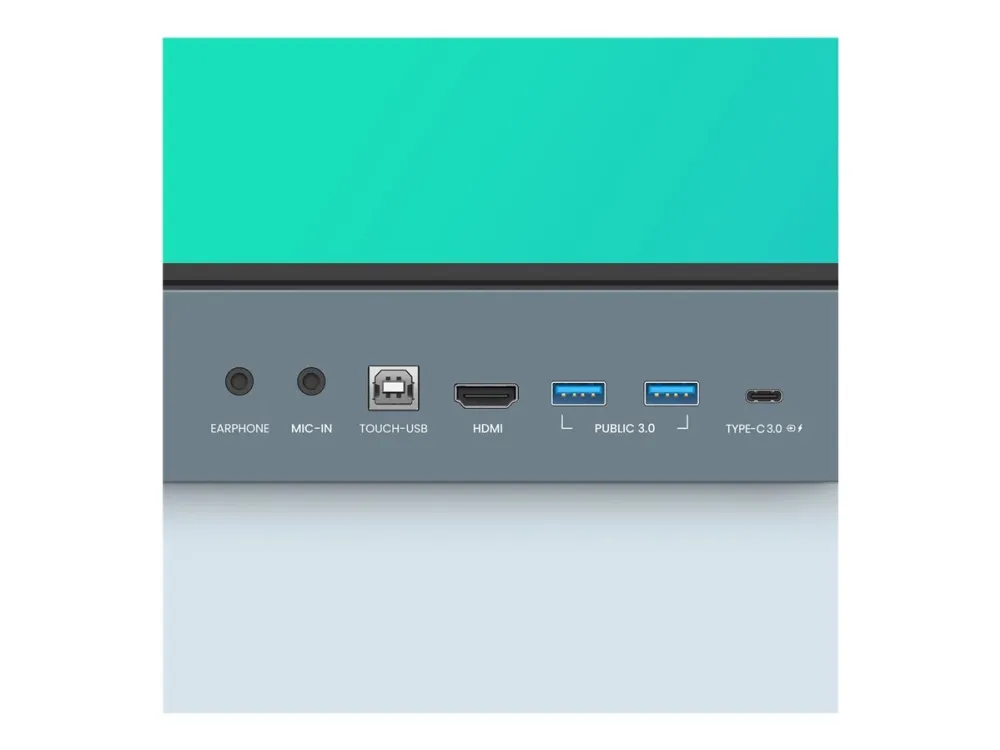
5-in-1 connectivity The multipurpose USB-C port allows for quick data transmission, clear audio/video playback, touchback controls, and 65-watt charging.
Full vibrant audio Experience enhanced audio with the board’s built-in 20-watt speakers that offer crisp, room-filling sound.
All hands on board The BenQ Board Essential’s large interactive screen is designed for whole-class participation, letting you boost engagement and liven up your lessons.
40 touch points
Get everyone actively participating in class with the RE04’s 40 touch points.
Gap-free writing
No gaps and an 8ms response time ensure a natural writing experience every time.
Precise touch
You’re guaranteed smooth interactions with the board’s Precision IR technology.
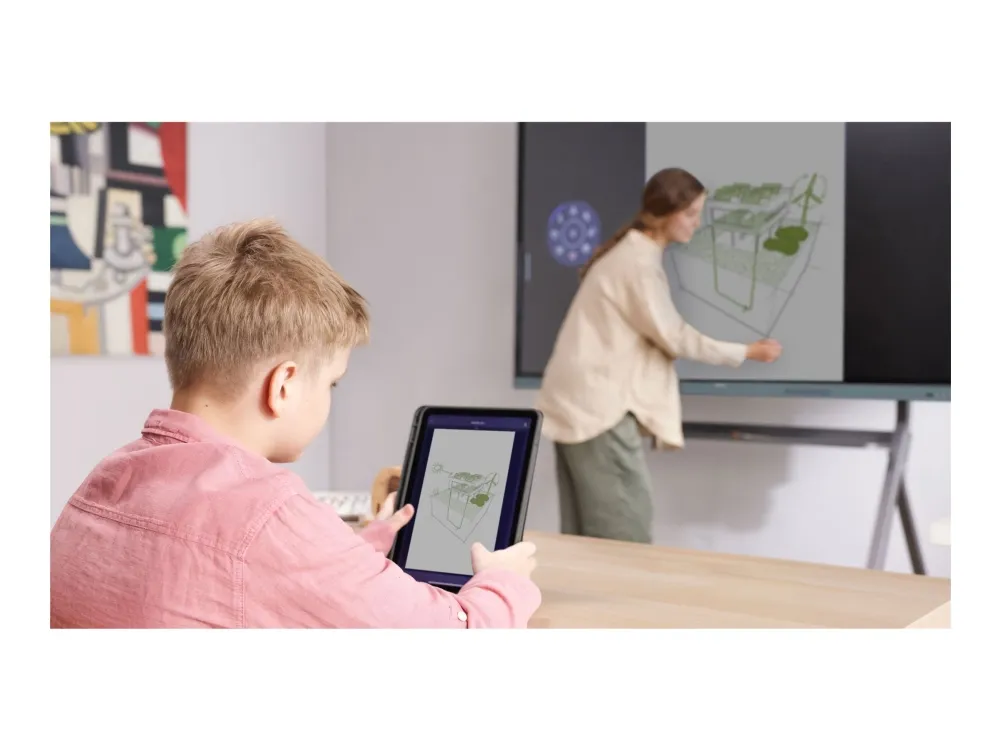
Everyone can share InstaShare 2 lets everyone share ideas freely. Wirelessly cast lesson content and interact with any device from anywhere in the room.
Beyond screen sharing Do more than just cast your screen. Media sharing makes lessons more dynamic. Share photos, videos, or even a live camera feed from your device directly to the board.
Moderate sessions with ease Host controls allow you to effectively manage your sessions. Accept or reject sharing requests and show or hide screens, while the AI Guardian automatically blocks nude content.
Management made easy BenQ takes out the complexity from device and user list management, significantly reducing IT workload so they can focus on other tasks.
Effortless user list syncing Simplify identity management by syncing any of your existing Google Workspace, Entra ID (formerly Azure Active Directory), ClassLink, LDAP, or SAML-based user lists.
Centralised management Remotely manage all your BenQ devices on an all-in-one console that lets you install, update, and delete apps, push firmware updates, and automate tasks such as startup and shutdown.
Enhanced data security Safeguard your data through the RE04’s secure login options and access controls, regular system updates, and built-in Google Play Protect and Safe Browsing measures.
Data-driven efficiency Generate specific and comprehensive device analytics so you can monitor how your boards are being utilised and adjust usage guidelines to maximise efficiency.
School-wide announcements With X-Sign Broadcast, you can send out timely announcements to all your BenQ displays. Inform your school about upcoming events, important reminders, and emergencies.
ClassroomCare® Bridging health and learning ClassroomCare features are essential in helping schools create healthier learning spaces for students and teachers.
Easy on the eyes Eye care technologies, such as the RE04’s low blue light filter and flicker-free screen, help reduce eye strain in class, while its anti-glare 4K screen ensures clear images every time.
IP5X dust protection The IEC 60529-complaint RE04 screen prevents dust accumulation even in the most dust-prone environments.
Produktbeskrivelse
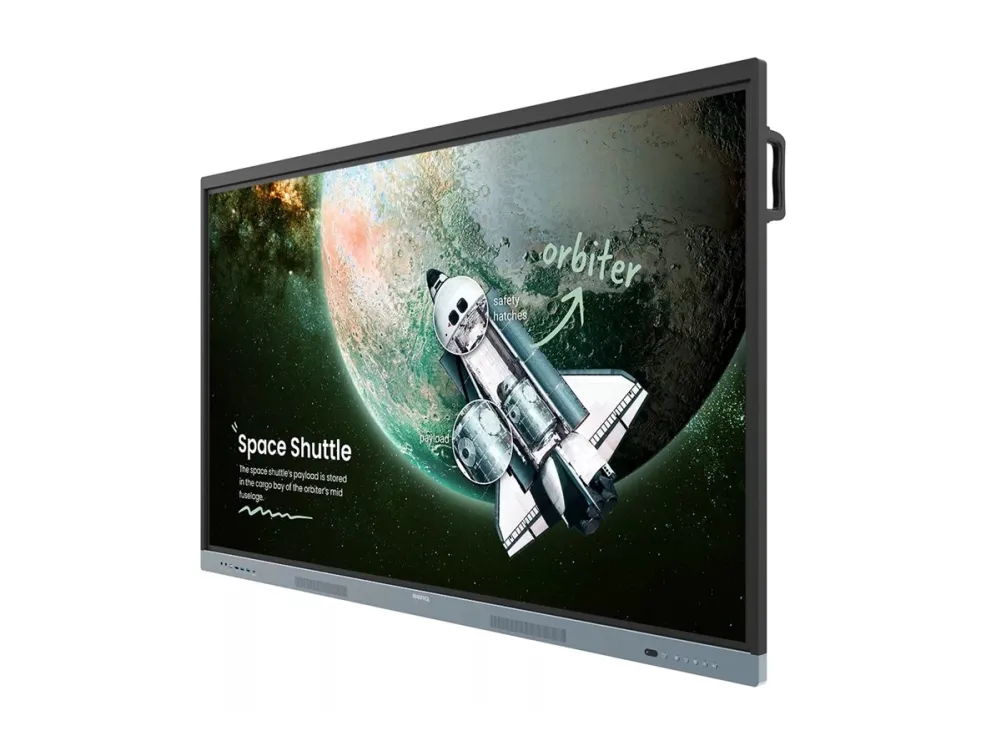
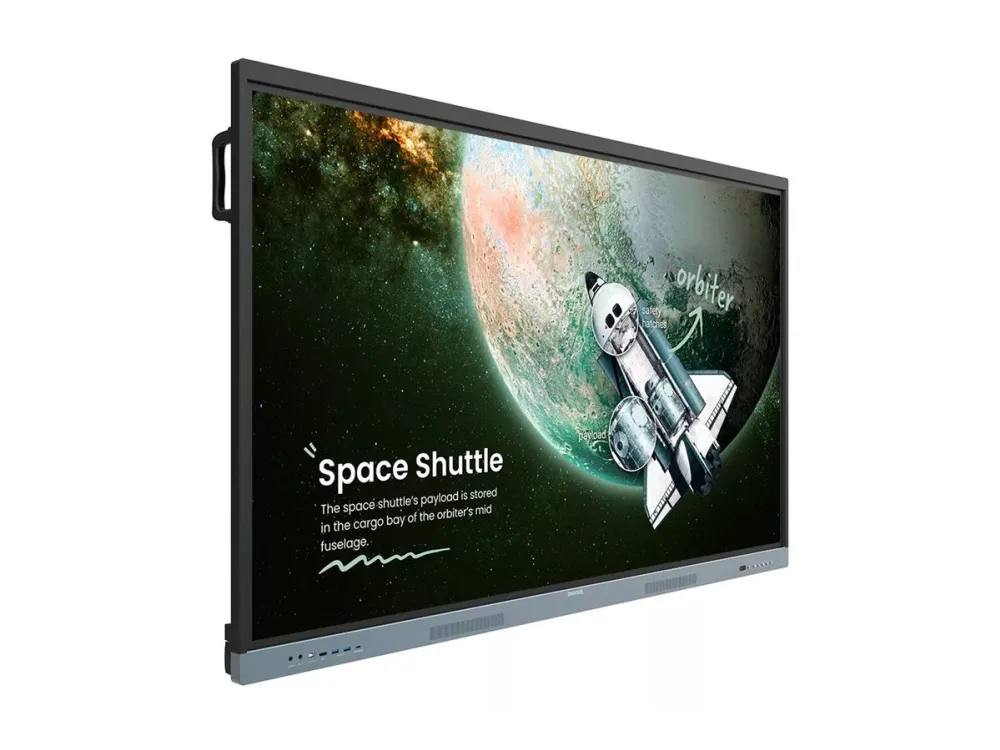
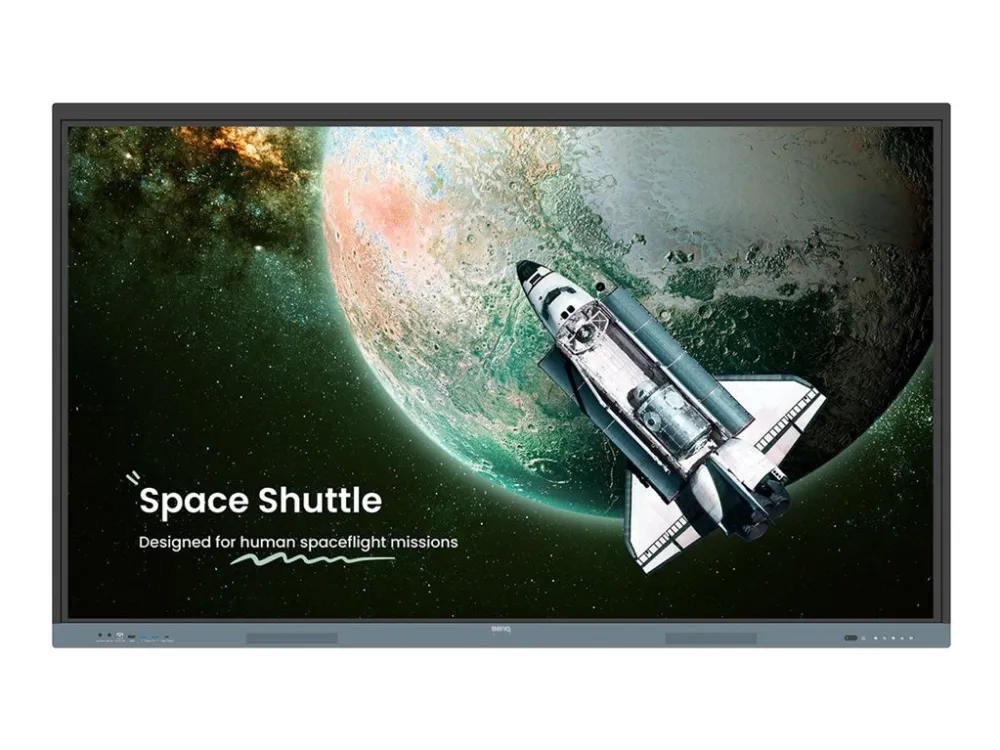
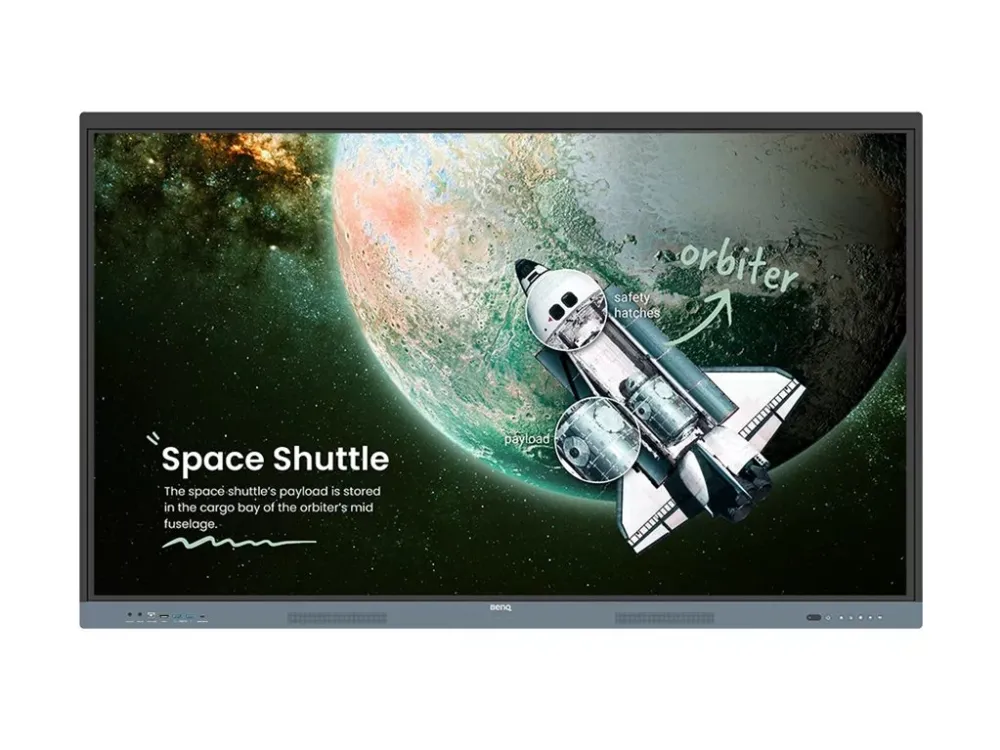
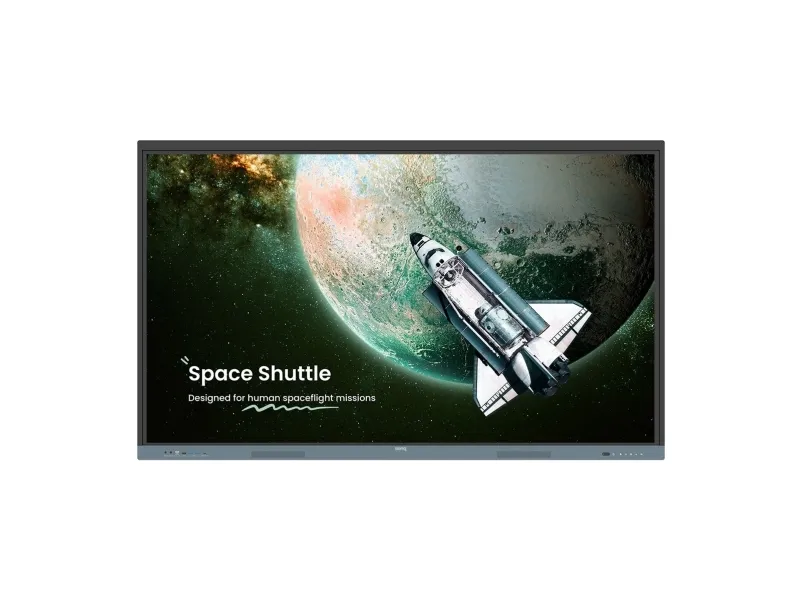
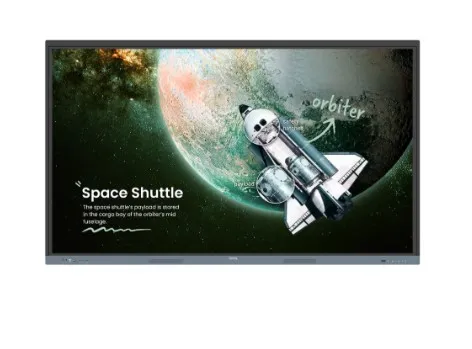
BenQ Board Essential RE8604 RE04 Series - 86" LED-bagbelyst LCD paneldisplay - 4K - for undervisning
Produkttype
LED-bagbelyst LCD fladt paneldisplay med berøringsskærm (multi-berøring)
ARM Cortex-A73 Quad-Core + ARM Cortex-A53 Quad-Core - 8 GB - 32 GB - Mali G52 MP8
Fjernbetjening
Type
Fjernstyring
Lydsystem
Højttalersystem
2 højttalere
Udgangseffekt/i alt
40 watt
Højttalere
2 x hovedkanalhøjttaler - 20 watt
Netværk & Internet Multimedie
Funktionalitet
Whiteboard
Konnektivitet
LAN
LAN protokol
Gigabit Ethernet
Forbind og del
InstaShare 2
Applikations-butik
Google Play
Tilslutninger
Forbindelsestype
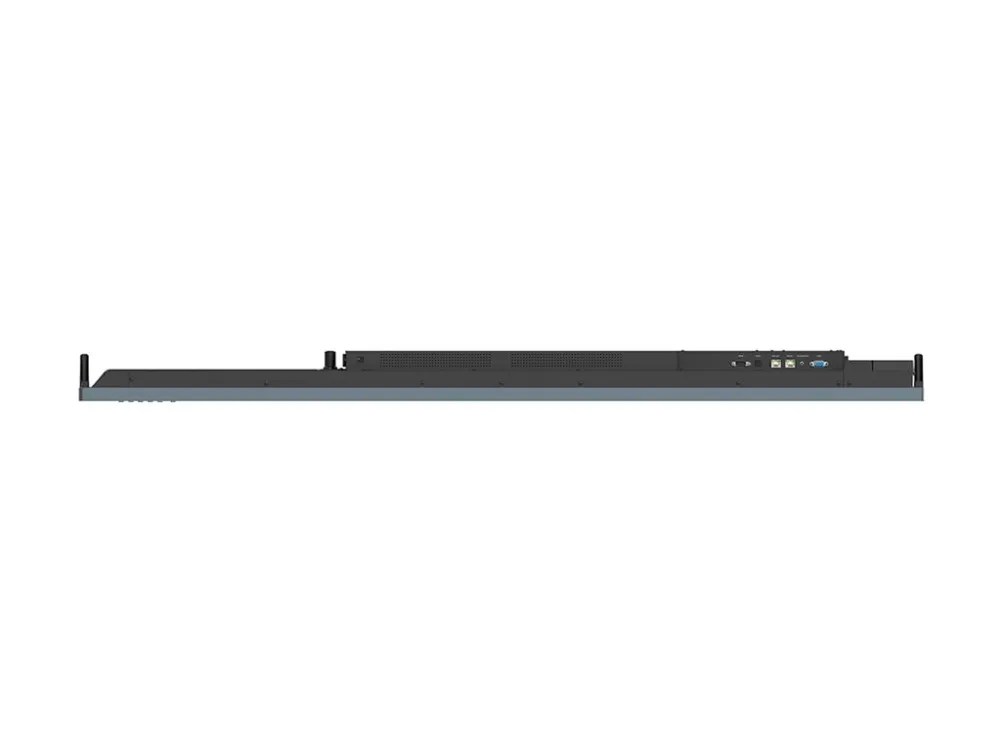
VGA-indgang 3 x HDMI-indgang HDMI-udgang DisplayPort 2 x USB 2.0 2 x USB 3.0 USB-C 2.0 USB-C 3.0 med 65 W Power Delivery Berøring Lydindgang Øretelefoner SPDIF-udgang Gigabit LAN Mikrofon RS-232
Diverse
Udstyr inkluderet
2 styluser
Medfølgende ledninger
VGA-kabel - 3 m HDMI-kabel - 3 m USB-berøringskabel - 3 m USB-C kabel - 1.5 m
Overensstemmelsesstandarder
Google EDLA, TÜV safety certification, IEC 60529 IP5X
Bæredygtighedsoplysninger
ENERGY STAR-certificeret
Ja
Effekt
Strømenhed
Strømforsyning
Indgangspænding
AC 100-240 V (50/60 Hz)
Strømforbrugs-stand by
0.5 watt
Mål & vægt (forsendelse)
Bredde (forsendelse)
209.5 cm
Dybde (forsendelse)
126.5 cm
Højde (forsendelse)
18.5 cm
Vægt (forsendelse)
80.2 kg
Miljømæssige parametre
Min. driftstemperatur
0 °C
Maks. driftstemperatur
40 °C
Fugtighedsgrad ved brug
20 - 80% RH (non-condensing)
The item is known under the following item numbers in our system
EAN:
4718755093821
Why do I find that the same product is available on different item numbers?
Manufacturers often release the same product with different item numbers, typically just different versions of the packaging. For example, the packaging may be targeted at different countries.
We try our best to unify the products, but it can happen that the same product appears on different item numbers in our system.