In stock, order before 3 PM and we ship today (weekdays) More info
SPECIAL OFFER
There are 9 in stock
The current price is valid as long as the local stock lasts

Delivery options - Select at checkout
Shipping @price - GLS
12,00
EUR
20,13
Incl. VAT 25,16
Total incl. delivery
40,16
The function requires that you are logged in. Create a user and use our smart list system to keep track of future purchases, regular purchases or wish lists. Create user Login

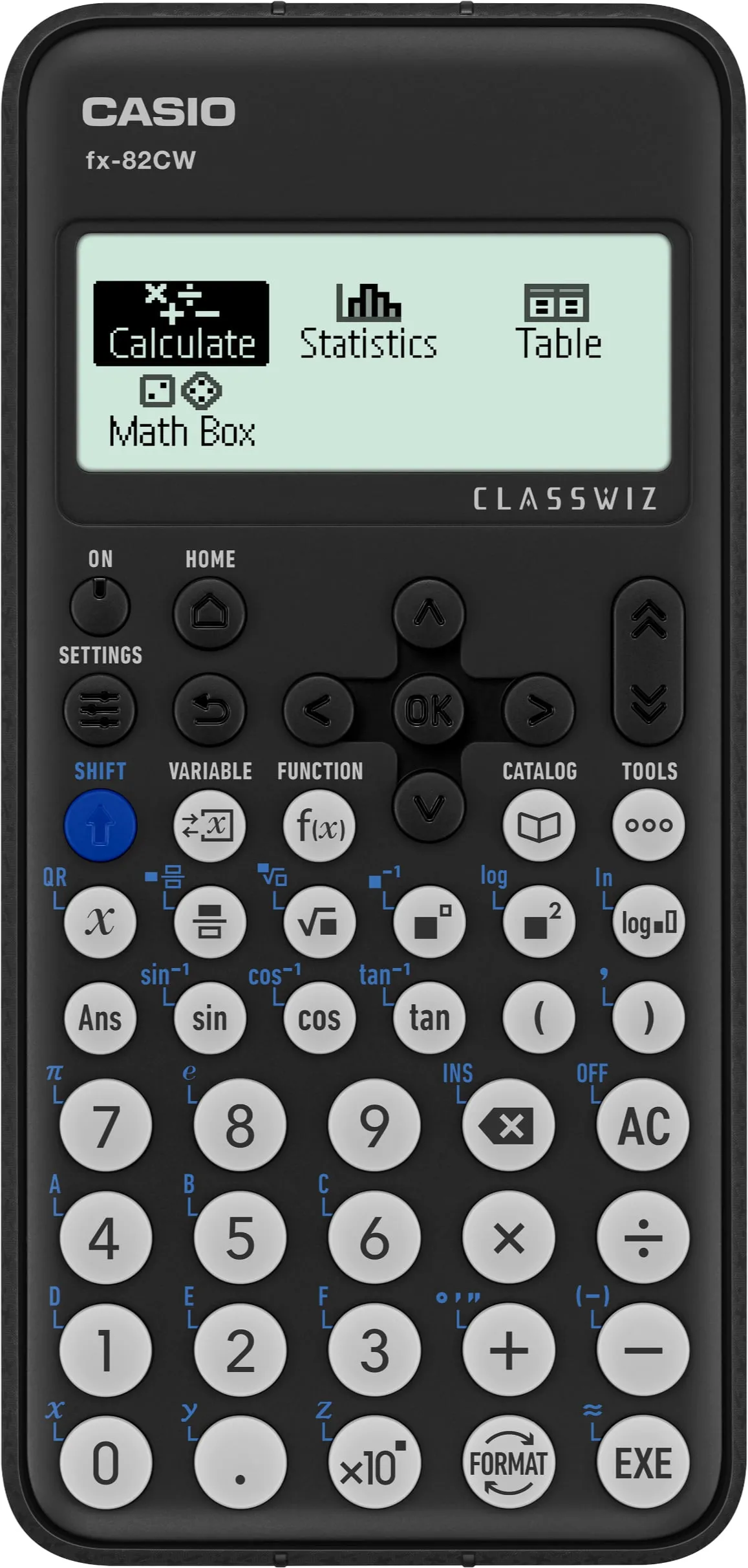
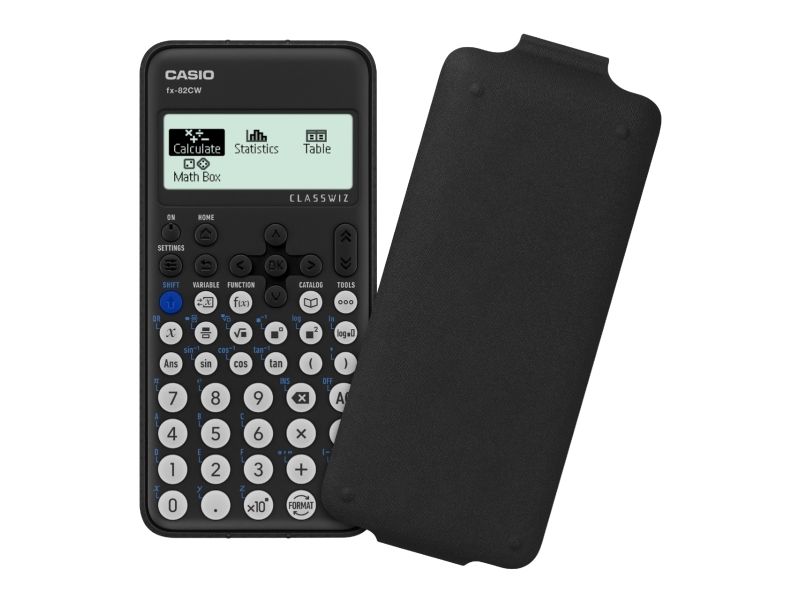
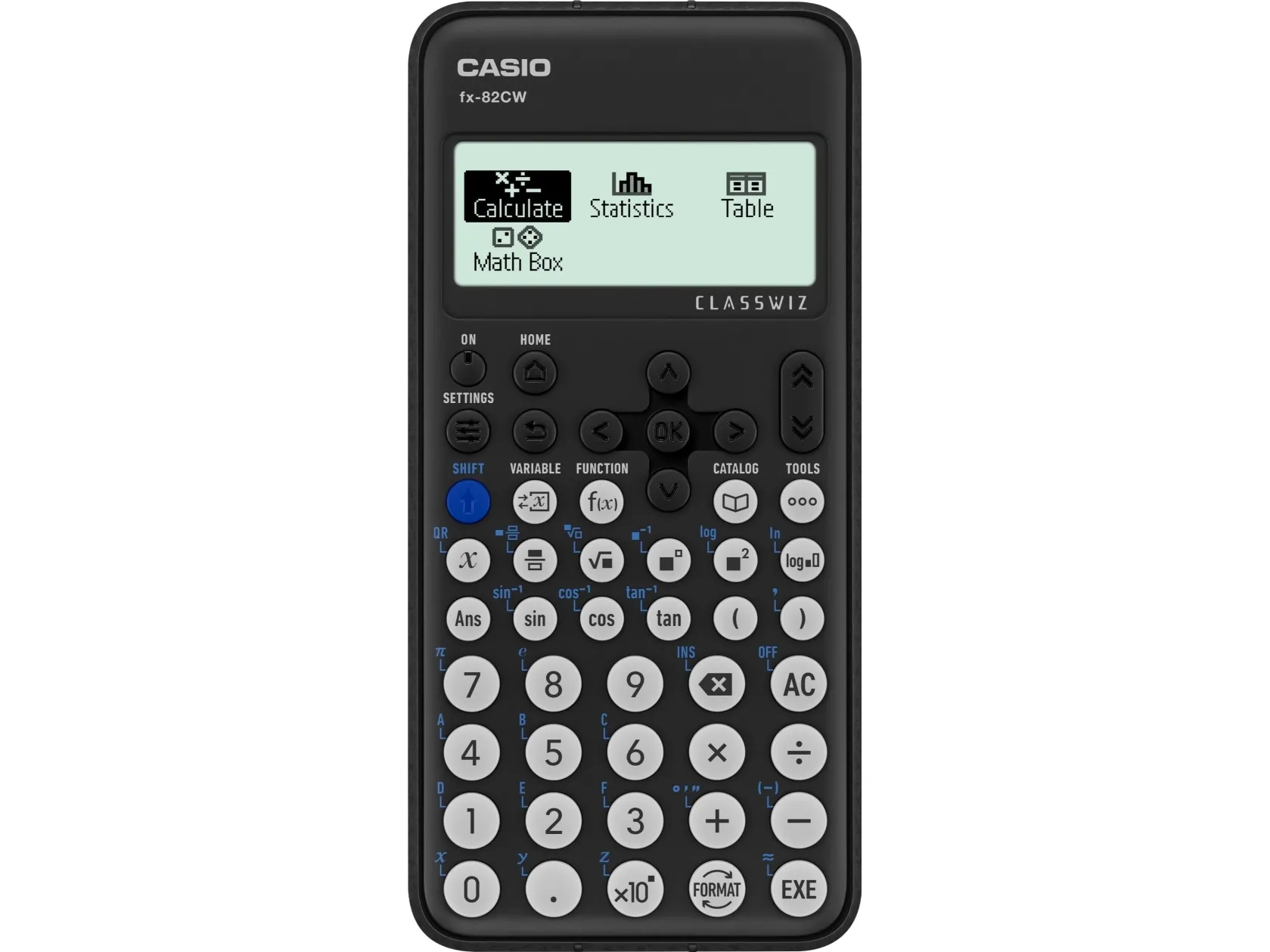
ClassWiz CW Series is designed teaching and studying for today. Its brand-new approachable UI and various features encourage students’ math learning.
High-definition & 4-gradation display
With the 4-gradation display, the current input location is displayed in a darker color.
Intuitive cursor operation
Simple cursor-based operations and a key layout that follows the natural flow of use.
Natural Textbook Display
Intuitive, easy-to-learn icon display
*The image is the display of fx-991CW.
List display function for thorough, speedy learning
High-speed calculation
Fast calculation for smooth performance in class or during examinations.
Calculator Apps Easily select a calculator app from the Home screen that is suitable for the type of calculation that you want to perform.
Math Box
The following functions to support math learning: Dice Roll and Coin Toss for probability simulations.
Calculate General calculations
Statistics Statistical and regression calculations
Table Generates a number table based on one or two functions
Online visualization service using QR codes Easily generate QR codes of equations input into the calculator. Graphs and other graphics can be displayed on smartphones or tablets.
Variety of functions that are available in calculator apps to support students’ learning. CATALOG The CATALOG menu shows Store values to variables categories of commands, functions, and symbols according to the calculator app that you are currently using and the current status of the app (the displayed screen or current settings).
FUNCTION You can store functions in both the f(x) and g(x) memory.
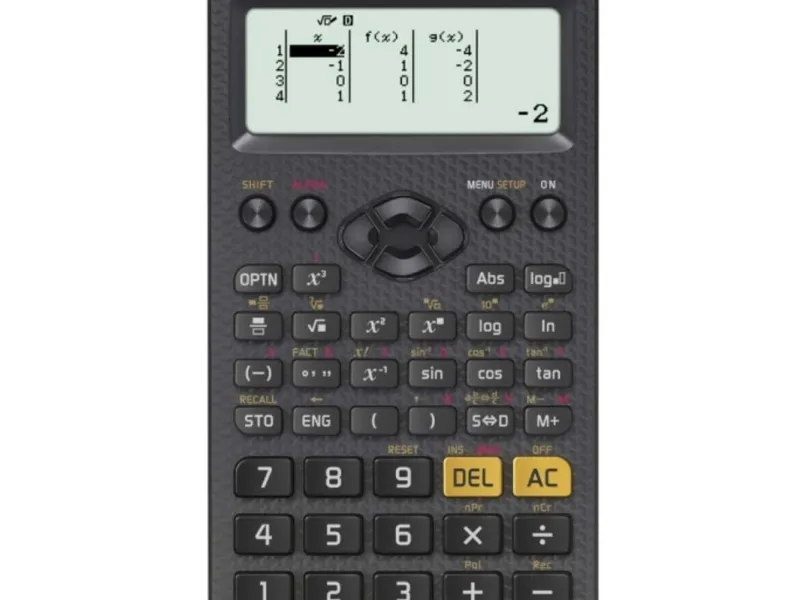
Examples: Create a table in the Table app
Call from a spreadsheet
VARIABLE You can store values to variables and use the variables in calculations.
Form factor
Desktop
Type
Scientific
Product colour
Black
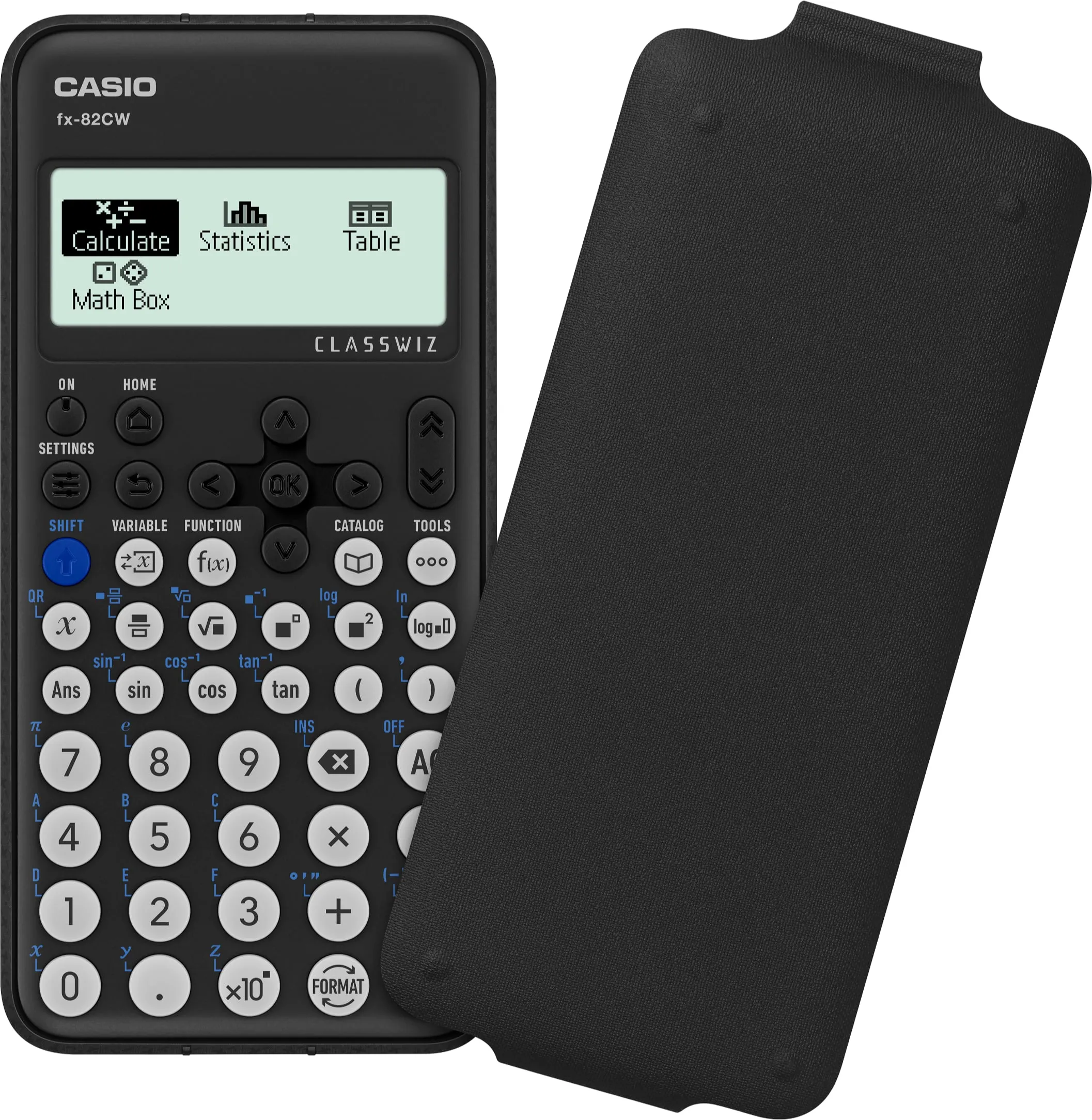
Cover
No
Control type
Buttons
Wrist rest
No
Digits
12 digits
Display tilting
No
Display resolution
192 x 63 pixels
Power source
Battery
Number of batteries supported
1
Battery type
AAA
Width
77 mm
Depth
162 mm
Height
13.8 mm
Weight
100 g
The item is known under the following item numbers in our system
EAN:
4549526615719
EAN:
4971850093879
SKU:
CAS-161500
Why do I find that the same product is available on different item numbers?
Manufacturers often release the same product with different item numbers, typically just different versions of the packaging. For example, the packaging may be targeted at different countries.
We try our best to unify the products, but it can happen that the same product appears on different item numbers in our system.