Brug funktionen ”Giv mig besked..." herunder for opdateringer.
Delivery options - Select at checkout
Shipping @price - GLS
12,00
EUR
25,58
Incl. VAT 31,98
Total incl. delivery
46,98
Notify me when the item is in stock again
Email:
Stock agent created. We will send an email when the item is in stock again.
Add to list
The function requires that you are logged in. Create a user and use our smart list system to keep track of future purchases, regular purchases or wish lists.
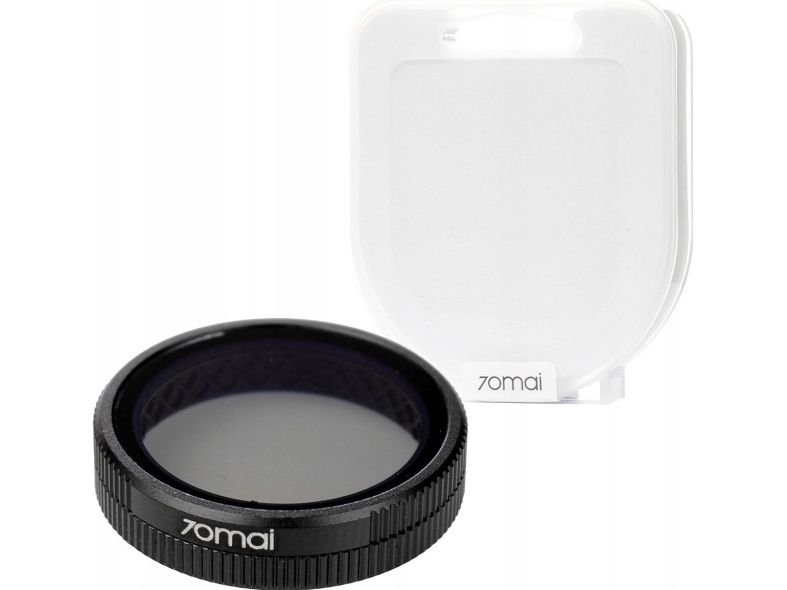
Natural color Glare reduction Polarization factor 99.9% Improved recording quality Vivid and colourful image Easy installation on camera lens
High-quality 70MAI CPL filter with thin optical glass and a polarization coefficient of 99.9% ensures you no longer have to worry about reflections on the windshield or annoying sun glare that can obstruct visibility. Your camera will be able to capture perfect shots even in challenging lighting conditions, and the resulting photos and videos will be filled with deep and intense colors regardless of the light intensity. You won't lose any important details in your recordings. The filter also protects the lens of your VCR and provides protection from accidental fingerprints, scratches and dirt. As a result, it will maintain its excellent condition for a long time. It is important to note that we do not recommend using a CPL filter when driving at night as it can further darken the image. Easy to use Simply remove the filter from the box - without touching the glass lens. Then place the filter on the lens and adjust its position by gradually rotating it around the lens and observing the image.
The item is known under the following item numbers in our system
EAN:
6971669782610
SKU:
CPL200-800
Why do I find that the same product is available on different item numbers?
Manufacturers often release the same product with different item numbers, typically just different versions of the packaging. For example, the packaging may be targeted at different countries.
We try our best to unify the products, but it can happen that the same product appears on different item numbers in our system.