Item no.: [24418145] | Manufacturer: Crestron | Model no.: TS-1070-GV-B-S
out of stock
The item is not in stock. More info
Udsolgt
Varen er ikke på lager.
Brug funktionen ”Giv mig besked..." herunder for opdateringer.

Delivery options - Select at checkout
Shipping @price - GLS
12,00
EUR
2.297,99
Incl. VAT 2.872,49
Total incl. delivery
2.887,49
Notify me when the item is in stock again
Email:
Stock agent created. We will send an email when the item is in stock again.
The function requires that you are logged in. Create a user and use our smart list system to keep track of future purchases, regular purchases or wish lists. Create user Login

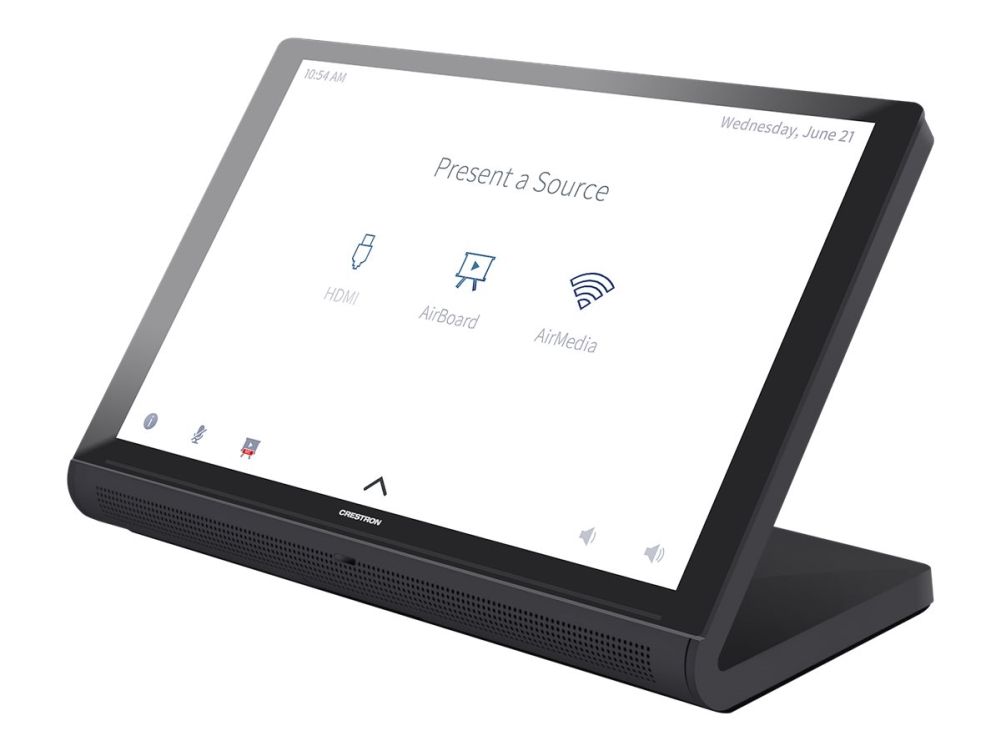
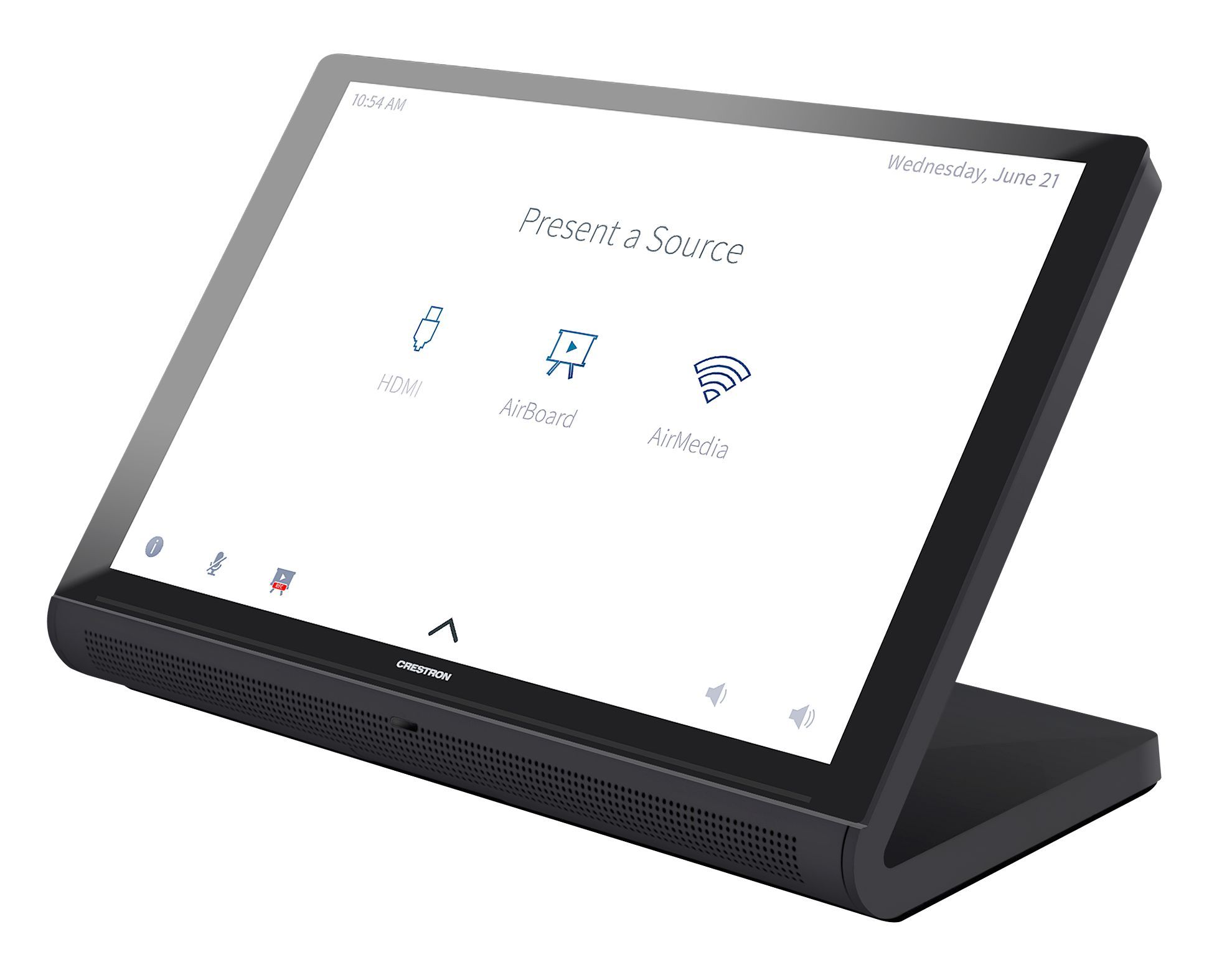
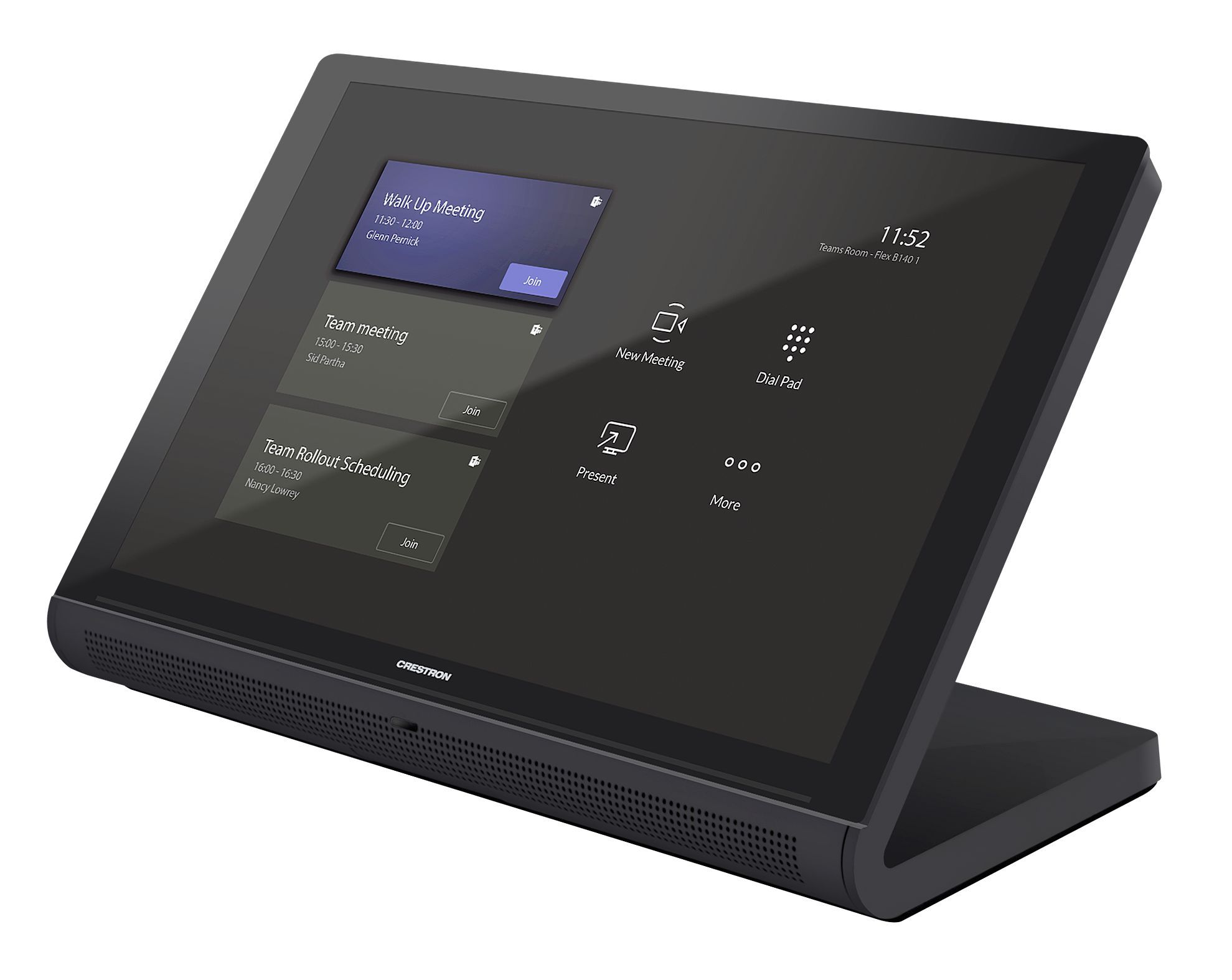
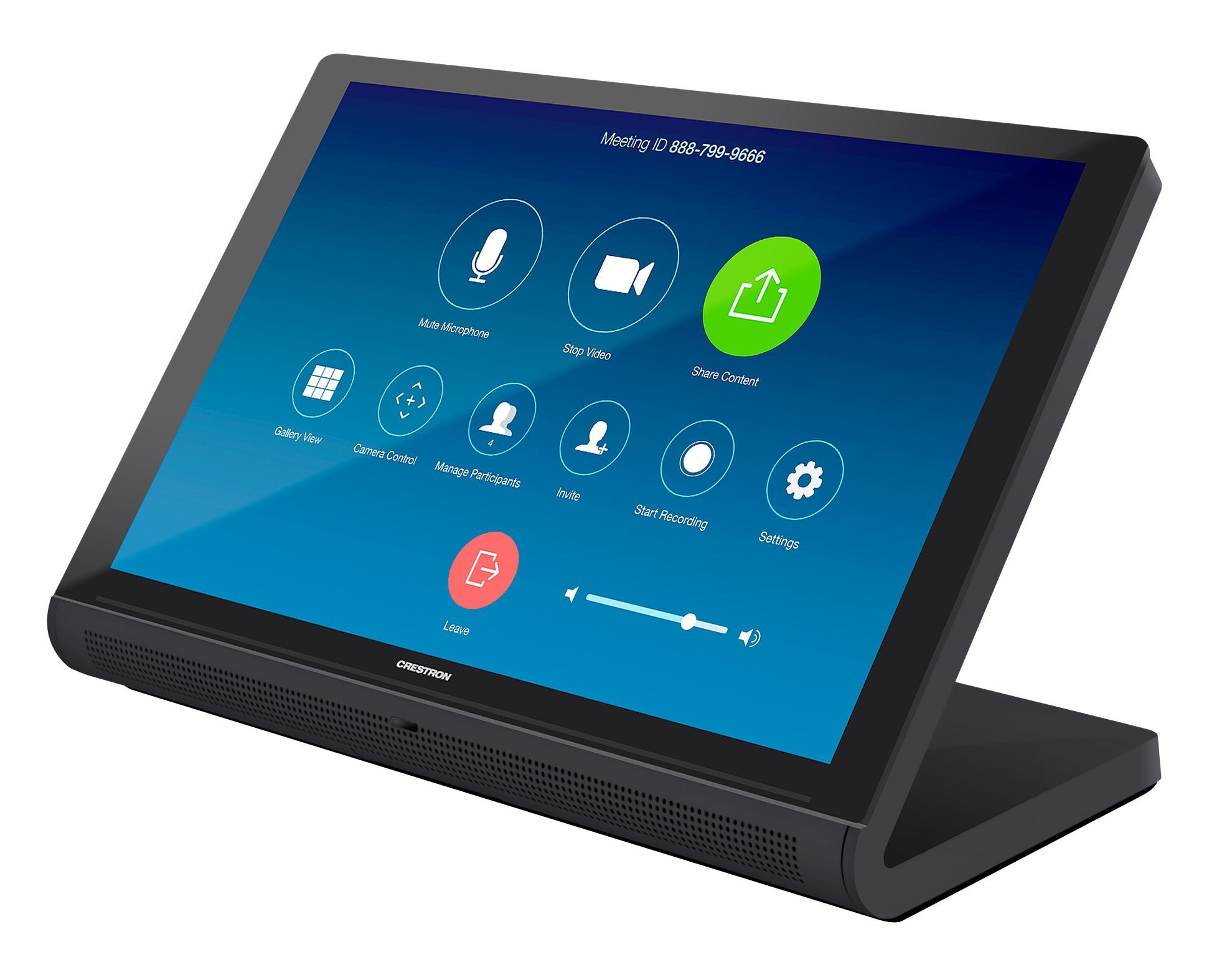
The Crestron® TS-1070-GV series is a stylish and versatile tabletop touch screen that is ideal for residential and enterprise applications. The TS-1070-GV features a 10.1 in. (257 mm) capacitive touch screen display with custom‑programmable control buttons and support for Smart Graphics® software and HTML5‑based custom UI projects. PoE connectivity and a modern tabletop design allow the touch screen to be deployed just about anywhere.
Advanced Touch Screen Control The TS-1070-GV offers a sleek and powerful user interface for controlling technology in a home, boardroom, classroom, or command center. The touch screen provides an intuitive interface that is fully customizable with easy-to-use capacitive controls, true feedback, and real-time status display. A built-in proximity sensor wakes the screen without requiring any user interaction, and automatic brightness controls ensure optimal visibility under varying lighting conditions.
Custom-Programmable Virtual Buttons The TS-1070-GV provides a universal status bar that is populated with virtual buttons for quick access to common touch screen functions. The touch screen comes preconfigured with virtual buttons for Power, Home, Lights, Up, and Down. Each button can be programmed via a Crestron control system to provide custom functionality, and unused buttons can be hidden individually. The universal status bar is expanded or hidden using simple swipe gestures on touch screen display.
Dynamic User Interfaces The TS-1070-GV supports custom user interfaces created with Crestron HTML5 User Interface and Smart Graphics technologies, allowing greater flexibility for UI developers and programmers.
- Crestron HTML5 User Interface enables UI designers to develop rich, front-end user interfaces with increased reusability and efficiency using modern web methodologies. Crestron HTML5 User Interface development tools are provided to simplify creating user interfaces built on standard web technologies - Smart Graphics enables programmers to integrate fluid gesture‑driven controls, animated feedback, rich metadata, embedded apps and widgets, and full-motion video into their user interfaces. Smart Graphics provides dynamic features such as graphical buttons and sliders, lists and toolbars, drag-and-drop objects, dashboard widgets, screensavers, and customizable themes.
Streaming Video Native support for H.265, H.264, and MJPEG formats allows the TS-1070-GV to display live streaming video from an IP camera, a streaming encoder (Crestron DM‑TXRX‑100‑STR, or similar), or a DigitalMedia™ switcher.2 Video is delivered to the touch screen over Ethernet, eliminating the need for any extra video wiring.
Sonos App Sonos and Crestron have partnered to provide a powerful whole-house music experience. From any touch screen in the house, browse for tracks, artists, or playlists using all the services available from Sonos and instantly play them in any room using Sonos® wireless speakers or a Crestron DM-NAX-8ZSA. The Sonos app runs natively on the TS-1070-GV, enabling enhanced control of Sonos products as part of a complete Crestron system. The app checks for updates nightly so it’s always current, and support for the Sonos S2 App is provided.
Crestron Room Scheduling App As part of a complete enterprise room scheduling solution, the TS-1070-GV can be deployed as a scheduling panel via the Crestron room scheduling app. A Crestron scheduling panel can be installed at the entrance of a meeting room to provide indication of the room’s availability and a view of its schedule for the day. If desired, the room can be reserved on the spot for an ad hoc meeting. A CEN‑ODT‑C‑POE occupancy sensor can also be paired to the touch screen, allowing for occupancy status to be reported instantly to the scheduling app for no‑shows and unscheduled room usage.
Running the Crestron Scheduling App, the TS-1070-GV integrates directly with Crestron Fusion® software, Microsoft Exchange Server® software (for users of Outlook® software and Office 365® software), the Google Calendar™ calendaring app (including G Suite™ software), CollegeNET® 25Live® scheduling software, or Ad Astra™ software. IBM® Notes® software is also supported through a Crestron Fusion on‑premises server.
Third-Party Scheduling Apps The TS-1070-GV also includes support various third-party scheduling applications. New providers are made available via firmware updates. Whatever provider you choose, setup is as simple as connecting the touch screen to the network and choosing an app from the web-based setup menu or built-in setup screens. The selected app downloads from the cloud and installs on the touch screen without any programming or control system required.
Zoom Rooms App The Zoom Rooms™ conferencing control application enables the TS-1070-GV to be used as a touch screen control panel for a Zoom Rooms software-based conferencing and collaboration solution. The TS-1070-GV offers a superior alternative to a consumer tablet device, providing a more reliable and secure platform. The TS-1070-GV may be configured to run the Zoom Rooms app exclusively, or to allow toggling between the Zoom Rooms app and touch screen control mode. The latter option is used to integrate Zoom Rooms conferencing into a larger AV system while providing touch screen control for both.
Microsoft Teams App The Microsoft Teams® online meeting solution is the hub for teamwork in Office 365® software, engaging people through messaging, voice over IP, online meetings, conferencing, content sharing, and collaboration. The Microsoft Teams application on the TS-1070-GV enables presentation, calling, conferencing, and collaboration — all through a single touch screen console, with exceptional full‑duplex wideband audio and HD video. A consistent user experience in every meeting space is provided via the familiar and intuitive Microsoft Teams UI, affording simple operation, built‑in calendaring, and one-touch meeting joins.
Crestron Home OS Control The TS-1070-GV may be used to control a Crestron Home® OS whole home solution. Select the Crestron Home app from the touch screen to control lighting, shades, climate, media, security, and cameras, including the ability to create and recall scenes that create a desired ambiance throughout a home. A TS-1070-GV may be installed in each room to provide easy access to various Crestron Home functions for both the room and the home.
Web Browsing Using its built‑in web browser, the TS-1070-GV provides access to online program guides and other web-based services, and it can be used to control DVRs and other devices without having to pick up a separate tablet or smartphone.
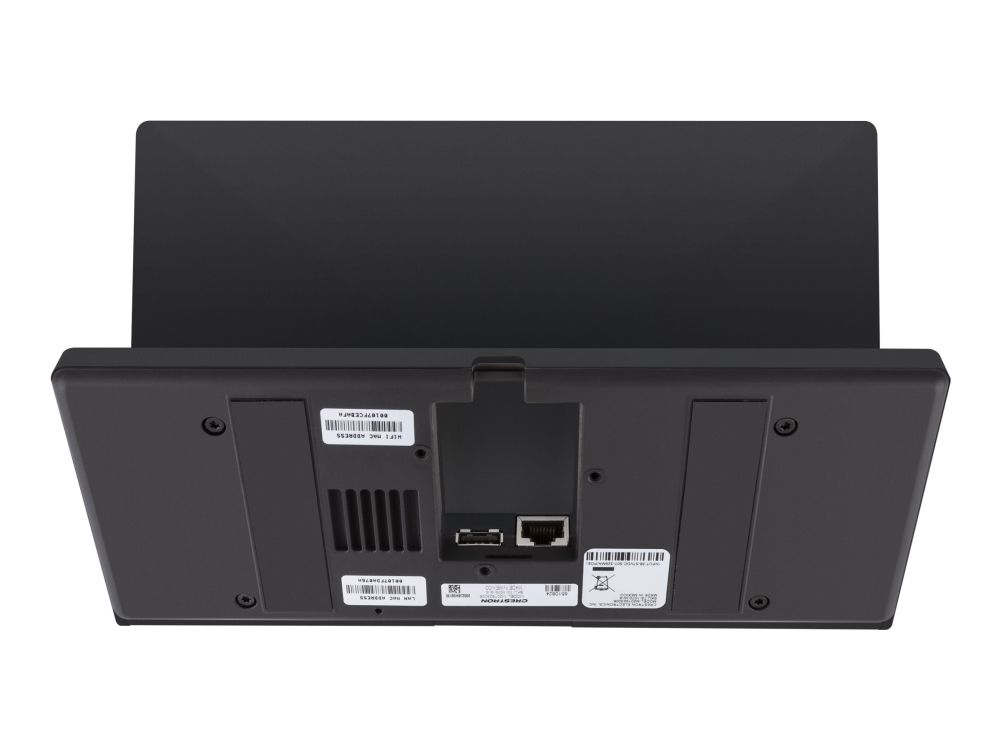
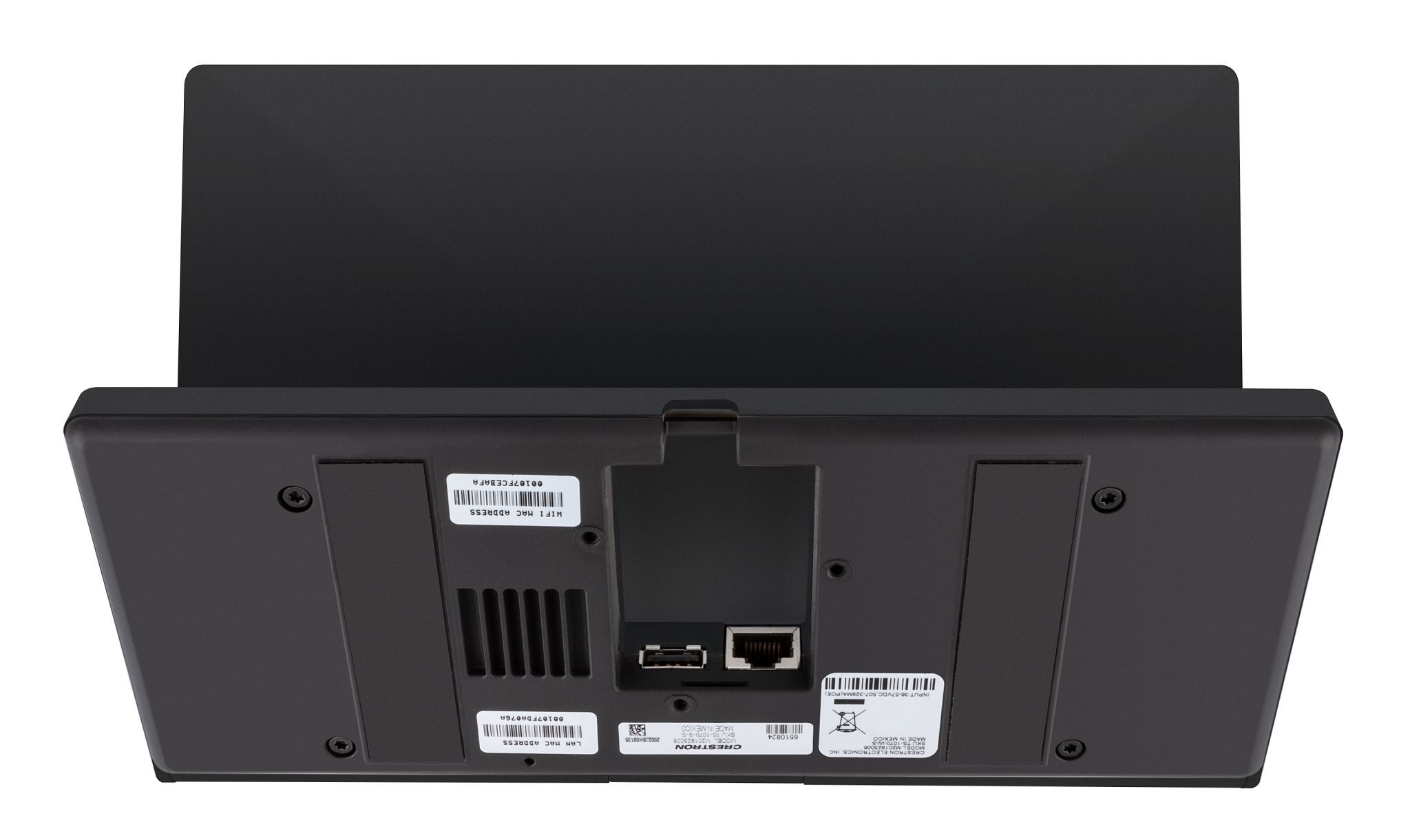
Wired Connectivity An Ethernet LAN connection is all that is required to wire the TS-1070-GV, containing all control, video, intercom, and power signals within a single wire.
Power over Ethernet Using PoE technology, the TS-1070-GV gets its operating power directly through the network cable. PoE (Power over Ethernet) eliminates the need for a local power supply or any dedicated power wiring. Crestron PoE switches (CEN‑SW‑POE‑5 or CEN‑SWPOE‑16) offer a total networking solution with built‑in PoE for multiple touch screens. A PoE Injector (PWE‑4803RU) is also available to support a single touch screen.
High-Speed USB Port The TS-1070-GV provides a high-speed USB 2.0 port for connecting supported Crestron accessories to the touch screen.
Enterprise-Grade Security Crestron touch screens employ enterprise-grade networking with robust security features such as 802.1X authentication, TLS encryption, HTTPS connectivity, and Active Directory® service integration. These features are imperative to protect your network against service interruptions and malicious intrusions, and to ensure compliance with your organization’s network policies. Cloud‑based provisioning and management streamlines the process of configuring, monitoring, and updating every touch screen on the network. Additional support for SNMP allows the touch screen to be monitored by your IT administrator.
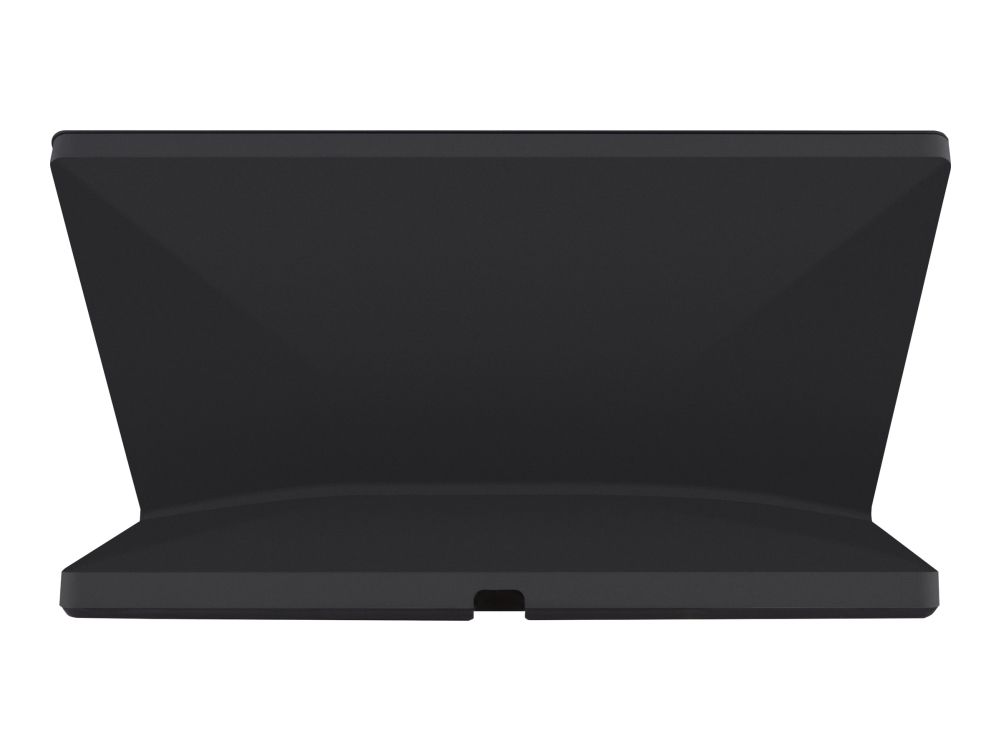
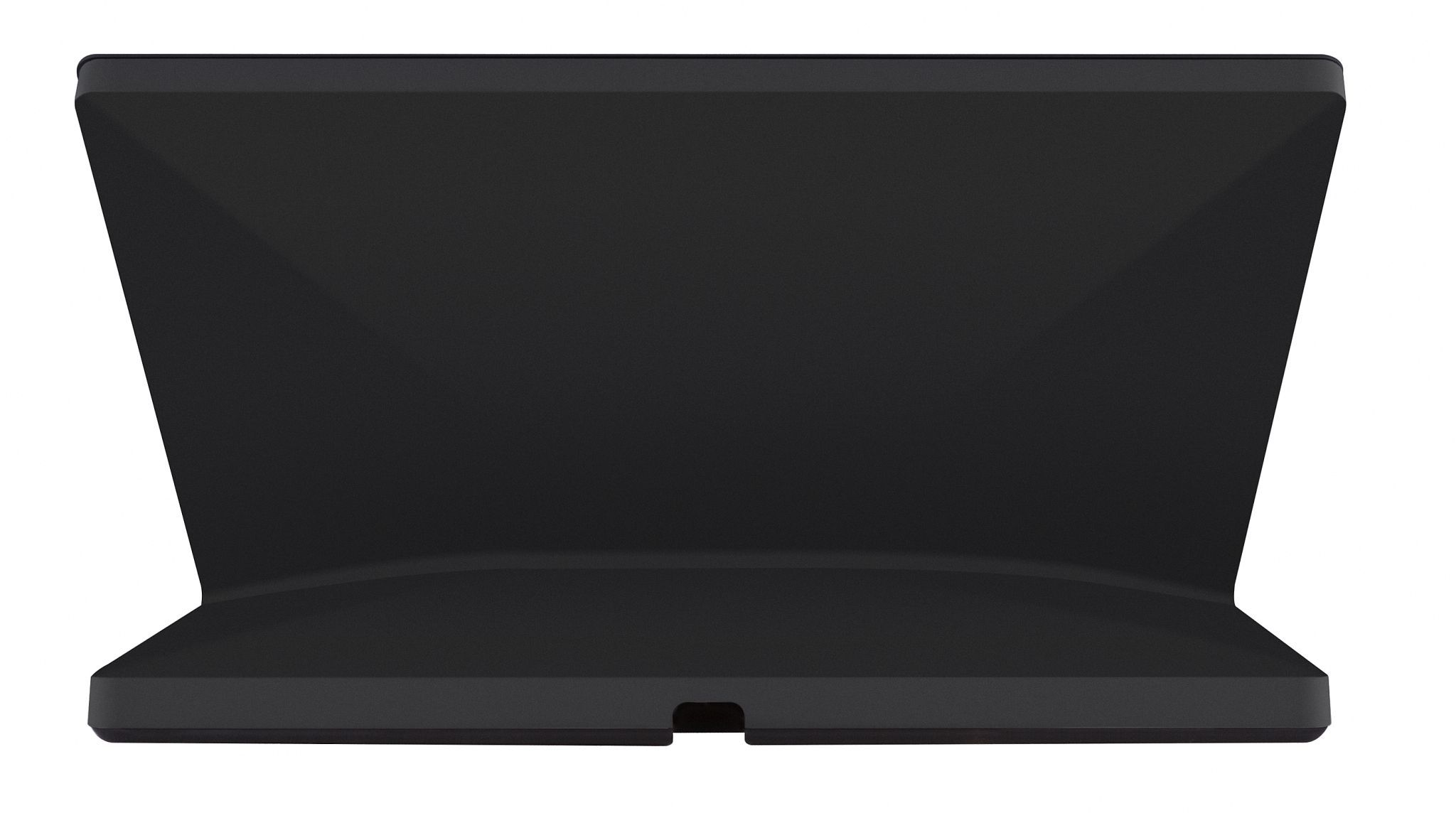
Optional Mounting Accessories The TS-770/1070-SMK allows the touch screen to be mounted permanently to a tabletop and permits up to 330 degree swivel rotation.
IC, DIN 49073, FCC Part 15 Class B, IEEE 802.3at, BS 4662, IEEE 802.1x
Mål og vægt
Bredde
24.5 cm
Dybde
11.9 cm
Højde
13.4 cm
Vægt
1.105 kg
Miljømæssige parametre
Min. driftstemperatur
0 °C
Maks. driftstemperatur
40 °C
Fugtighedsgrad ved brug
10 - 95 % (ikke-kondenserende)
The item is known under the following item numbers in our system
SKU:
TS-1070-GV-B-S
Why do I find that the same product is available on different item numbers?
Manufacturers often release the same product with different item numbers, typically just different versions of the packaging. For example, the packaging may be targeted at different countries.
We try our best to unify the products, but it can happen that the same product appears on different item numbers in our system.