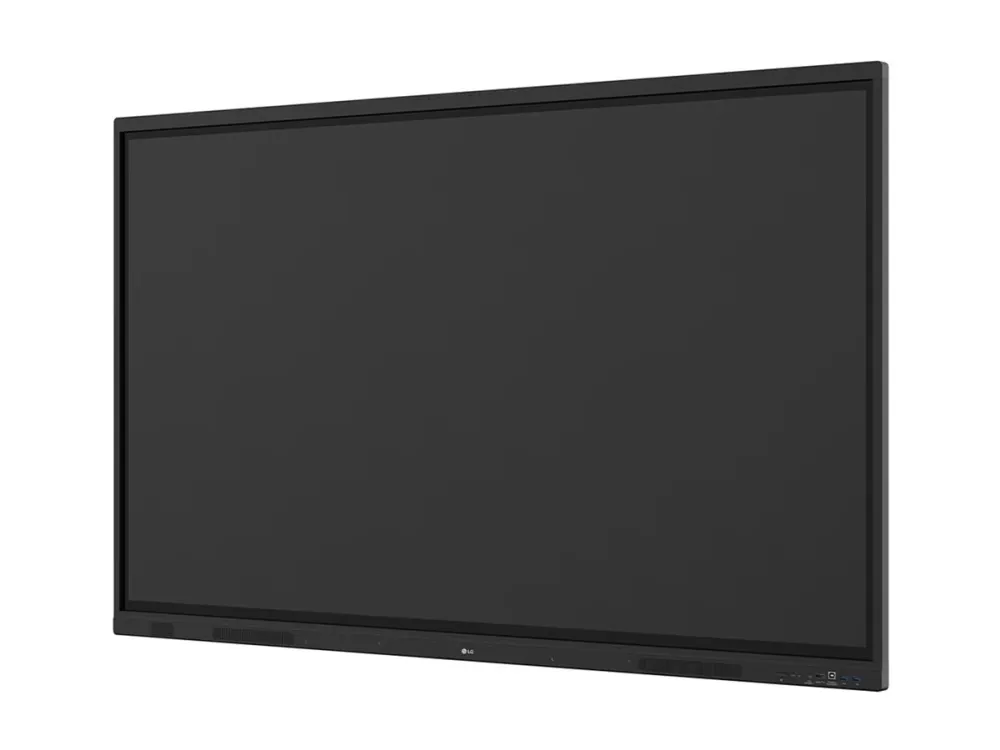
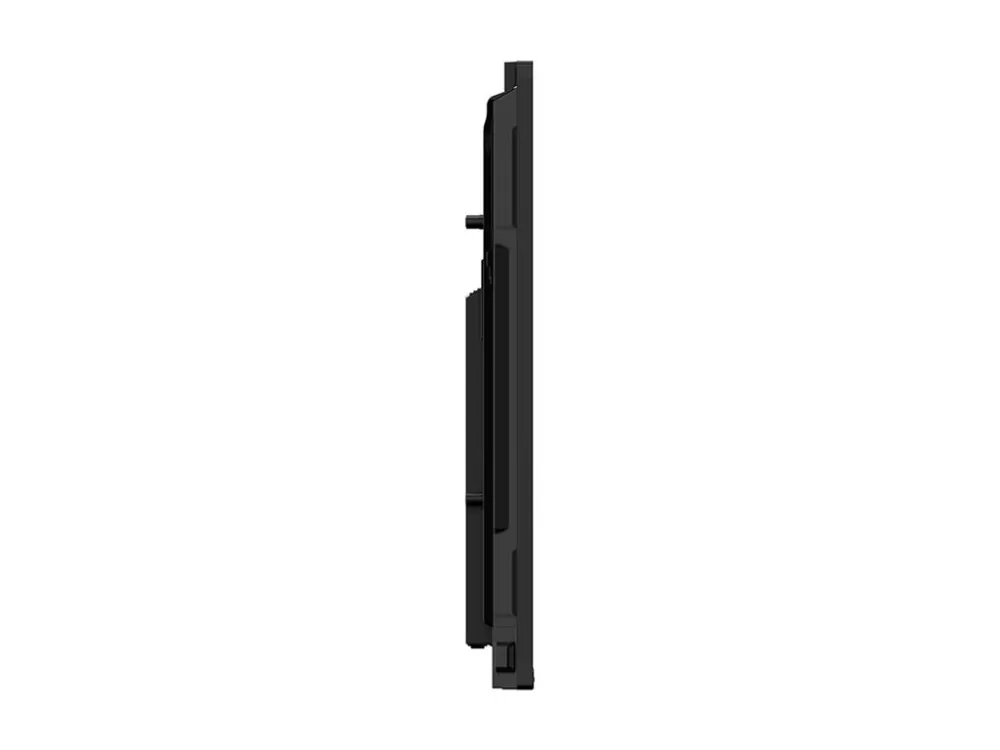
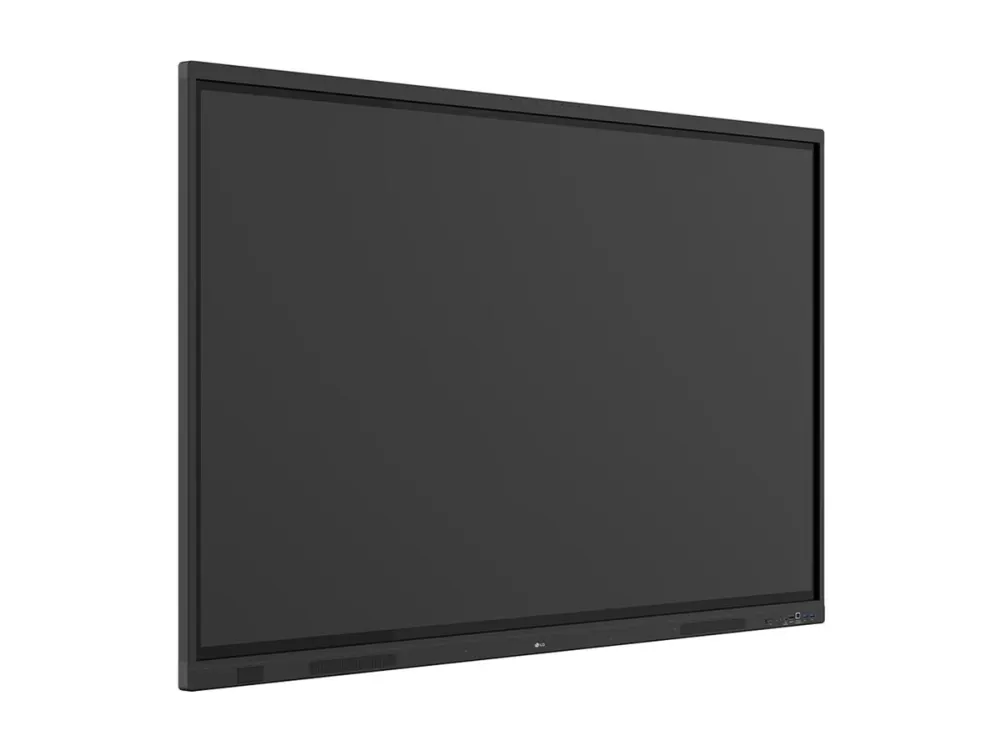
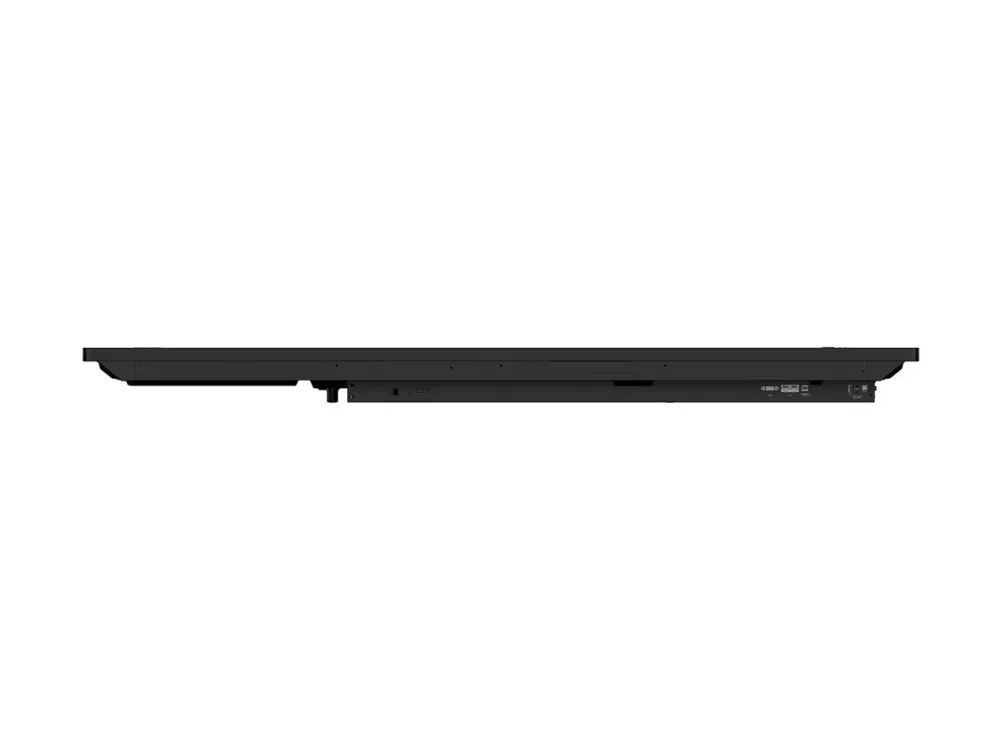
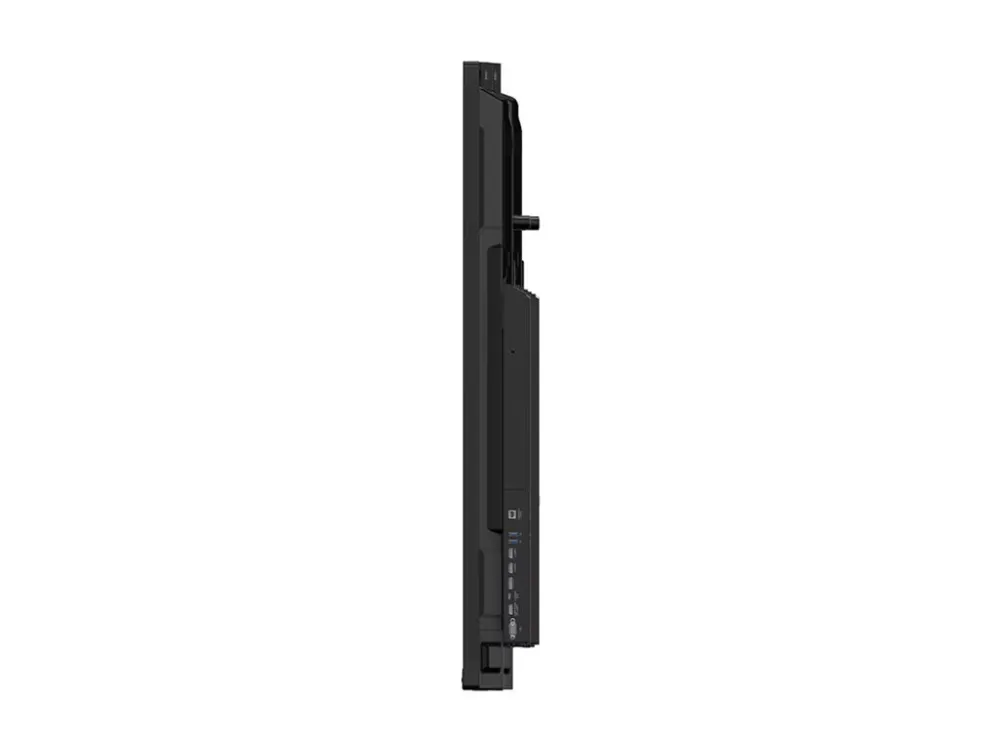
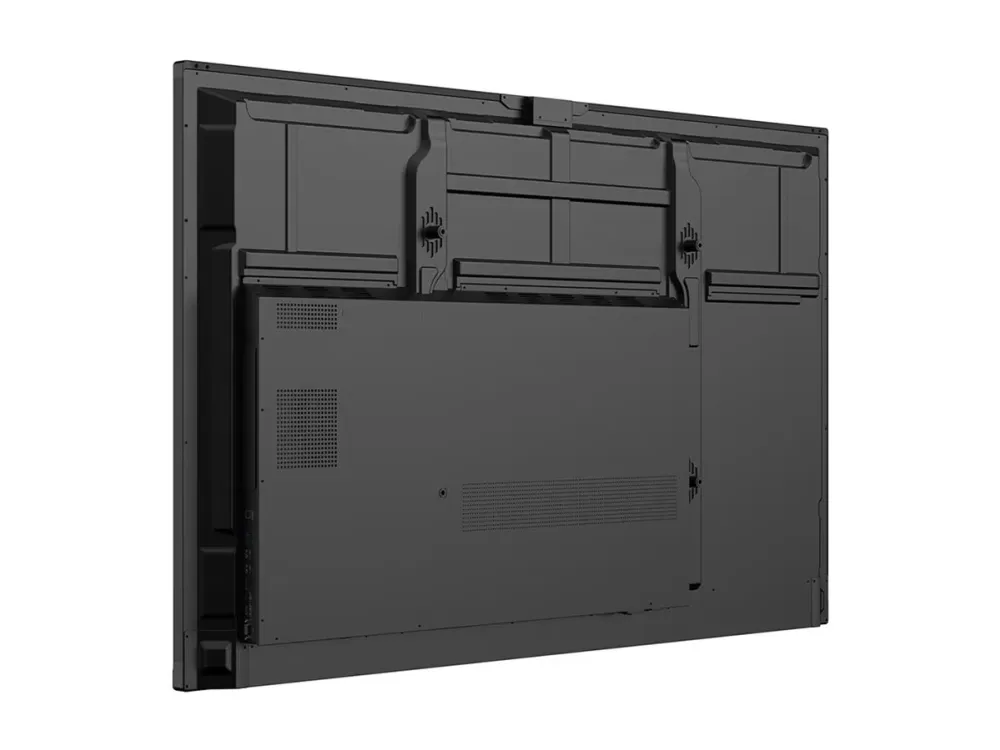
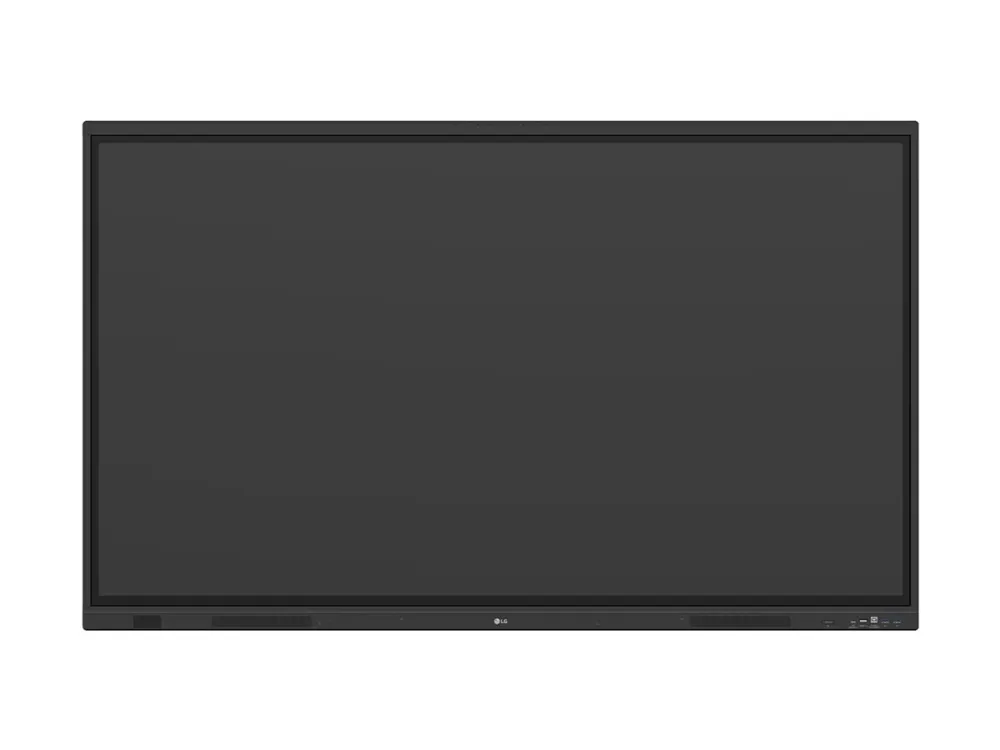
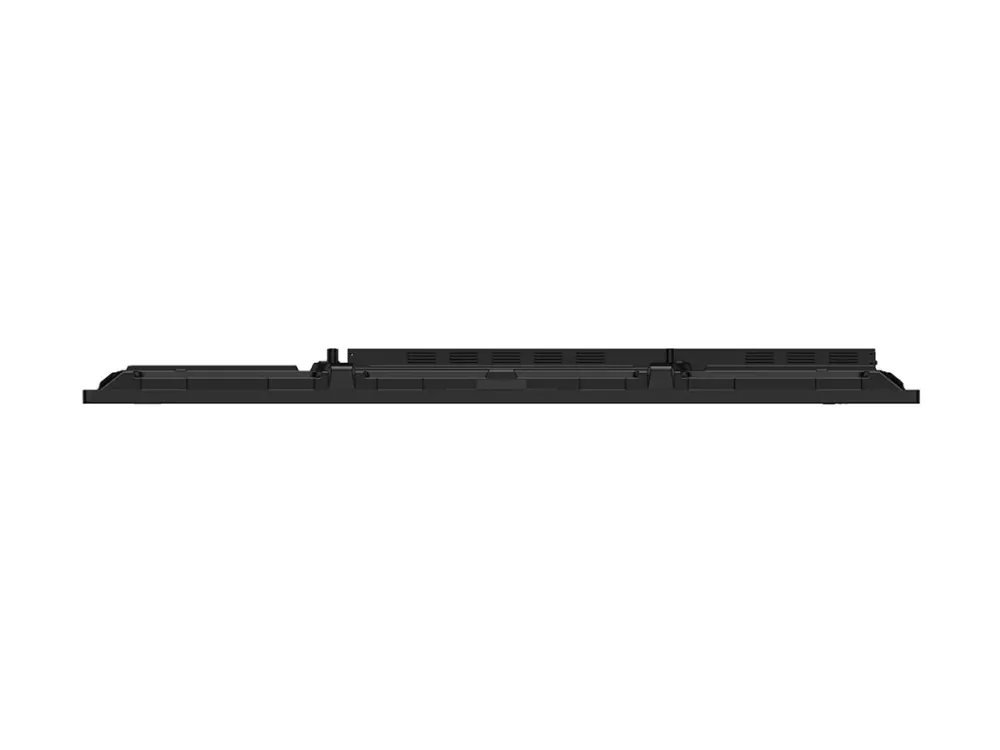
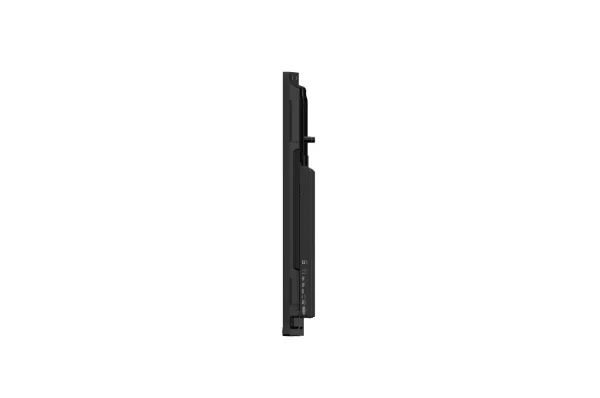
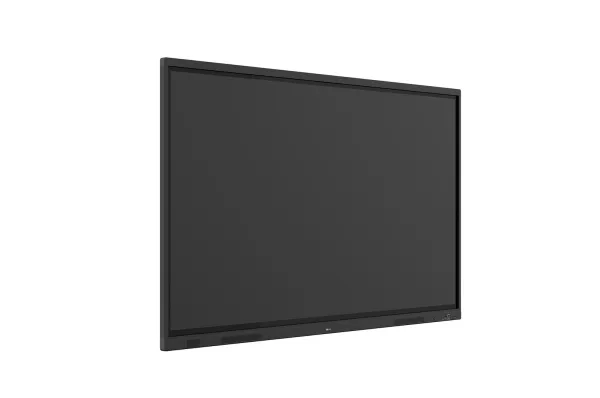
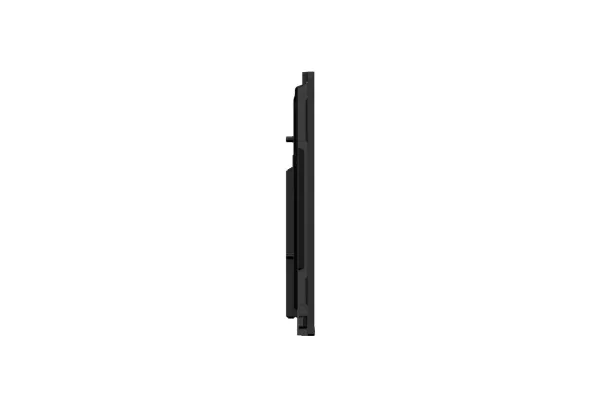
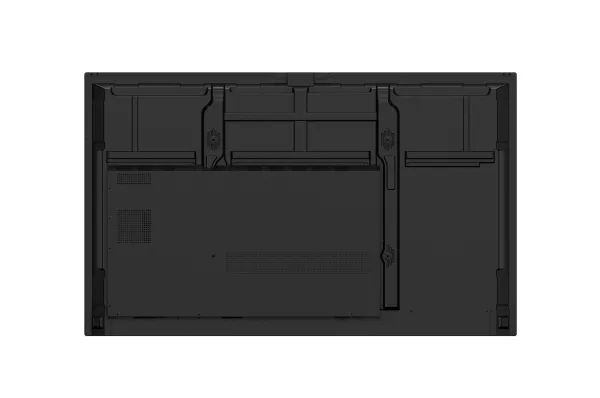
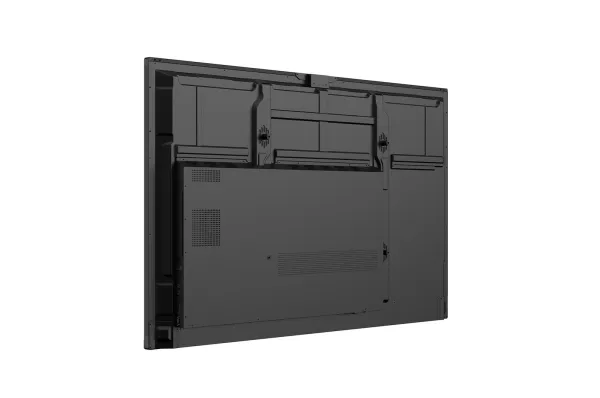
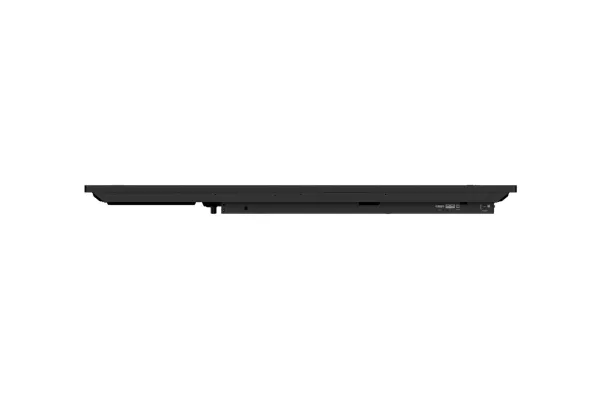
LG CreateBoard Standard, 165.1 cm (65"), 400 cd/m², 1.07 billion colours, 3840 x 2160 pixels, 4K Ultra HD, VA
Item no.: [24493329] | Manufacturer: LG Electronics | Model no.: 65TR3DQ-B | EAN: 8806096421253
Remote stock (3-5 days)
The item is in a remote warehouse, delivery time is 3-5 business days. More info
Delivery options - Select at checkout
159,20
EUR
1.115,31
Incl. VAT 1.394,14
Total incl. delivery
1.593,14
The function requires that you are logged in. Create a user and use our smart list system to keep track of future purchases, regular purchases or wish lists. Create user Login
Send på mail
Do you need a spare part for your monitor or projector?
Our configurator shows exactly the parts that fit 65TR3DQ-B - lamps, stands, power supplies, filters and much more.
Innovate, Collaborate, and Create with Seamless Technology, LG CreateBoard
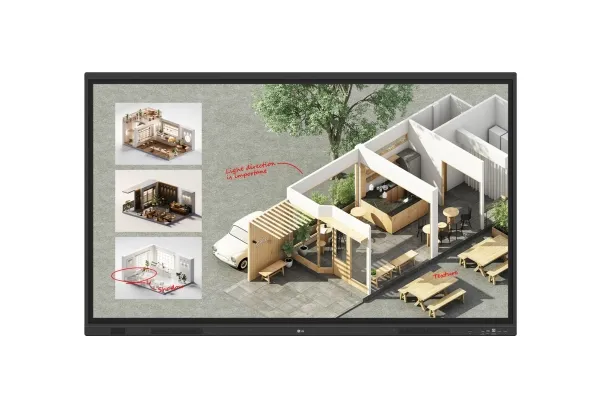
Creative Whiteboard Solution LG CreateBoard offers a lifelike touch experience, allowing users to interact with content directly on the board. You can write, draw, zoom, and rotate using just your fingers, making it an effective tool for creative projects or presentations. Additionally, LG CreateBoard enables screen and content sharing, making it an excellent tool for seamless collaboration even with remote team members.
Various Teaching Templates LG CreateBoard offers a variety of educational templates and tools such as a ruler, table, and sticky note, fostering active student participation and facilitating intuitive lessons.
Easy to Save / Import / Export LG CreateBoard incorporates straightforward import and export features. Resources can be saved and directly imported to and from Google Drive or OneDrive. After meetings, you can directly send emails to share materials, or scan a QR code to transfer them to your personal device.
LG CreateBoard Lab LG’s proprietary whiteboarding software
Tools for Fluid Discussion A variety of tools such as a calculator, clock, and sticky note are available to facilitate smooth discussions and ensure seamless idea sharing and communication. Also, users can personalize the menu bar with their most frequently used tools, thereby improving their work efficiency.
Web Browser When you need a reference during a discussion, you can access various online information in real time with the simple click of a web browser. The necessary information found on the internet can be easily dragged and dropped into the material you’re creating, enhancing the productivity of your meetings.
Multi-OS Support LG CreateBoard Lab offers multi-OS support, allowing users to utilize it not only with LG CreateBoard but also with other devices. This enables users to maintain a seamless experience on tablets, laptops, and various other devices, even outside the classroom.
LG CreateBoard Share LG CreateBoard Share offers a wireless screen sharing feature, providing users with a flexible discussion environment. Users can share their screen from their own PC, tablet, or smartphone, simplifying the process of sharing and collaborating on team projects or presentation materials.
Wireless ScreenShare Feature for Seamless Meeting Environment LG CreateBoard Share establishes a seamless and stable meeting room without the need for extra cables or connections. Presenters can now share their screens without the need to inconveniently move around and unplug and plug cables each time the presenter changes. With the capability to share up to 9 screens in real-time, it’s possible to display multiple people’s materials simultaneously when needed, thereby enhancing the efficiency of collaboration.
Simple Connection to LG CreateBoard Share Users can easily utilize the wireless screen sharing feature via LG CreateBoard Share app, and even without the app, they can still conveniently access this feature through the website. A quick connection to LG CreateBoard Share can be established by entering a 6-digit code.
Presentation Convenience and Flexibility in Meeting Room Wireless screen sharing empowers presenters to navigate freely within a meeting room, unencumbered by cables. This feature enables them to seamlessly control their presentations directly from their own devices. In addition, they can conveniently send photos and videos stored on their personal devices, enhancing the fluidity and richness of their presentations.
Presentation Convenience and Flexibility in Classroom In the classroom, the lecturer or presenter doesn’t need to conduct the lesson near the LG CreateBoard, but can flexibly conduct the lesson from anywhere in the classroom. This promotes a more flexible classroom environment and can help keep students more focused.
Secure Mode LG CreateBoard Share supports Secure Mode, which allows users to grant permissions for sharing. Secure Mode prevents unauthorized users from sharing their screen.
LG ConnectedCare LG ConnectedCare is a cloud solution for remotely monitoring, controlling, and managing the status of LG CreateBoard and LG signage displays. This feature enables IT managers to operate and manage important resources on operating devices without physically visiting sites.
Dashboard The LG ConnectedCare dashboard allows you to view and monitor multiple devices at the same time, thereby saving time and boosting efficiency.
Remote-control The LG ConnectedCare enables centralized and simple control of digital signage connected to the system. Frequently used functions such as power on/off, scheduling and screen brightness adjustment can be applied remotely
Broadcasting Messages and a range of other content can be sent from the main system to individual devices connected to LG ConnectedCare. Company events or announcements can be broadcasted remotely from the cental system at once.
Alert Message In case of urgent occasions such as a fire or a natural disaster, alert messages can be distributed manually across the system, which help teachers and students to swiftly perceive the situation and promptly take safety action.
Google Certification LG CreateBoard has received Google certification, enabling users to seamlessly integrate with the Google ecosystem by connecting their Google accounts.
Google Play Store Users have access to the Google Play Store, where they can download a wide range of applications, including educationrelated games, tools, and more for an expanded experience.
Screen Lock Users can lock the screen using the Screen Lock function, and unlock it by entering a password. This protective measure can be set up in the Settings menu, safeguarding the device from unauthorized access.
USB Lock Mode USB Lock Mode is a security measure that helps prevent data from being copied to unauthorized devices, which is essential when being used in spaces where security is critical.
Auto-remove Files Users can set LG CreateBoard to delete files regularly for enhanced security.
Multi-touch LG CreateBoard boasts a multi-touch functionality that can concurrently detect up to 50 touch points. This feature facilitates simultaneous touch and gesture inputs from multiple users, fostering easy collaboration and idea sharing among team members. This enables efficient interaction in group activities or meetings.
C-type Connection USB-C connectivity simplifies connections which enables charging and sending data simultaneously over just one single cable.
Bluetooth Connectivity LG CreateBoard supports wireless Bluetooth connections to various devices such as a speaker, mouse, keyboard, etc. This is optimal for building a hybrid environment so that online and offline classes can proceed smoothly.
Front Connectivity Design LG CreateBoard is designed with front display ports, making it easy for users to connect or disconnect cables.
Front Speaker and Subwoofer LG CreateBoard delivers audio clarity with powerful front-facing speakers and a dedicated subwoofer. LG CreateBoard provides reliable sound quality that supports effective communication and collaboration without the need for additional audio equipment.
Advanced Eye-care LG CreateBoard has introduced a flicker-free function. With the reduced flickering of the monitor’s backlight, users can use the device with more comfort even when using it for a long time.
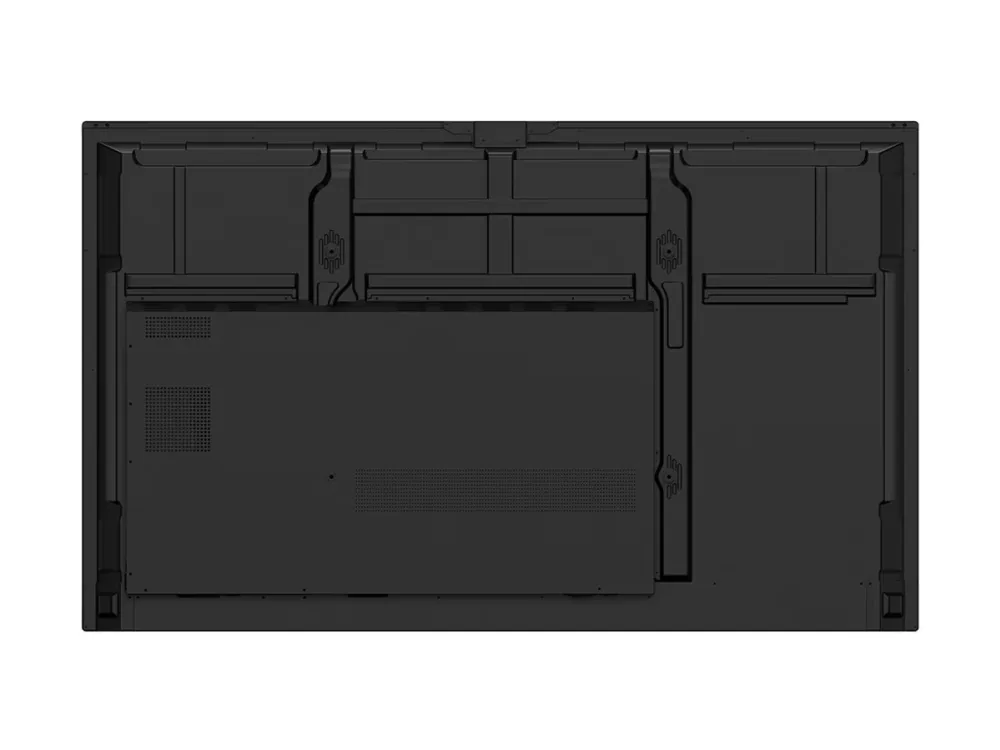
Built-in OPS Slot LG CreateBoard supports OPS slots, allowing users to conveniently mount OPS Module at the back of the screen without the hassle of connecting to an external desktop. This enables various PC functions and Windows software.
Multi-screen Mode LG CreateBoard supports a multi-screen mode, allowing users to utilize multiple screens simultaneously. Users can take notes, play videos, and browse the web at the same time, thereby enhancing work efficiency.
Produktbeskrivelse
LG CreateBoard 65TR3DQ-B TR3DQ Series - 65" LED-bagbelyst LCD paneldisplay - 4K - for uddannelse/virksomhed
Produkttype
LED-bagbelyst LCD fladt paneldisplay med berøringsskærm (multiberøring)/8-mikrofoners array
Diagonal klasse
65"
Kommercielt brug
Ja - uddannelse/virksomhed
Farve
Sort
Platform
Android
Opløsning
3840 x 2160
Display Format
4K UHD (2160p)
Frame Rate og forbedringsteknologi
60 Hz Refresh Rate
Video Grænseflade
HDMI
HDMI Port Antal
3 porte
Konnektivitet
Wi-Fi, LAN, Bluetooth, NFC
PC grænseflade
DisplayPort, VGA (HD-15), USB-C
Teknologi
VA
LCD-baggrundsbelysningsteknik
Direct LED
Billedformatforhold
16:9
Tv-tuner
Ingen radio
Kommercielle funktioner
Local Key Operation, booting logo-billede, LG CreateBoard Share, Network Ready, Real Time Communication (webRTC), Open Pluggable Standard (OPS) support, LG ConnectedCare, auto-fjern filer, Lock Mode, skærmlås, Secure Mode
Indstillinger klonings kapacitet
Ja
Driftstider/-dage
16 / 7
Egenskaber
8-bit support, billede i billede (PIP), billede ved billede (PBP), Crestron Connected Compatible, Touch Overlay, Advanced Eye-Care Technology
Stander & Beslag
Standardmontering af fladt panel
600 x 400 mm
VESA-kompatibilitet
Ja
Media Player
USB Port
Ja
USB Port Antal
8
Konfiguration
4 x ARM Cortex-A73 + 4 x ARM Cortex-A53 - 8 GB - 64 GB - Mali G52 MP8
Fjernbetjening
Type
Fjernstyring
Batteri inkluderet
Ja
Antal inkluderede batterier
2
Antal påkrævede batterier
2
Lydsystem
Højttalersystem
2 højttalere, subwoofer
Udgangseffekt/i alt
60 watt
Højttalere
2 x højttaler - 20 watt 1 x subwoofer - 20 watt
Netværk & Internet Multimedie
Funktionalitet
WEB-browsing, whiteboard
Konnektivitet
Wi-Fi, LAN, Bluetooth, NFC
LAN protokol
Gigabit Ethernet
Wi-Fi protokol
802.11ax (Wi-Fi 6E)
Bluetooth-version
Bluetooth 5.3
Forbind og del
Screen Share
Applikations-butik
Google Play
Tilslutninger
Forbindelsestype
HDMI - front 2 x HDMI - bagside DisplayPort input VGA-indgang Lydindgang RS-232 input LAN input 2 x USB-C 3.0 - front 2 x USB-C 3.0 - bagside USB-C 3.0 - top USB 2.0 - top USB-C med 65 W Power Delivery - front USB-C med 65 W Power Delivery - bagside HDMI-udgang Lydudgang Berøring - front 2 x berøring - bagside LAN output SPDIF-udgang
Diverse
Udstyr inkluderet
2 pen-skrivestifter, Wi-Fi modul
Medfølgende ledninger
USB type A til USB type B-kabel - 5 m HDMI-kabel - 3 m USB-C til USB-C kabel - 1.8 m
Overensstemmelsesstandarder
CEC, IEC 62368-1:2018, UL 62368-1:2019, EMC, FCC Klasse A certificeret, KC, ERP, Google EDLA
Bæredygtighedsoplysninger
ENERGY STAR-certificeret
Ja
Effekt
Strømenhed
Strømforsyning
Indgangspænding
AC 100-240 V (50/60 Hz)
Strømforbrugs-stand by
0.5 watt
Funktioner
Smart energibesparelse, WOL (Wake on LAN)
Mål & vægt (forsendelse)
Bredde (forsendelse)
162.8 cm
Dybde (forsendelse)
18.5 cm
Højde (forsendelse)
101.4 cm
Vægt (forsendelse)
41.55 kg
Miljømæssige parametre
Min. driftstemperatur
0 °C
Maks. driftstemperatur
40 °C
Fugtighedsgrad ved brug
10 - 90% RH
The item is known under the following item numbers in our system
EAN:
8806096421253
SKU:
65TR3DQ-B
Why do I find that the same product is available on different item numbers?
Manufacturers often release the same product with different item numbers, typically just different versions of the packaging. For example, the packaging may be targeted at different countries.
We try our best to unify the products, but it can happen that the same product appears on different item numbers in our system.