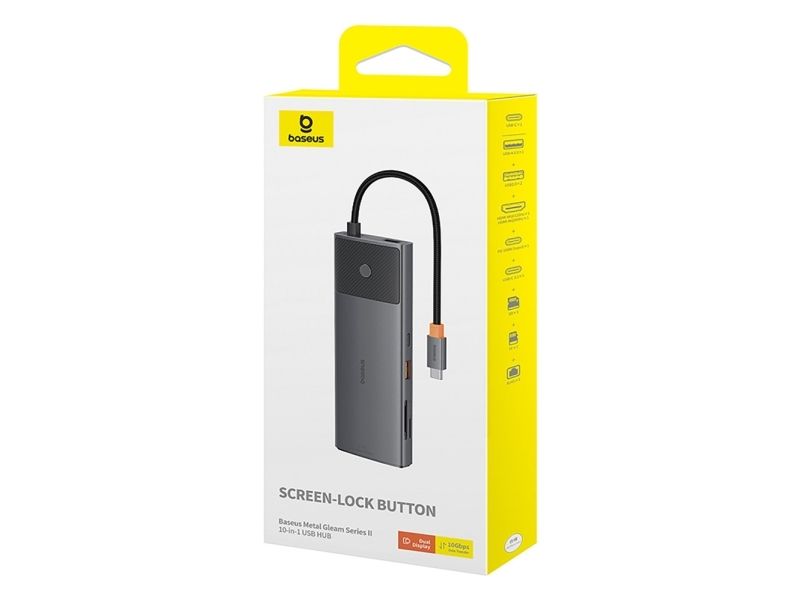
HUB USB Baseus Hub USB-C Baseus Metal Gleam II 10w1 HDMI USB-A USB-C RJ45 SD/TF - szary
FBAC4895-B52C-4E03-B099-A6A8F8B8017B Created with sketchtool. 706D6907-81E1-46A2-B8F9-7B702A1EF2C7 Created with sketchtool. 6A870209-E7F5-44F5-A66F-09E20C85A0DC Created with sketchtool. 0BB04D6C-A9AB-4913-BF4F-5A23954E68E1 Created with sketchtool. 501E26C7-66C1-4DAA-B740-6CFAF55A1B39 Created with sketchtool. C105F7D3-D5EE-43C9-9EE8-05CC42B296D4 Created with sketchtool. D94689D8-7CBB-41C8-AC06-F79D81FF82D5 Created with sketchtool. DA4C7ED9-2512-4D52-94F0-92800F2A6E04 Created with sketchtool. 42E133FD-828F-4CF4-A0BF-560014487A57 Created with sketchtool. F52D9745-4BFD-4506-BEEF-630FD09EF2D9 Created with sketchtool.
Remote stock (4-5 days)
The item is in a remote warehouse, delivery time is 3-4 business days. More info
Delivery options  - Select at checkout
Shipping @price - GLS
12,00
EUR 60,07
Incl. VAT 75,09
Total incl. delivery 90,09

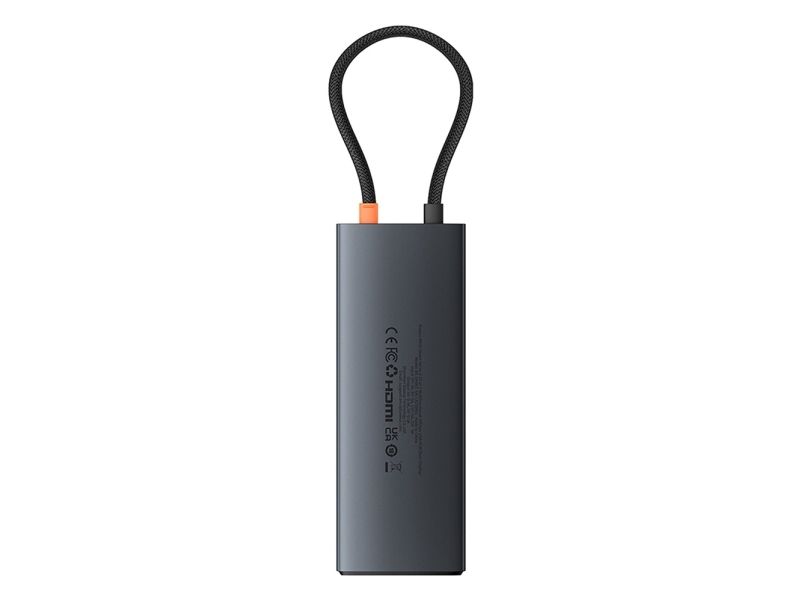
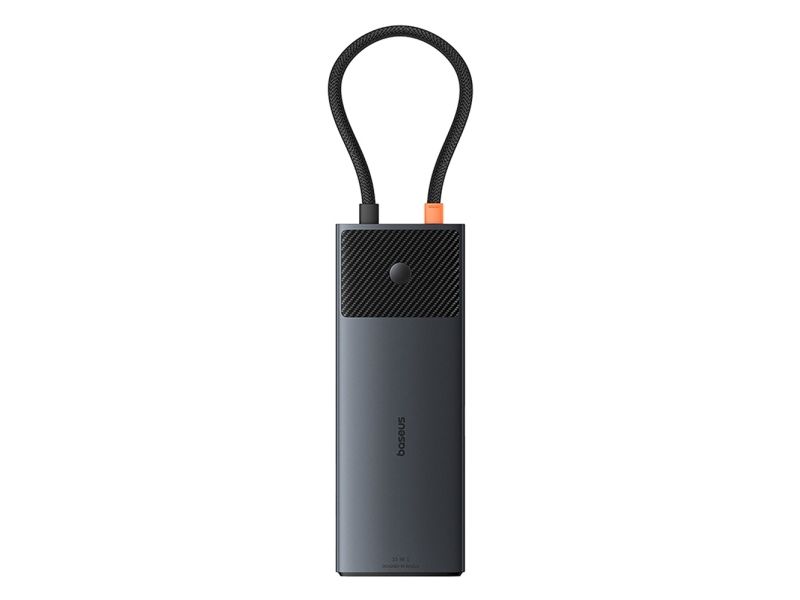
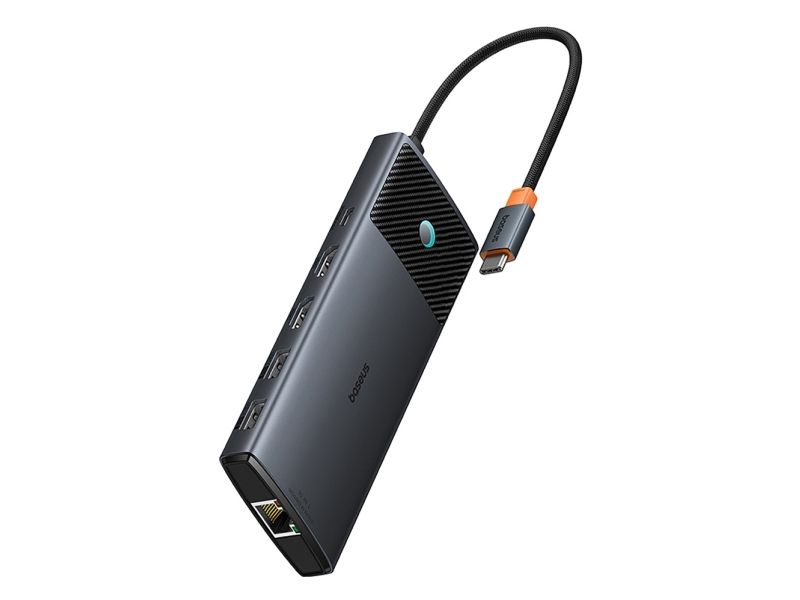
Baseus Metal Gleam II 10in1 HDMI USB-A USB-C RJ45 SD/TF Hub - Gray

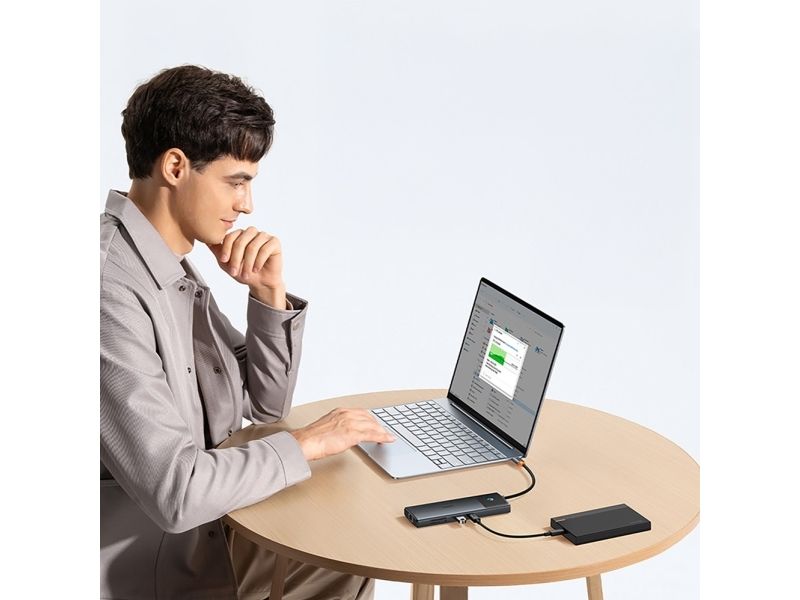
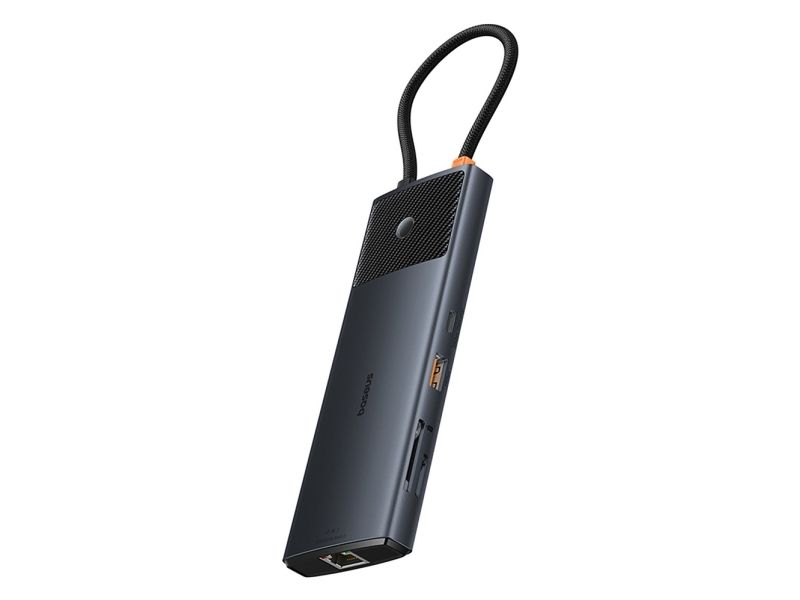
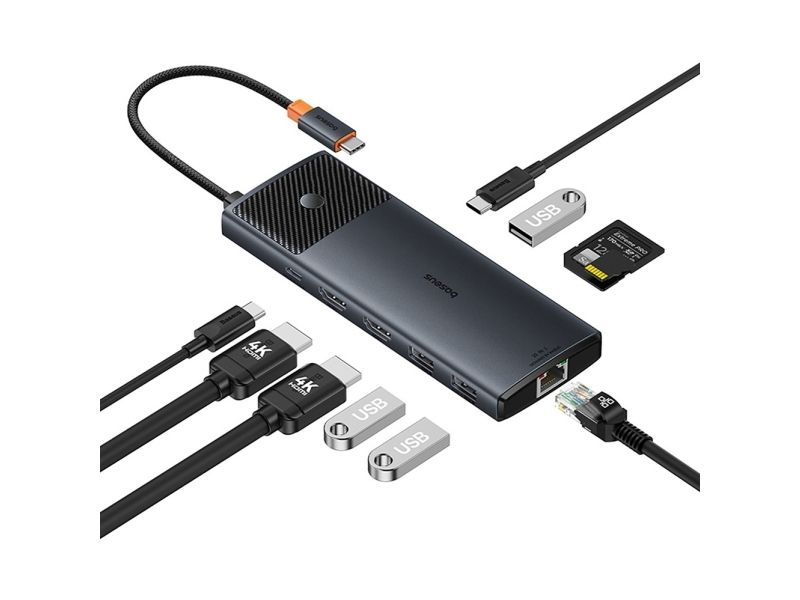
The Baseus Metal Gleam II 10-in-1 is a versatile USB-C hub that expands the capabilities of your laptop in a compact, stylish design. With two HDMI ports (including one supporting 4K@120Hz), high-speed USB 3.2 Gen 2 ports (10Gbps), and 100W Power Delivery , it ensures excellent image quality and lightning-fast data transfer. Ideal for work and entertainment, it supports Windows and macOS display modes, including extended A+B+C display. An integrated screen lock button allows you to quickly hide content, while the aluminum housing ensures durability and aesthetics. It's the perfect travel companion – lightweight, integrated with its own USB-C storage port. Choose performance, security, and modern design in one device.

#

Specification:

  • Brand: Baseus
  • Model: Baseus Metal Gleam II 10in1
  • Entry:
    • USB-C (PD 100W)
  • Exit:
    • HDMI1: 4K@120Hz (max)
    • HDMI2: 4K@60Hz (max)
    • USB-A 3.2: 10Gbps (max)
    • USB-C 3.2: 10Gbps (max)
    • 2 x USB-A 2.0: 480Mbps (max.)
    • USB-C PD: 100W (input, max)
    • RJ45: 1000Mbps (max)
    • SD + TF (microSD)
  • Screen modes:
    • Windows: mirror A+A+A / extend A+B+B / extend A+B+C
    • MacOS: mirror A+A+A / extend A+B+B
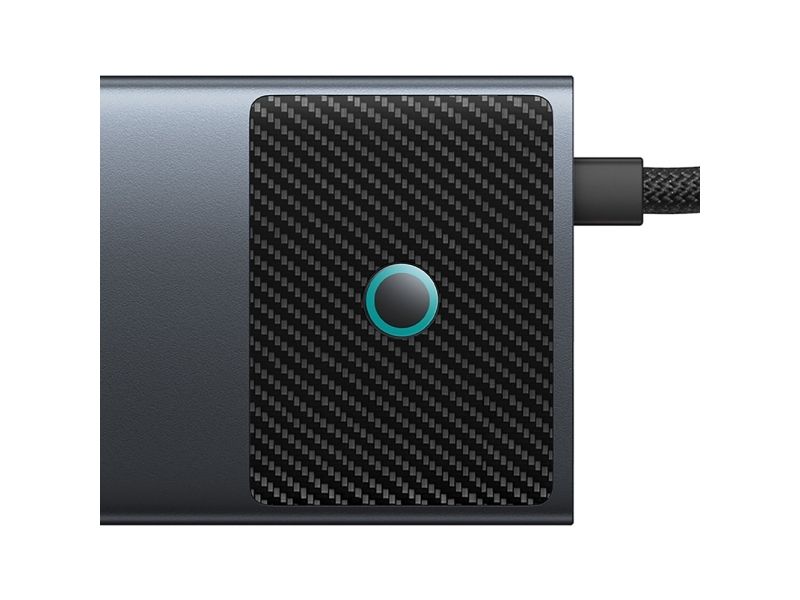
  • Screen button: yes (one-click screen lock)
  • Size: 12 × 51 × 142 mm
  • Cable length: 230 mm
  • Net weight: about 120g
  • Material: aluminum
  • Color: gray

Display modes depending on device:

TBT 4/DP1.4 DP1.2 MacBook
 HDMI Port 1 HDMI Port 2 HDMI Port 1 HDMI Port 2 HDMI Port 1 HDMI Port 2
Single Display 4K@120Hz 4K@60Hz 4K@30Hz 4K@30Hz 4K@60Hz 4K@60Hz
Dual Display 4K@60Hz + 4K@60Hz 1080P@60Hz + 1080P@60Hz 4K@60Hz + 4K@60Hz

The most important advantages of the Baseus Metal Gleam II 10-in-1 hub:

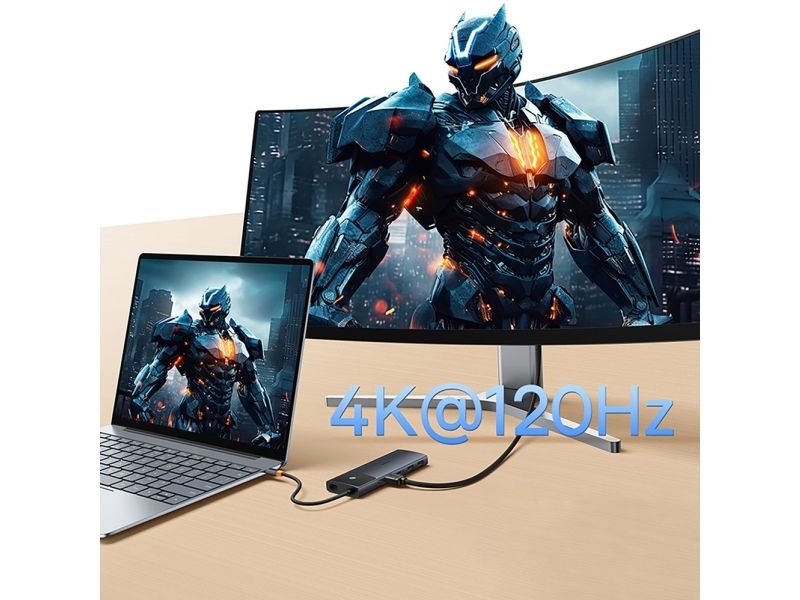
  • 4K@120Hz support on HDMI1: Exceptionally smooth picture quality ensures an unforgettable experience for work and play.
  • Fast 10Gbps data transfer: USB-A and USB-C 3.2 Gen 2 ports enable file transfers at up to 10Gbps.
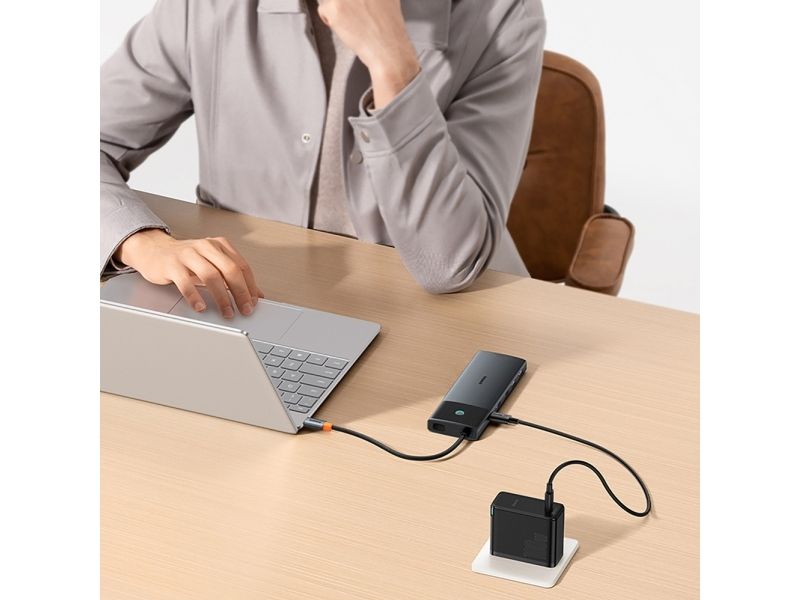
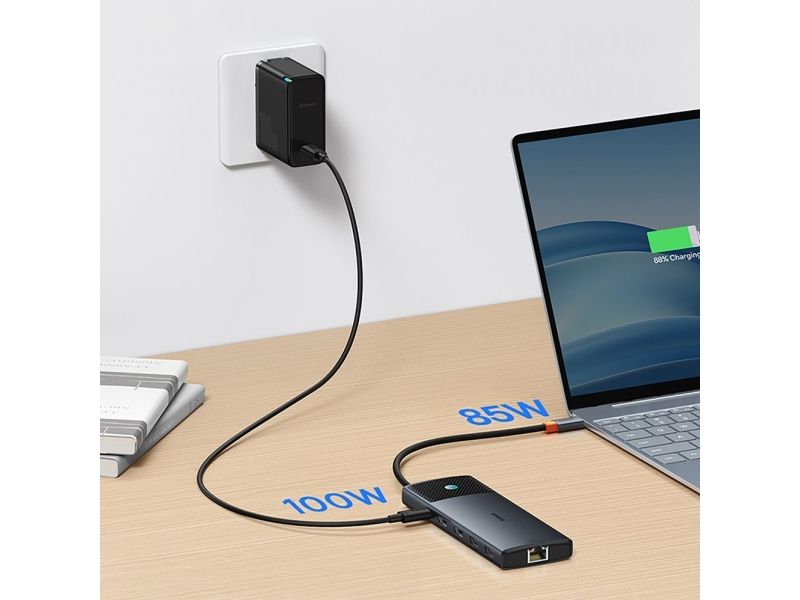
  • 100W Power Delivery: lightning-fast charging of laptops via USB-C port – even during heavy use.
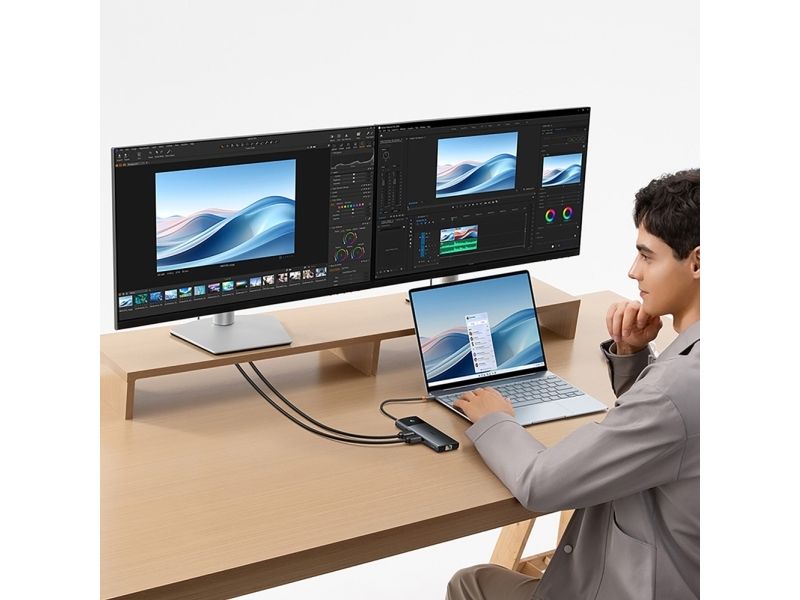
  • Extended display modes: Support for multiple display configurations on Windows and macOS, including extending up to three different content simultaneously.
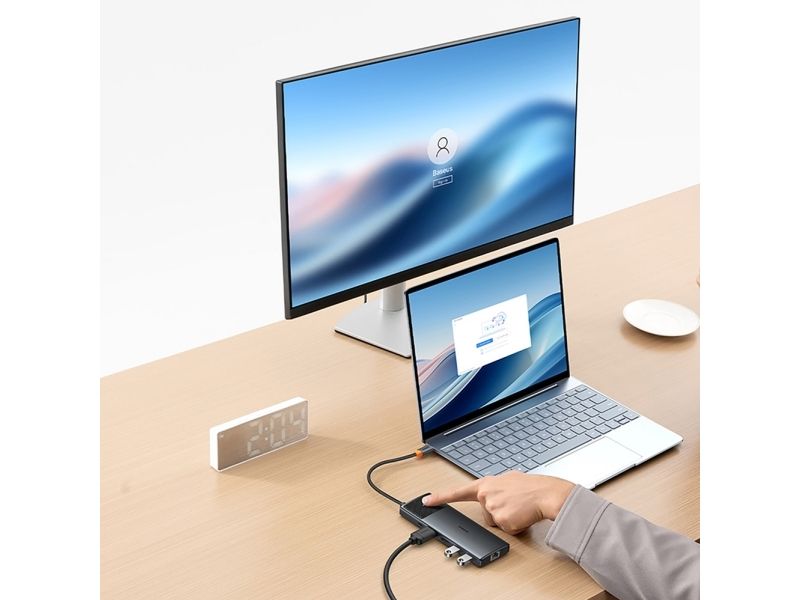
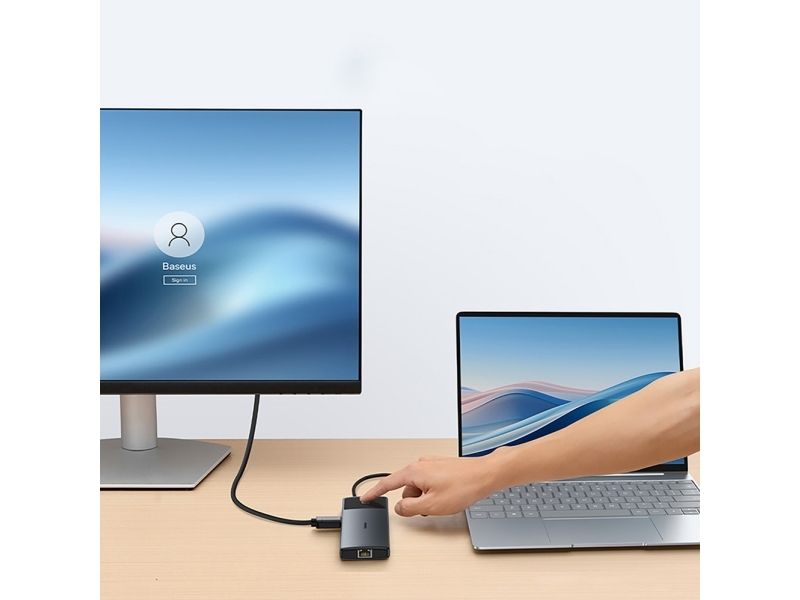
  • Screen lock button: Instantly hides the screen – perfect for meetings and privacy.

4K@120Hz support on HDMI1 impresses with its quality

The HDMI1 port on the Baseus Metal Gleam II hub supports 4K at 120Hz, which means incredibly smooth and sharp detail reproduction – perfect for gamers, graphic designers and multimedia professionals.

#

Fast data transfer via USB 3.2 Gen 2

Two ports with a throughput of up to 10Gbps enable the transfer of large files (e.g. 20 GB in just 20 seconds), which translates into time savings and work efficiency.

#

PD 100W – fast laptop charging

The USB-C input port supports Power Delivery up to 100W, ensuring your laptop can be charged at up to 85W without interrupting your other devices.

#

Extension modes for Windows and MacOS

The hub allows you to work in various configurations: extending the image to two additional monitors, mirroring or different content on each screen – depending on the system.

#

The lock button hides the screen instantly

The built-in button allows you to instantly turn off the displayed image – especially useful in situations where you want to keep the content on the screen confidential.

#