PremiumCord HDMI 2.1 splitter 1-2 porty
FBAC4895-B52C-4E03-B099-A6A8F8B8017B Created with sketchtool. 706D6907-81E1-46A2-B8F9-7B702A1EF2C7 Created with sketchtool. 6A870209-E7F5-44F5-A66F-09E20C85A0DC Created with sketchtool. 0BB04D6C-A9AB-4913-BF4F-5A23954E68E1 Created with sketchtool. 501E26C7-66C1-4DAA-B740-6CFAF55A1B39 Created with sketchtool. C105F7D3-D5EE-43C9-9EE8-05CC42B296D4 Created with sketchtool. D94689D8-7CBB-41C8-AC06-F79D81FF82D5 Created with sketchtool. DA4C7ED9-2512-4D52-94F0-92800F2A6E04 Created with sketchtool. 42E133FD-828F-4CF4-A0BF-560014487A57 Created with sketchtool. F52D9745-4BFD-4506-BEEF-630FD09EF2D9 Created with sketchtool.
Remote stock (3-5 days)
The item is in a remote warehouse, delivery time is 3-5 business days. More info
Delivery options - Click an option to choose
Shipping @price - GLS
12,00
EUR 41,71
Incl. VAT 52,14
Total incl. delivery 67,14
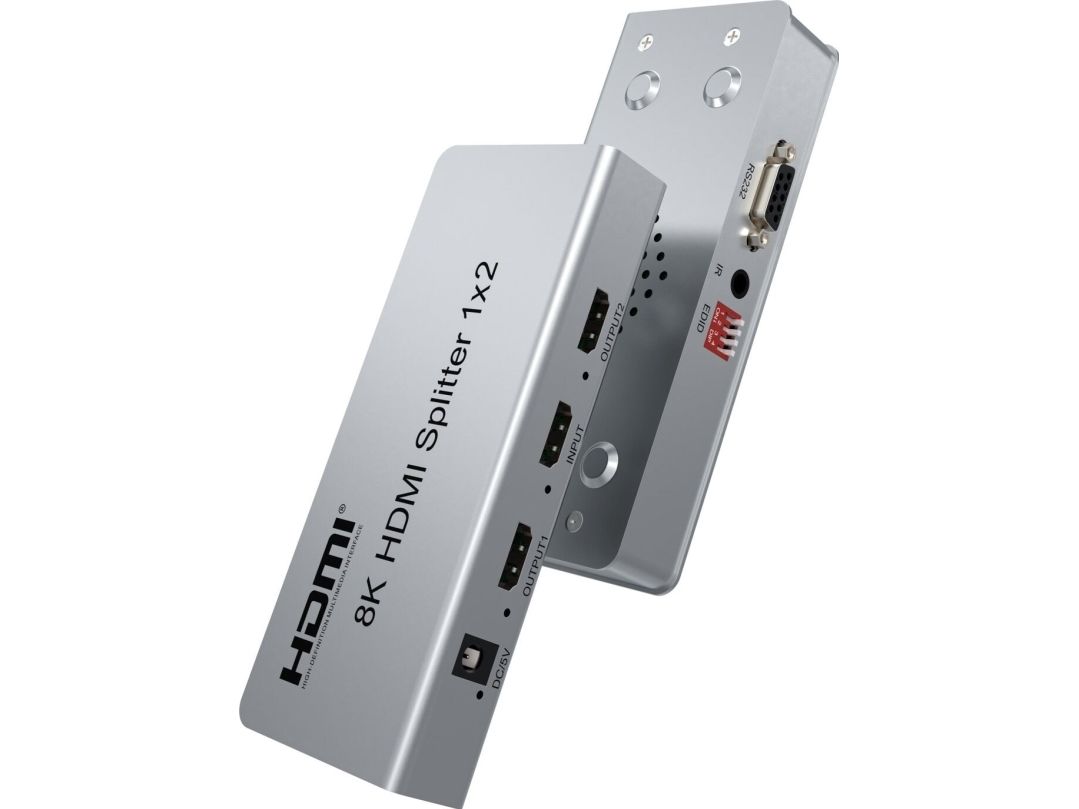
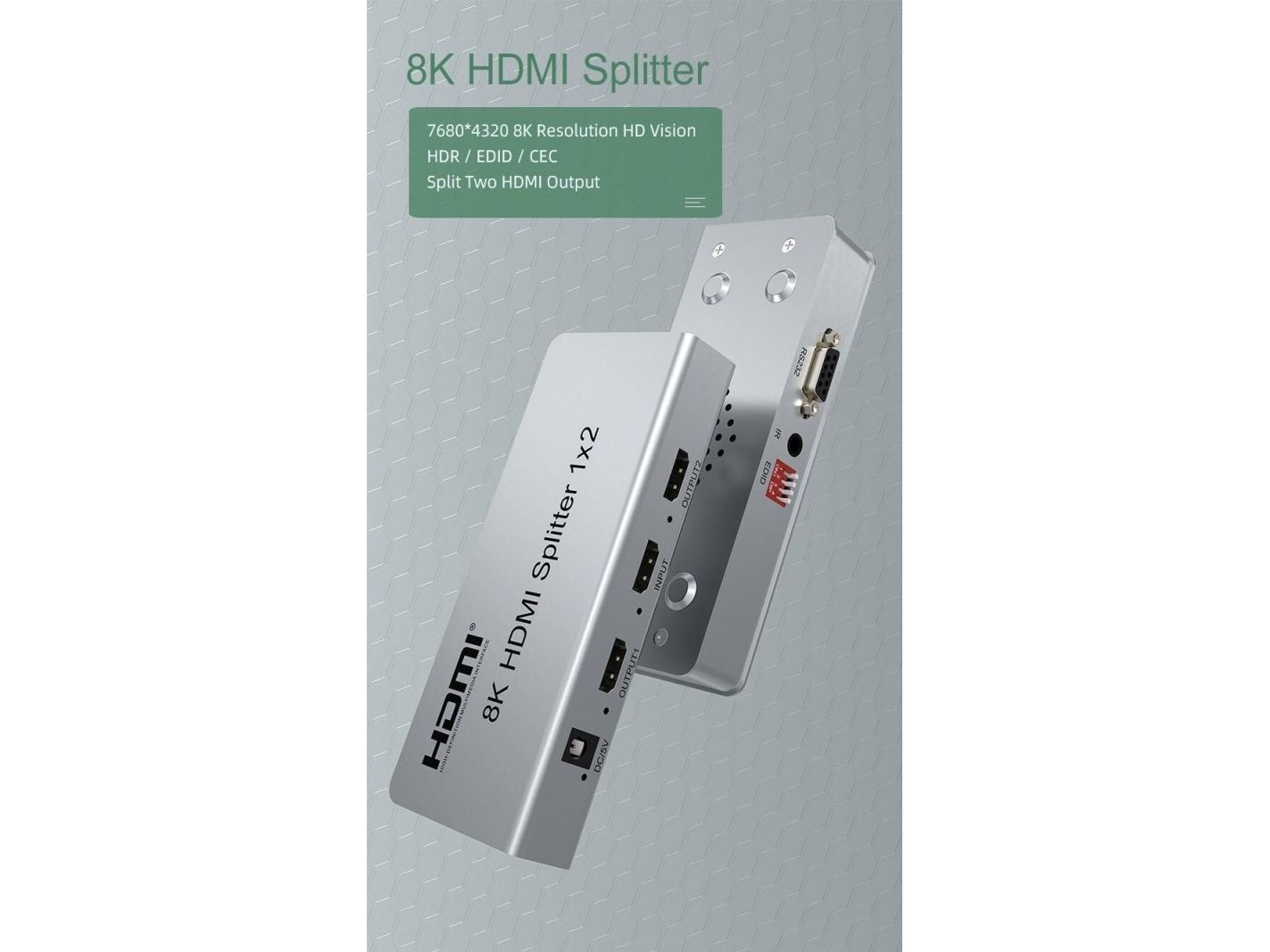
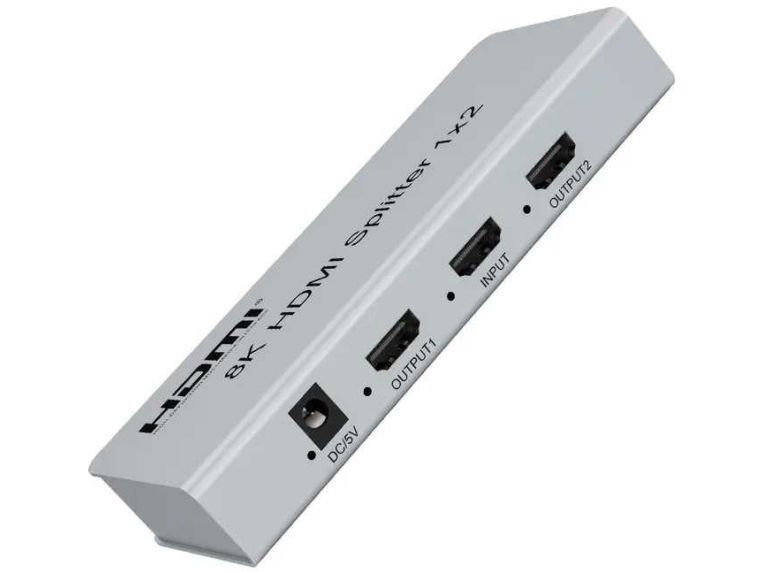
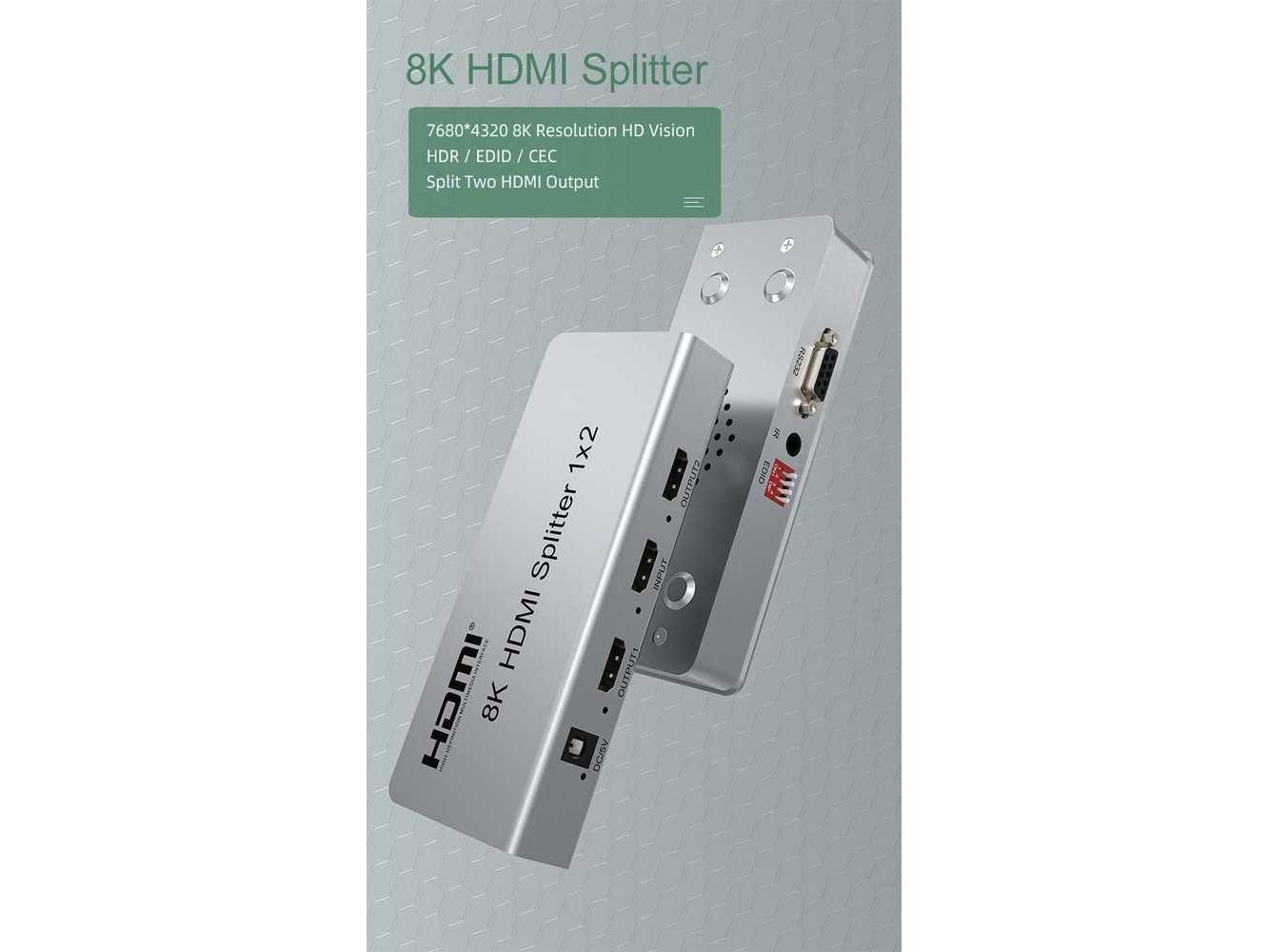
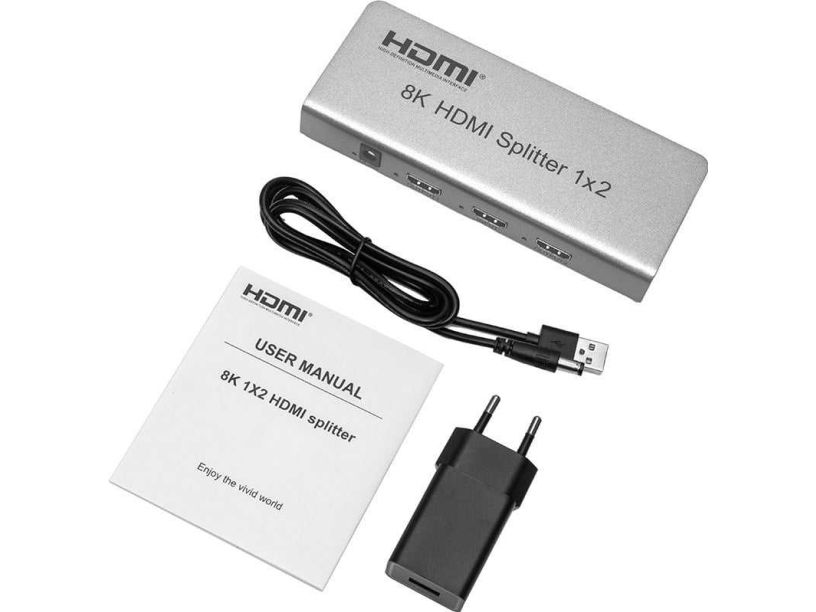
PremiumCord HDMI 2.1 splitter 1-2 ports, 8K@60Hz, 4K@120Hz, 1080p, HDR

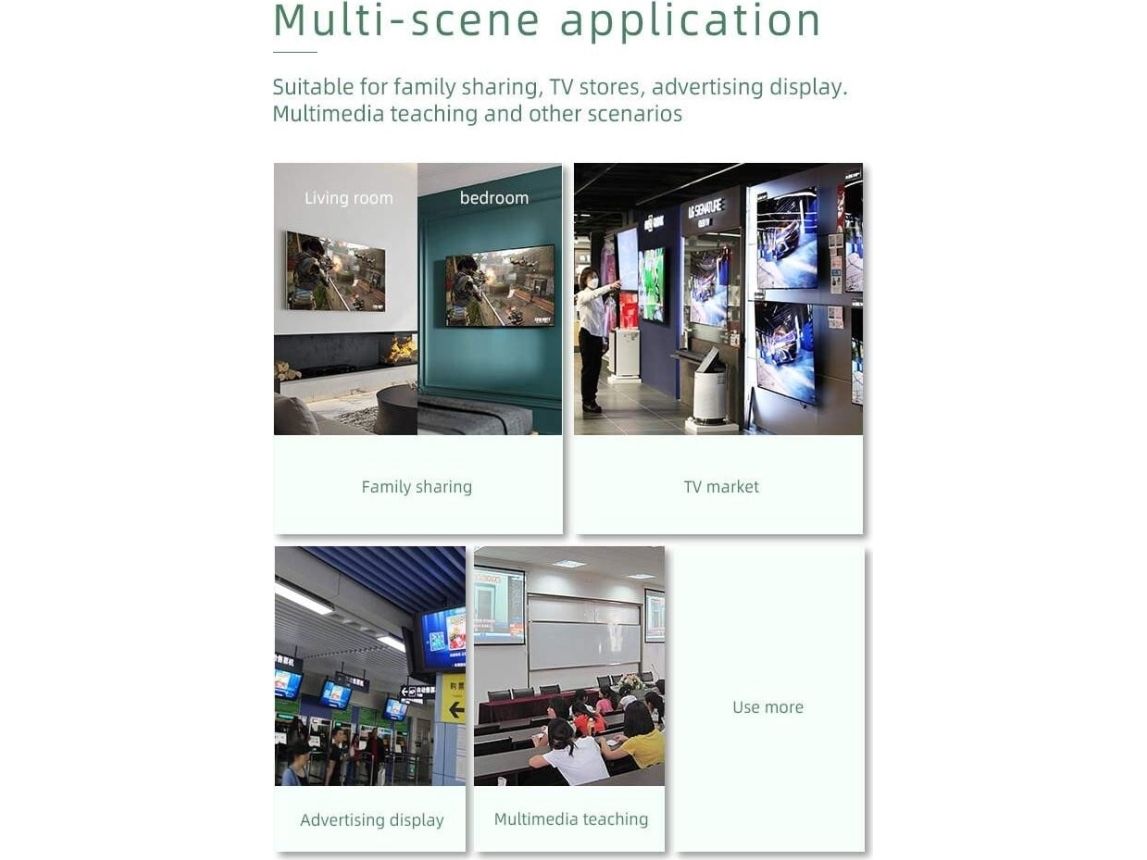
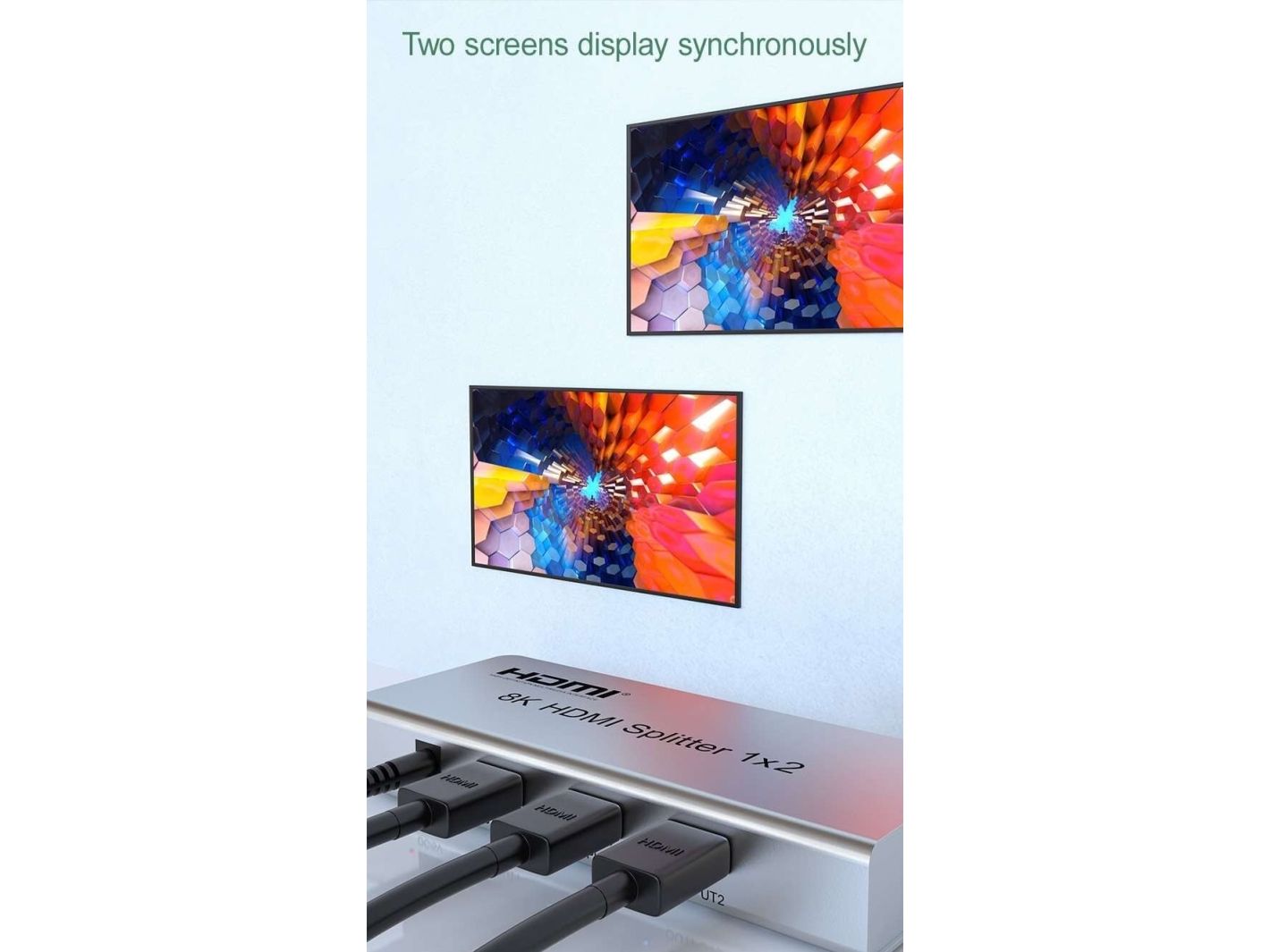
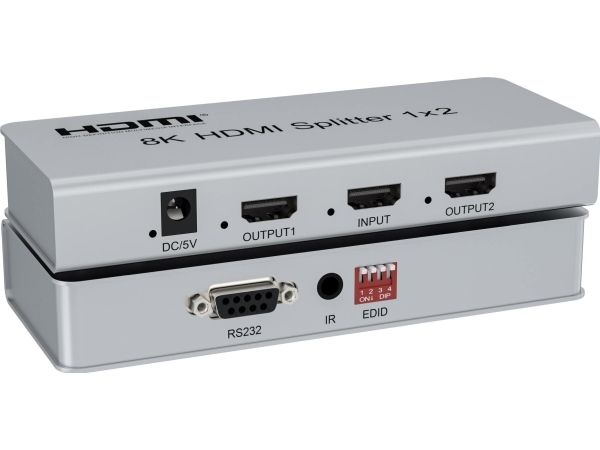
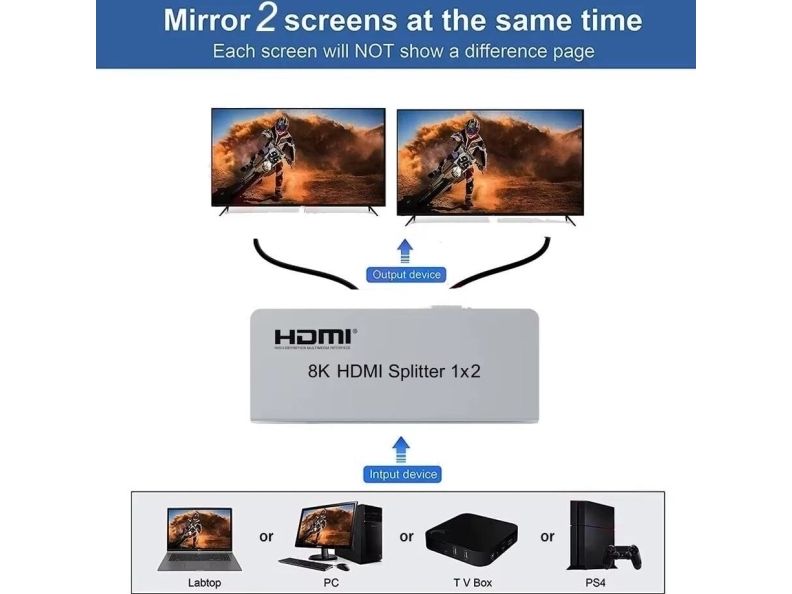
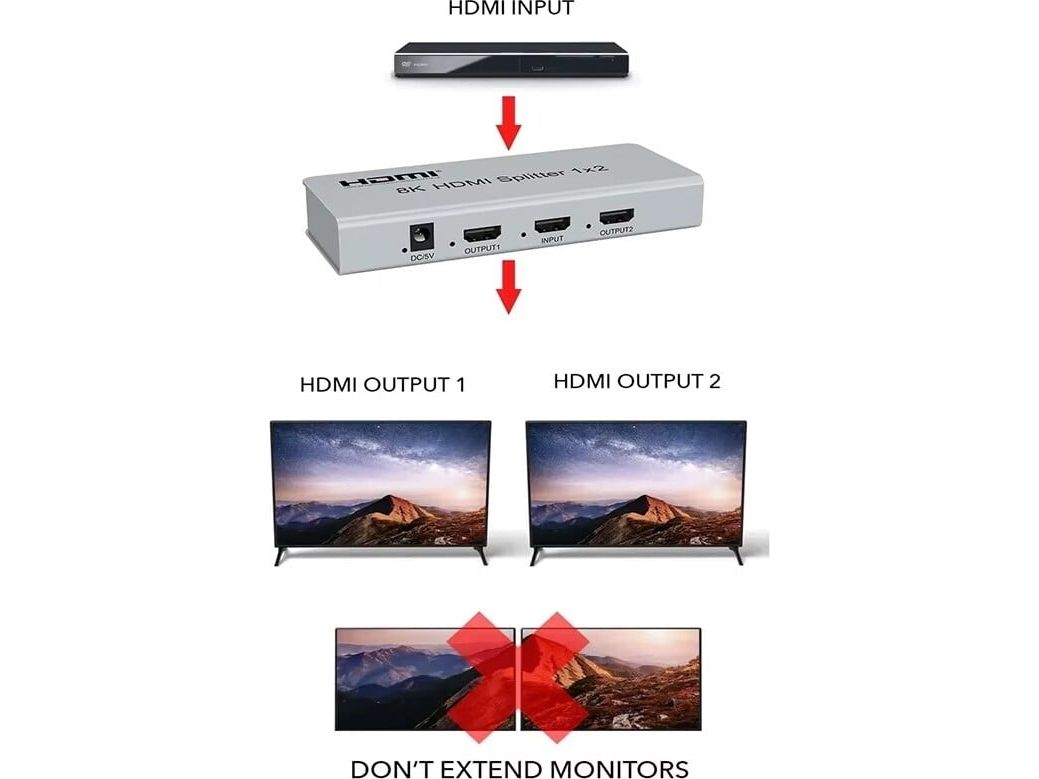
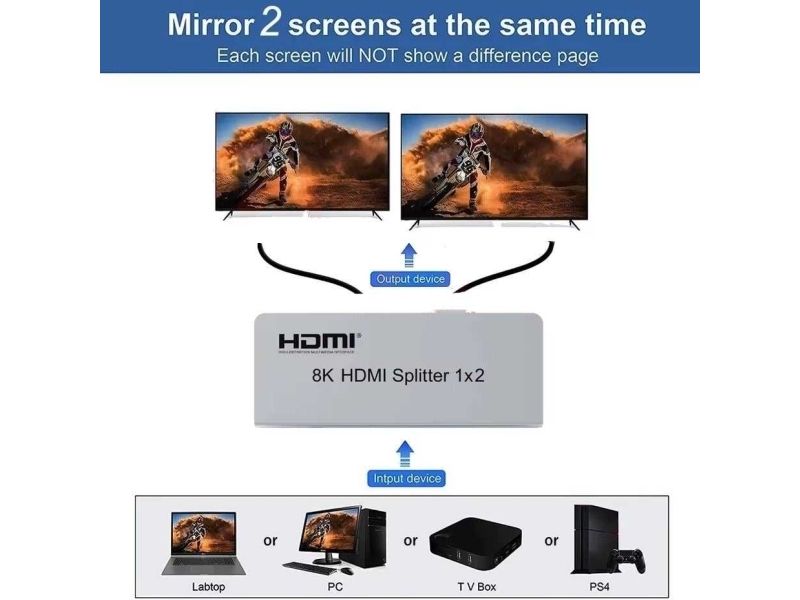
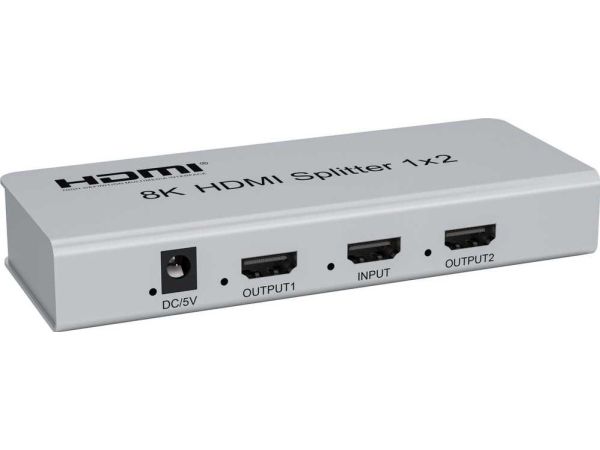
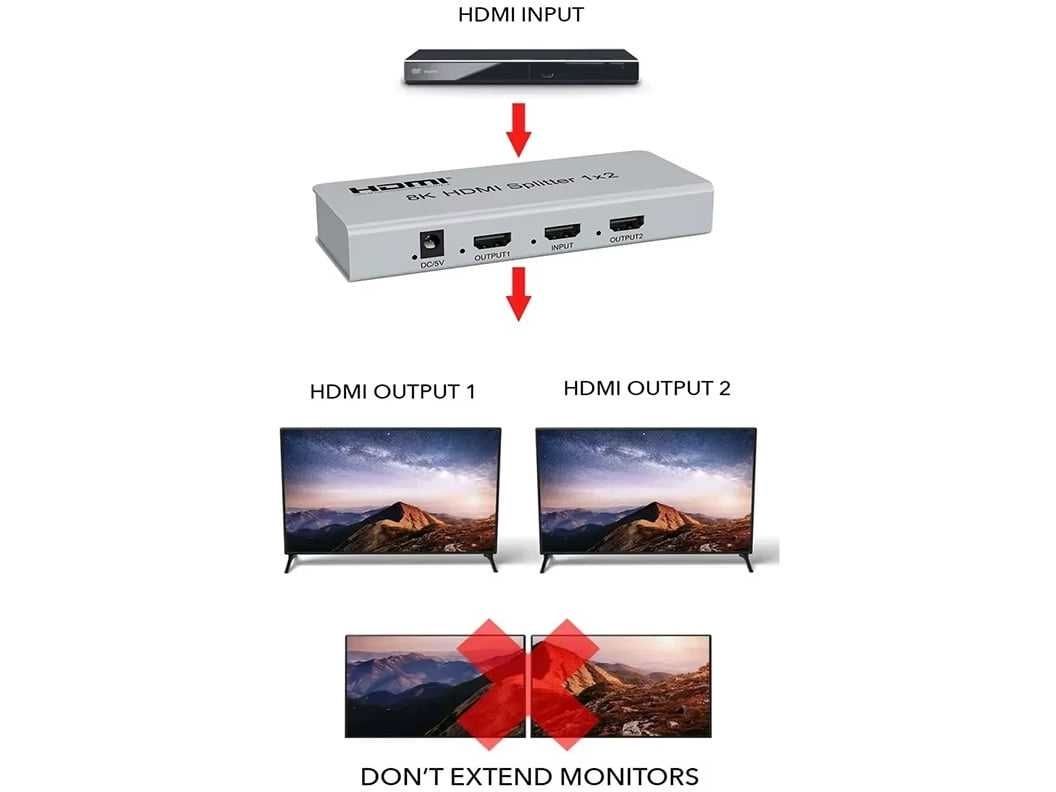
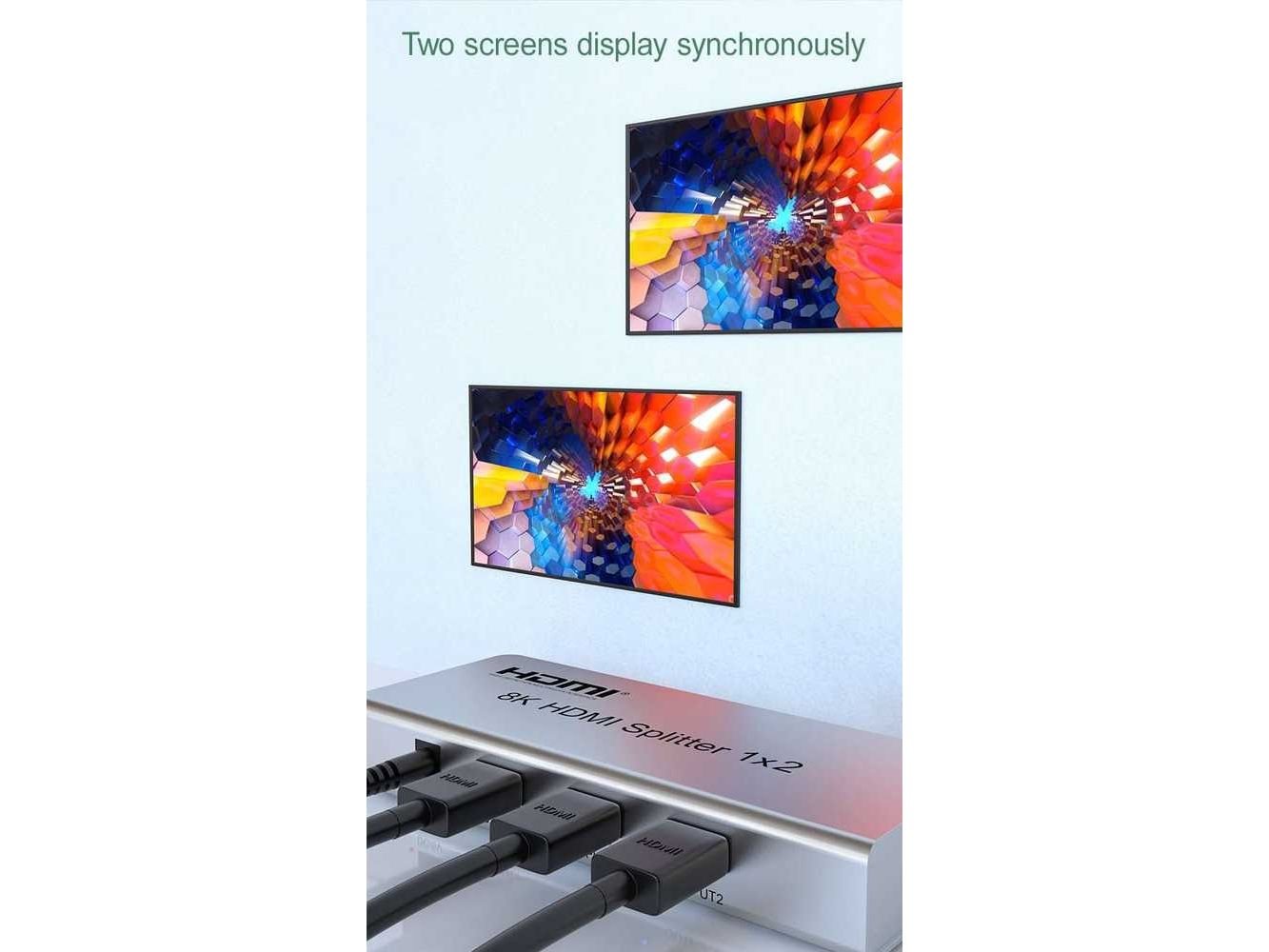
You can connect two HDMI screens to one HDMI signal source such as PC, laptop, DVD, set top box, etc.
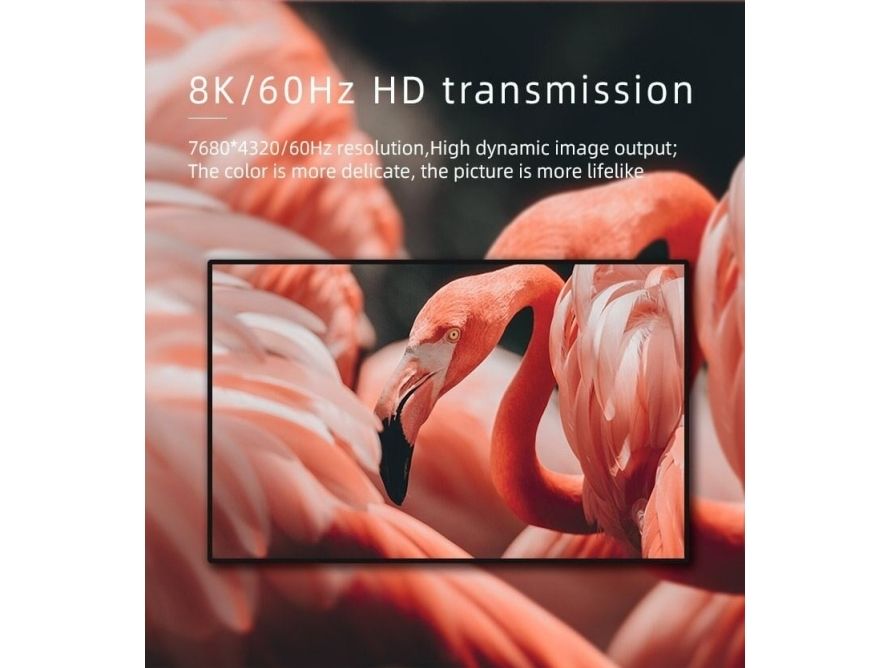
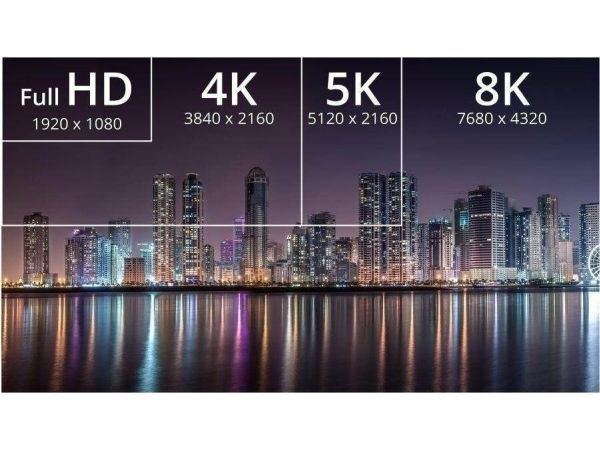
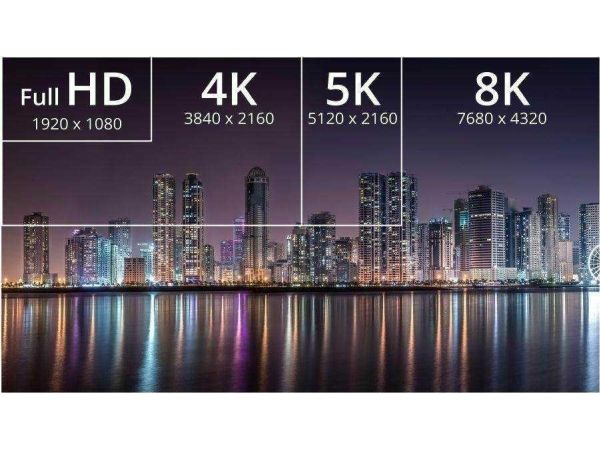
The splitter supports HDMI signal resolution up to 8K@60Hz, 4K@120Hz or FULL HD 1080p

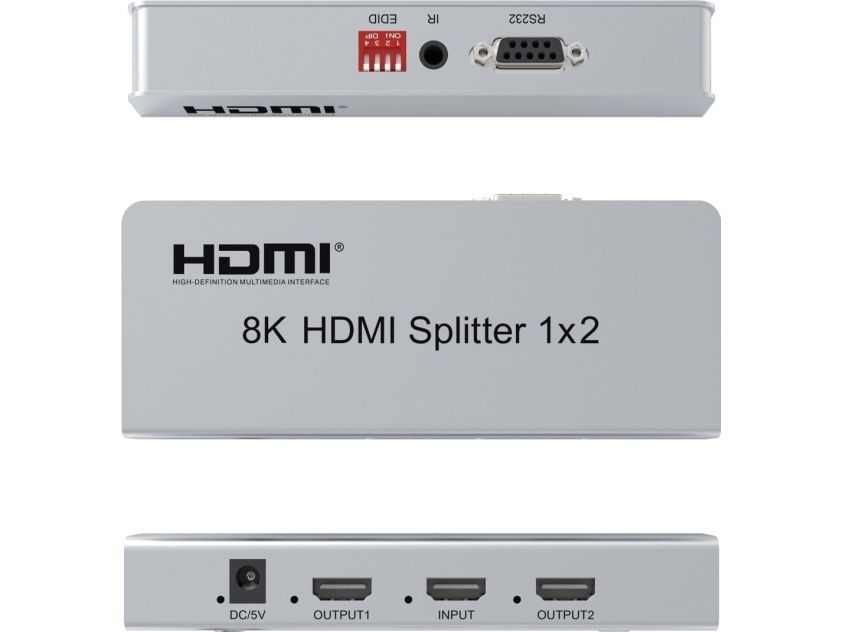
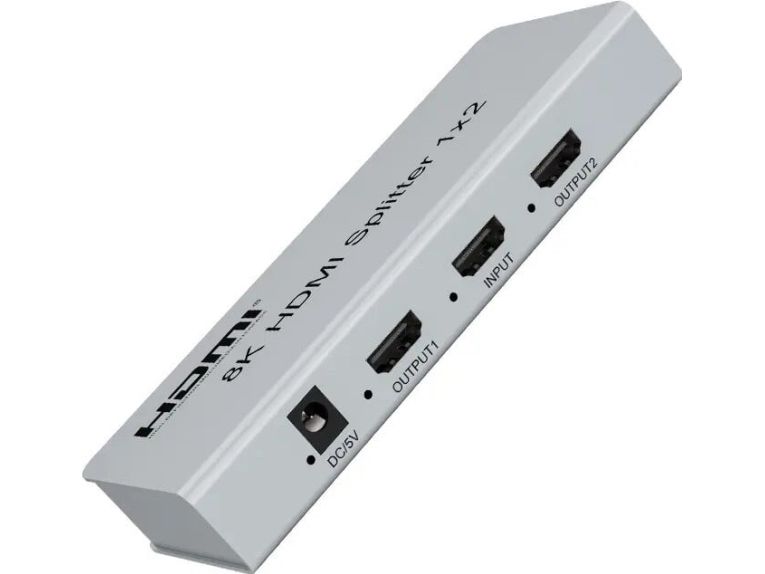
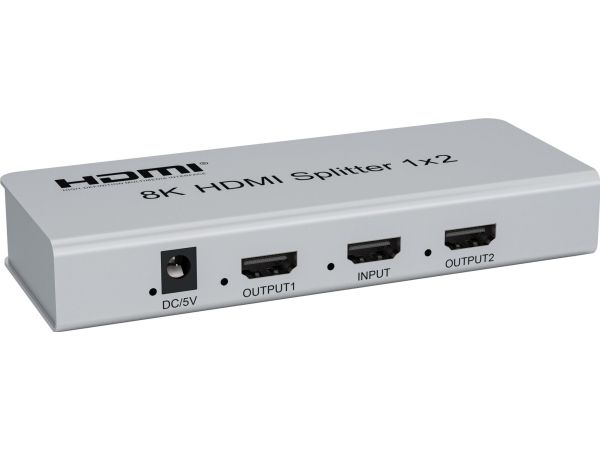
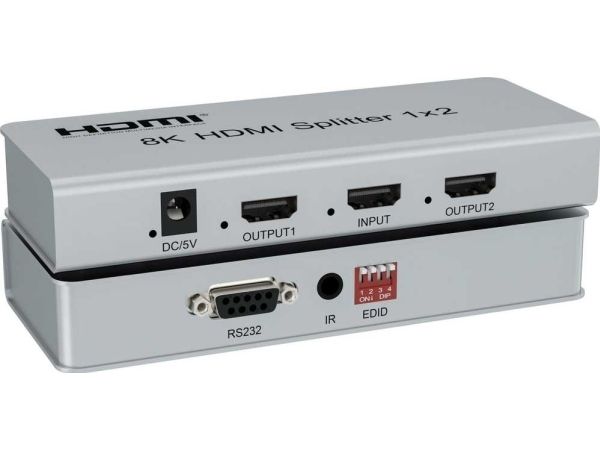
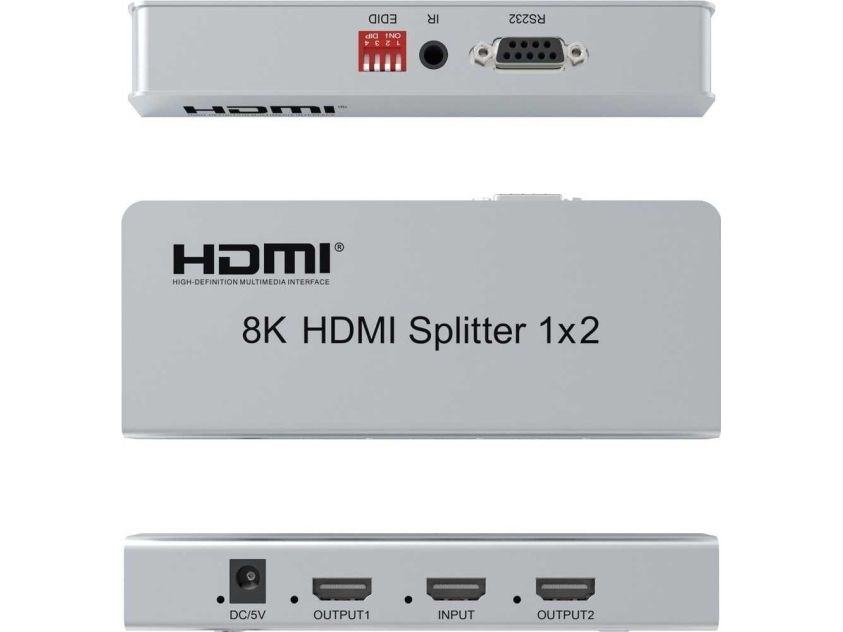
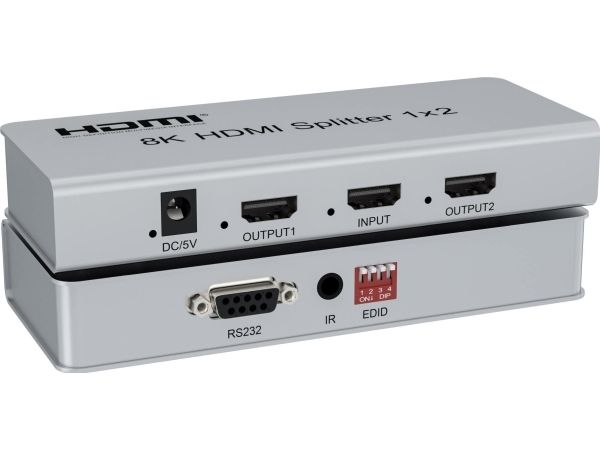
- Input: 1 x HDMI socket (Type A)
- Output: 2 x HDMI socket (Type A)
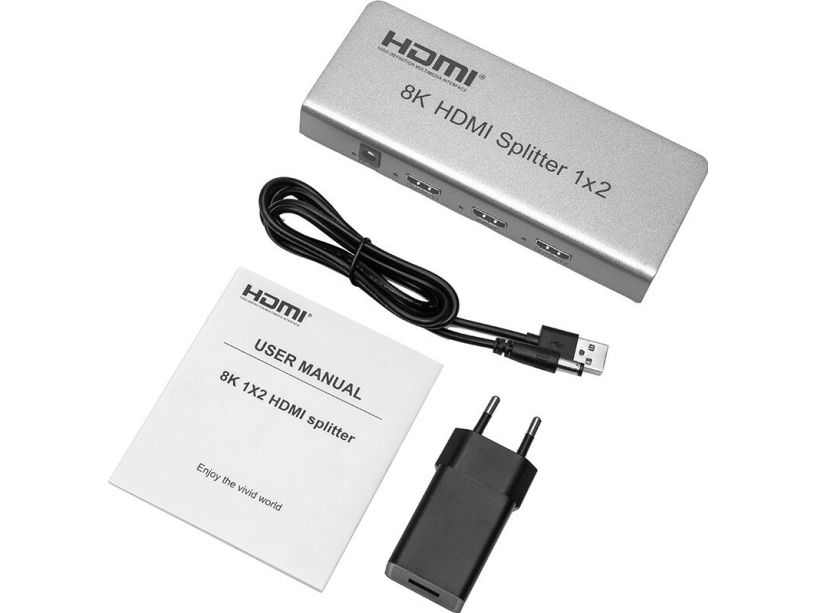
- Power supply via 230V/5V 2A adapter, maximum power consumption 0.7A
- 1xLED power indication on front panel, 2xLED indication of signals on ports
- Resolution: 8K@60hz, 4K@120Hz, 1080p
- Supports HDMI 2.1, HDMI 2.0 , HDMI1.4
- Supports HDR High Dynamic Range
- Supports CEC (Input 1 only)
- Data rate: 40Gbps
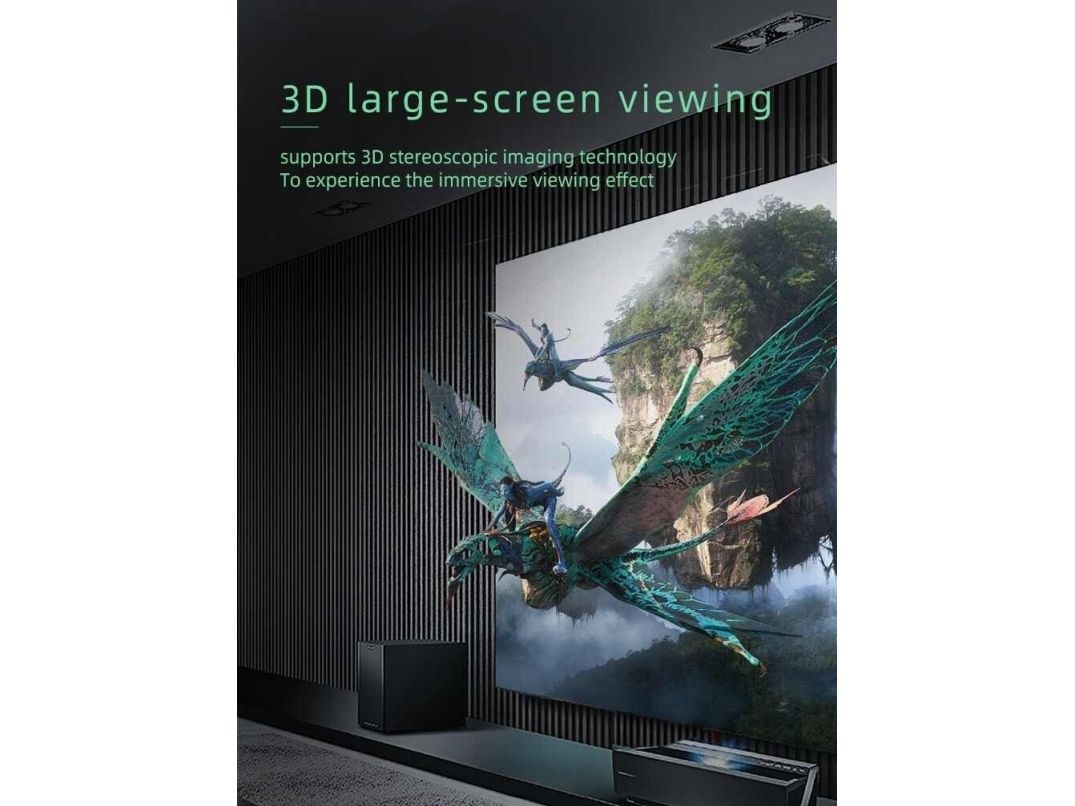
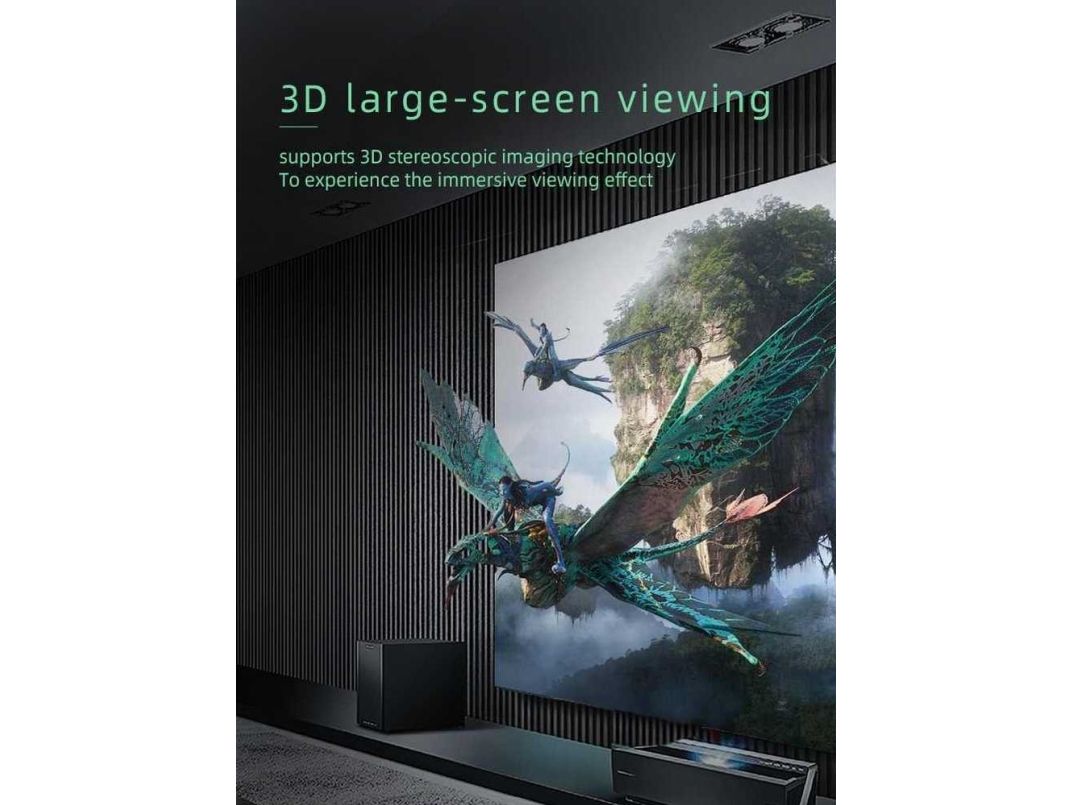
- Dolby Digital/Plus, Dolby TrueHD, DTS-HD Master Audio+, DVD-Audio, SA-CD other supported standards: 3D, HDCP 2.2 ,
- Supports 8/10/12 bit color depth
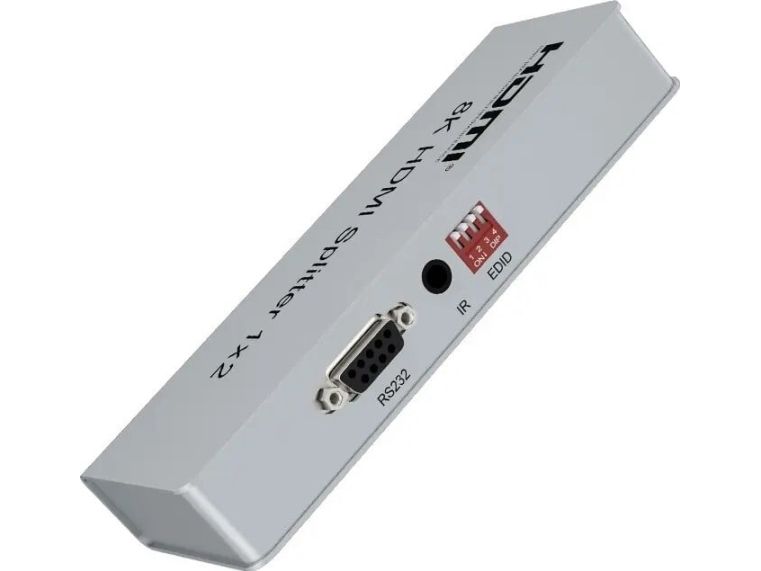
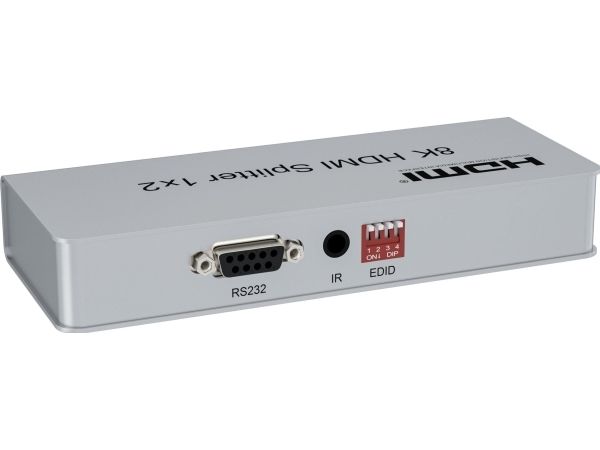
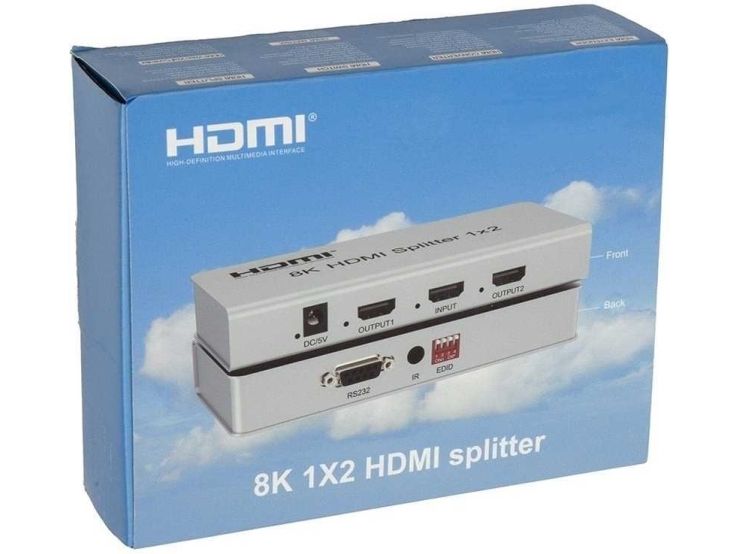
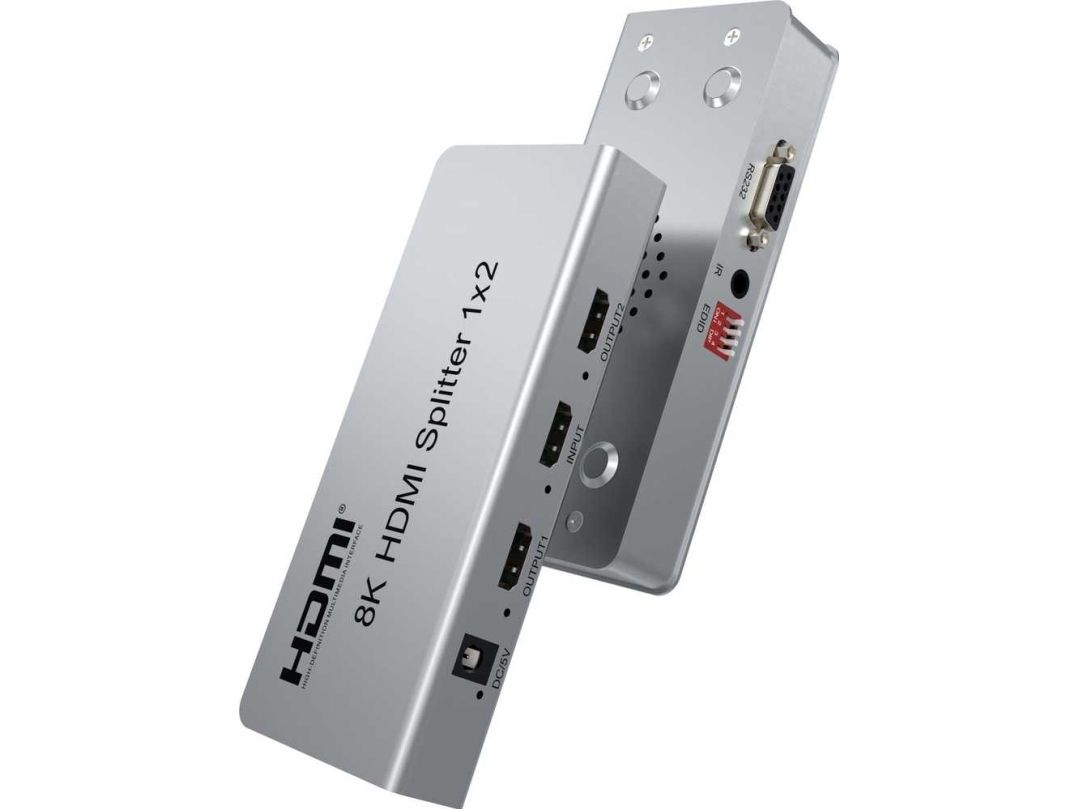
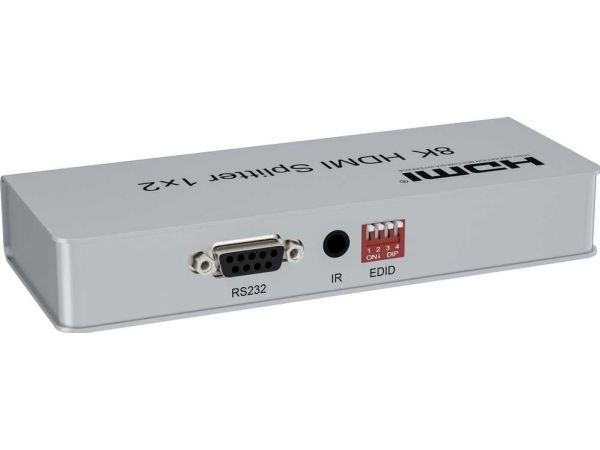
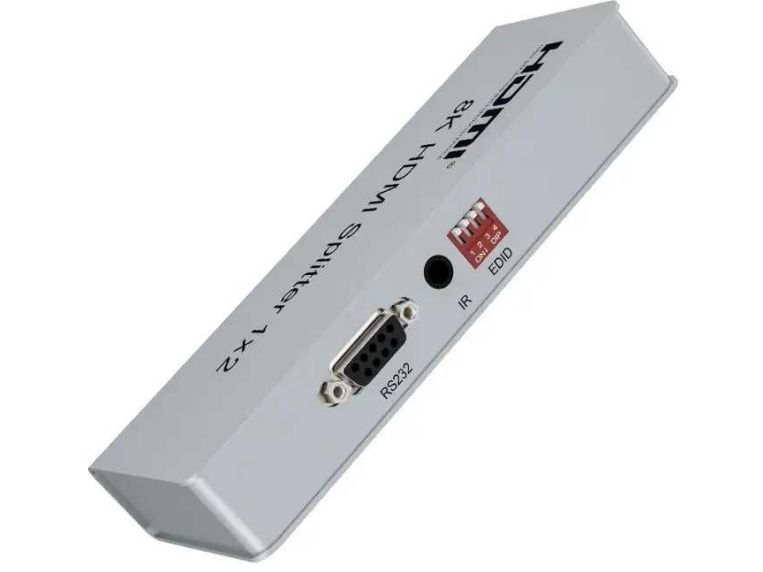
- EDID switch and management allows you to connect different monitors that support 8K or 4K or FULL HD 1080p resolution at the output
- Transmits both video and audio
- Enables IR transmission with HDMI extender
- Nice small metallic silver colored case
- Operating temperature: -15°C - 55°C
- Dimensions: 211mm x 78mm x 27mm
- Weight: 504g
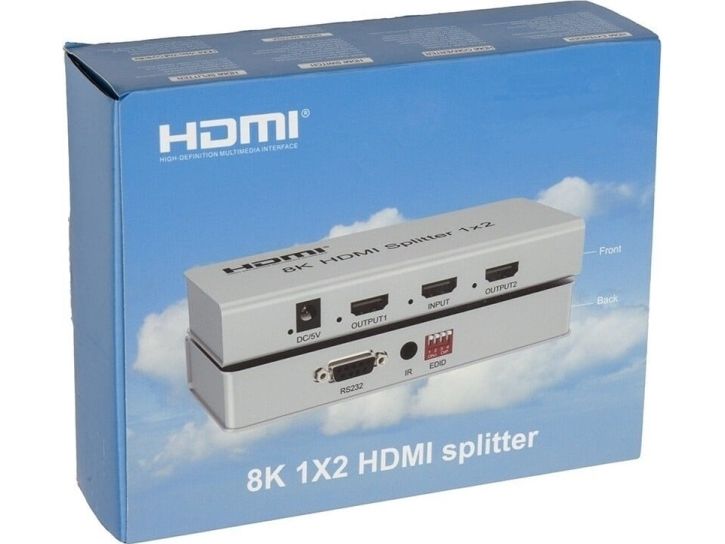
- Packed in a paper box with EAN code

Wiring Instructions:
1) Connect the input of the HDMI splitter with the HDMI cable to the signal source and connect the output to the display unit or monitor.
2) Plug the power adapter into the 230V power outlet and the DC 5V socket.

If the image does not appear immediately after plugging in the splitter, wait about 30s before the HDMI signal is detected.