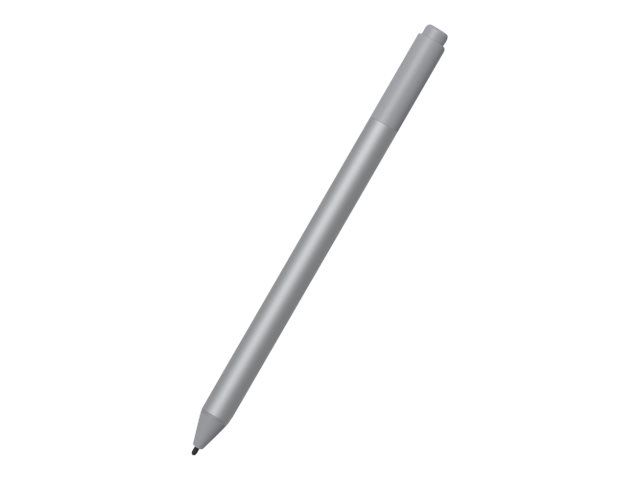
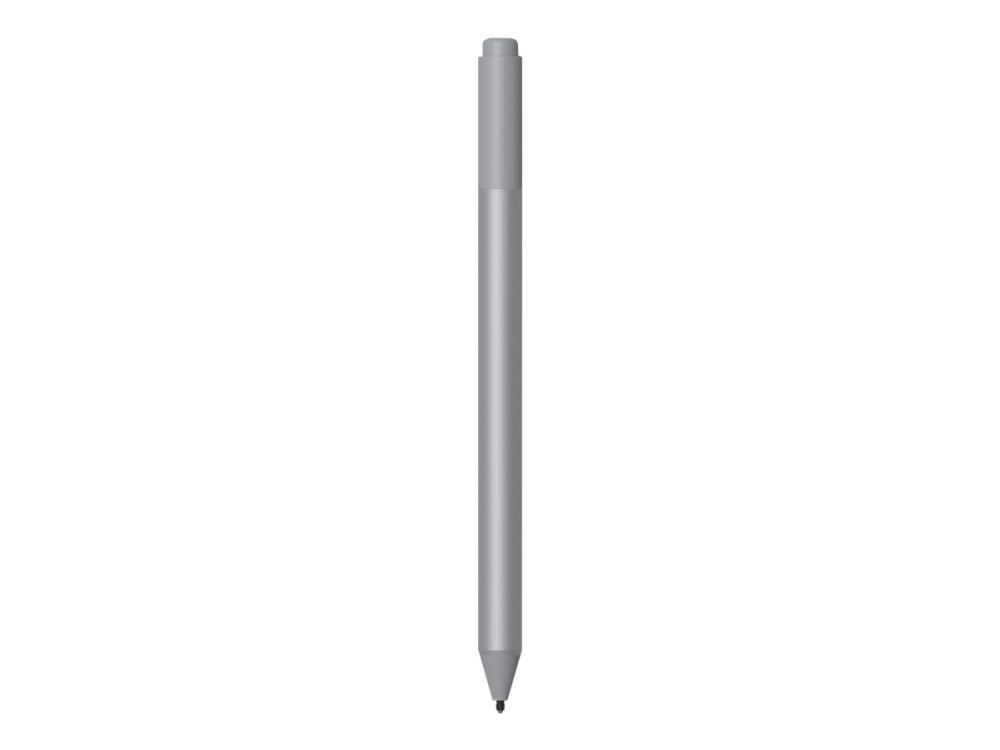
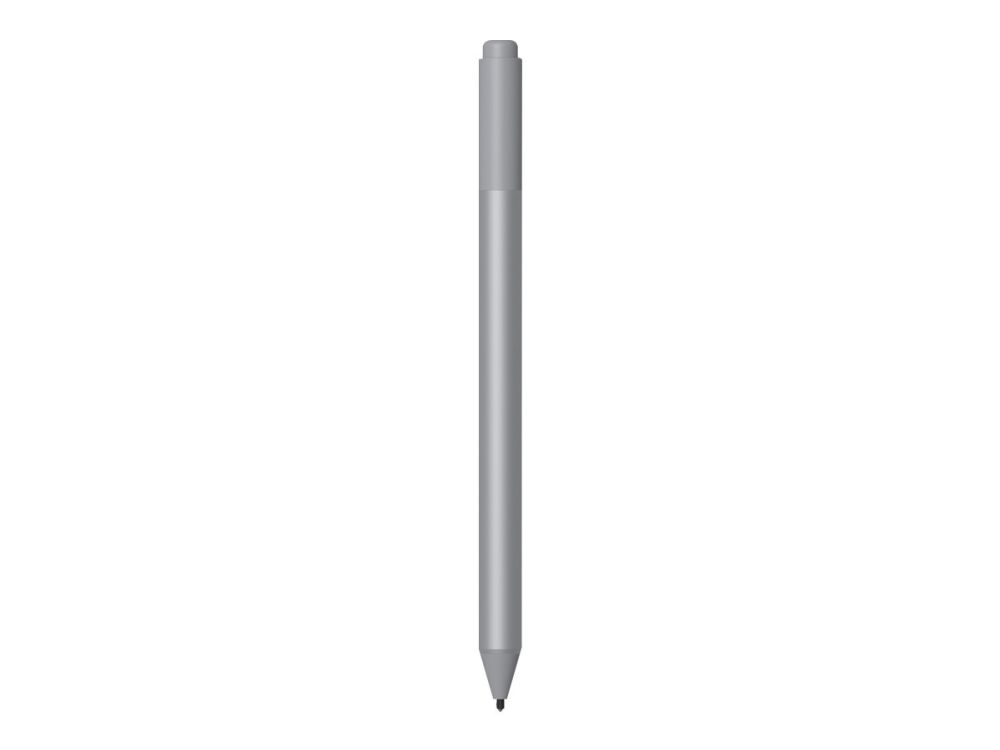
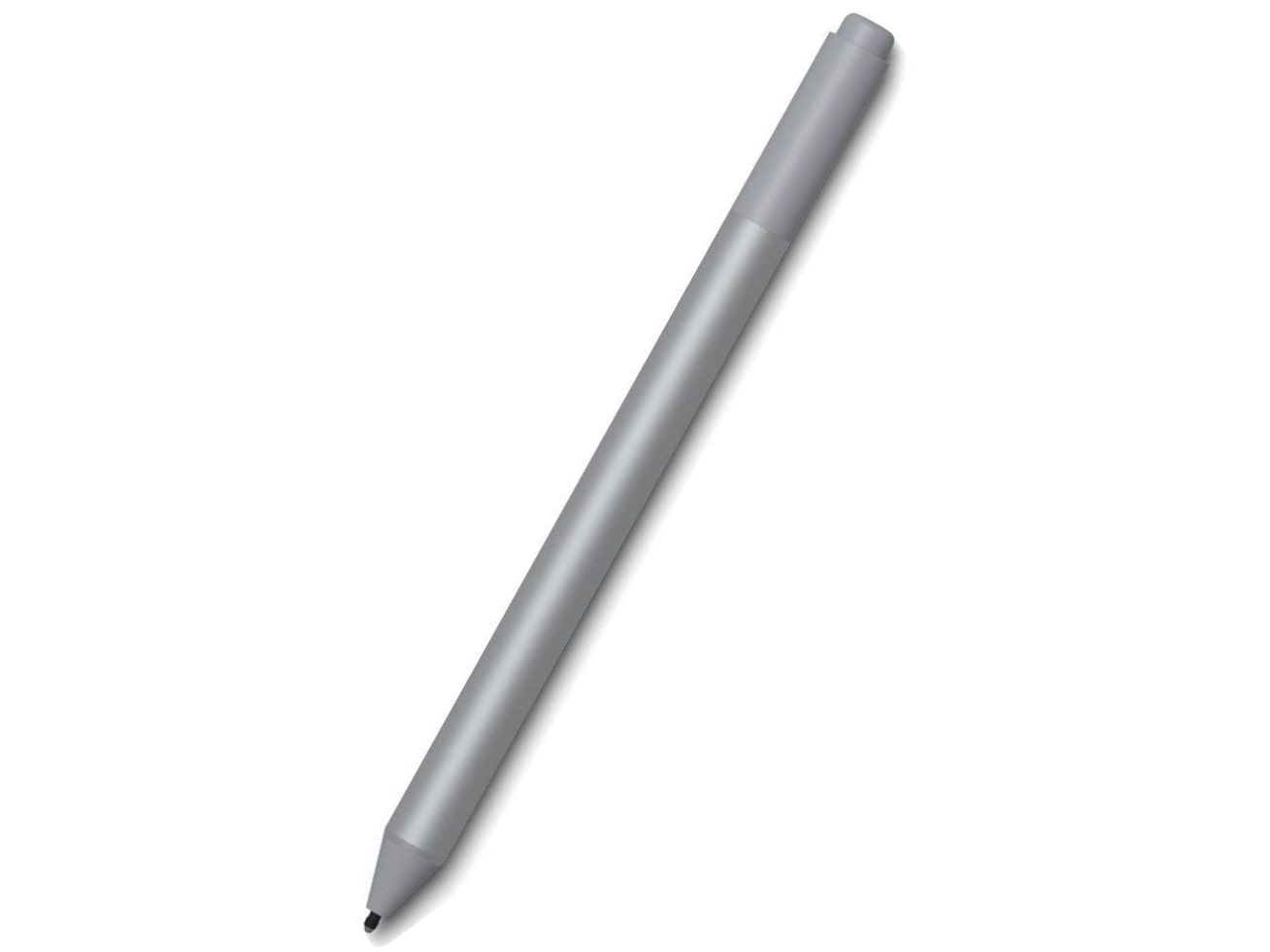
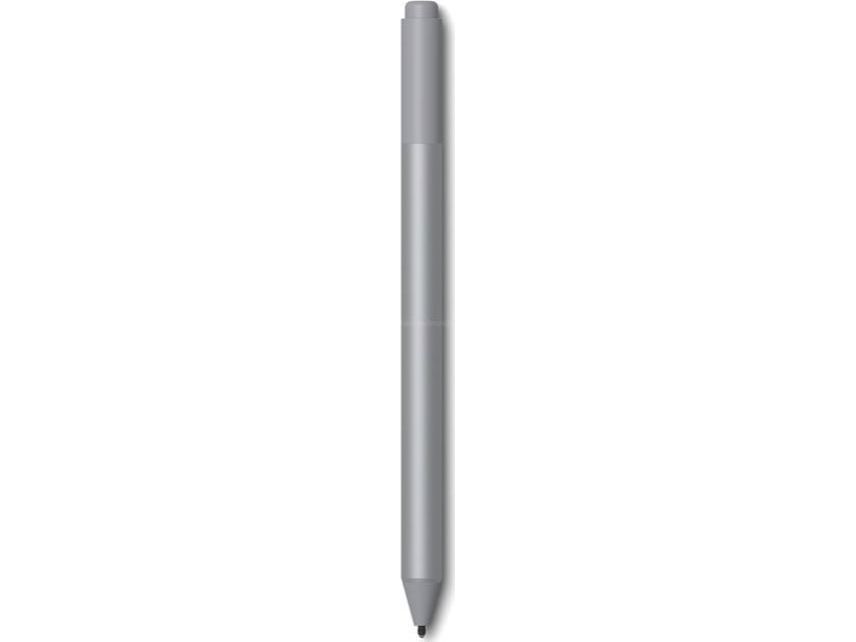
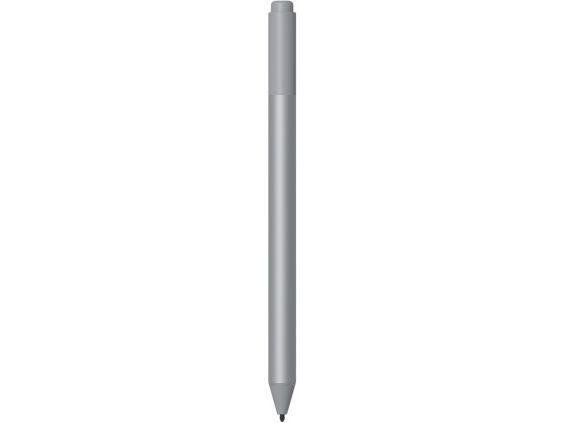
Microsoft Surface Pen, Tablet, Microsoft, Platinum, Surface Studio, Surface Laptop, Surface Book, Surface Pro, Surface Pro 4, Surface Pro 3, Surface..., AAAA, 20 g
FBAC4895-B52C-4E03-B099-A6A8F8B8017B Created with sketchtool. 706D6907-81E1-46A2-B8F9-7B702A1EF2C7 Created with sketchtool. 6A870209-E7F5-44F5-A66F-09E20C85A0DC Created with sketchtool. 0BB04D6C-A9AB-4913-BF4F-5A23954E68E1 Created with sketchtool. 501E26C7-66C1-4DAA-B740-6CFAF55A1B39 Created with sketchtool. C105F7D3-D5EE-43C9-9EE8-05CC42B296D4 Created with sketchtool. D94689D8-7CBB-41C8-AC06-F79D81FF82D5 Created with sketchtool. DA4C7ED9-2512-4D52-94F0-92800F2A6E04 Created with sketchtool. 42E133FD-828F-4CF4-A0BF-560014487A57 Created with sketchtool. F52D9745-4BFD-4506-BEEF-630FD09EF2D9 Created with sketchtool.
Remote stock (3-5 days)
The item is in a remote warehouse, delivery time is 3-5 business days. More info
Delivery options  - Select at checkout
Shipping @price - GLS
12,00
EUR 88,73
Incl. VAT 110,91
Total incl. delivery 125,91
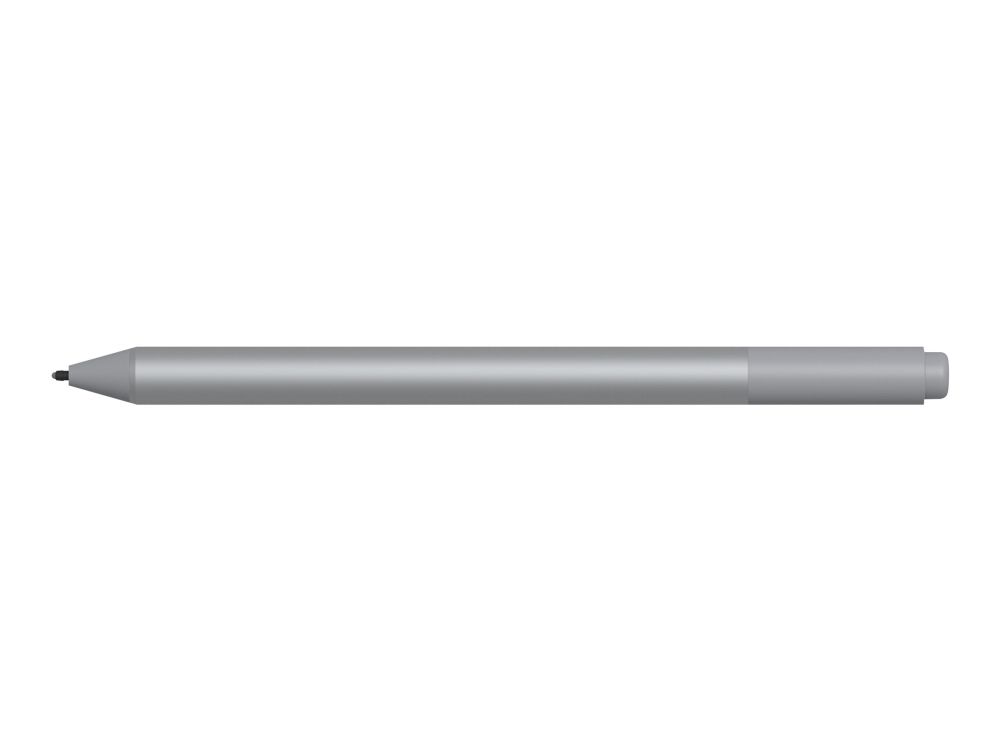
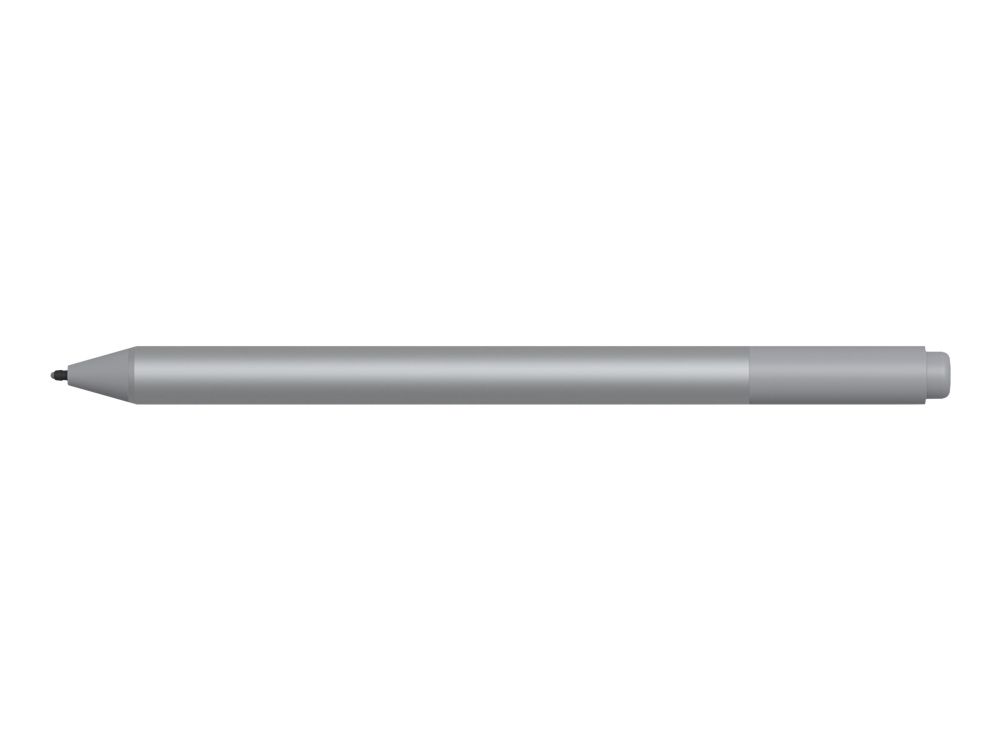
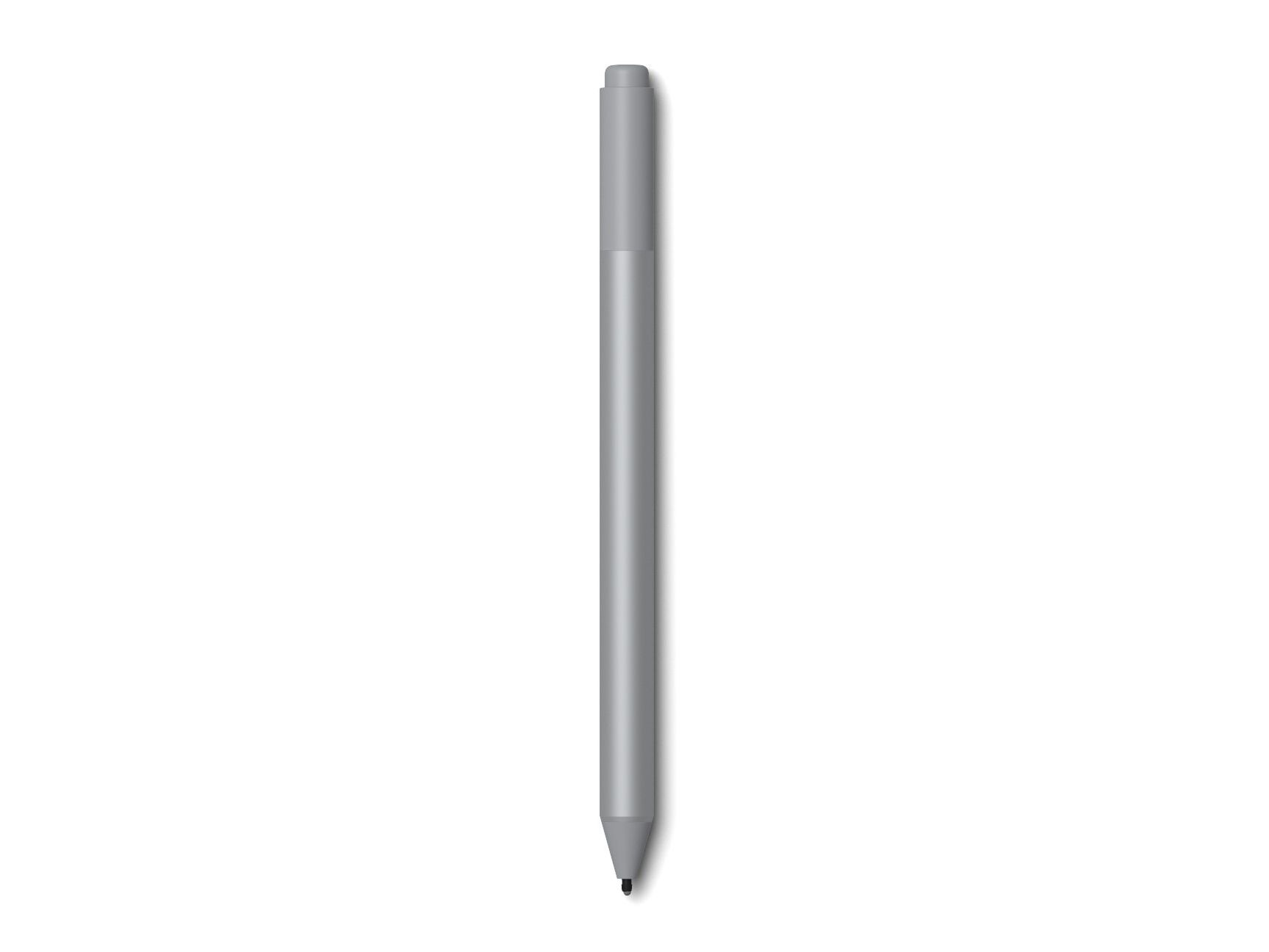
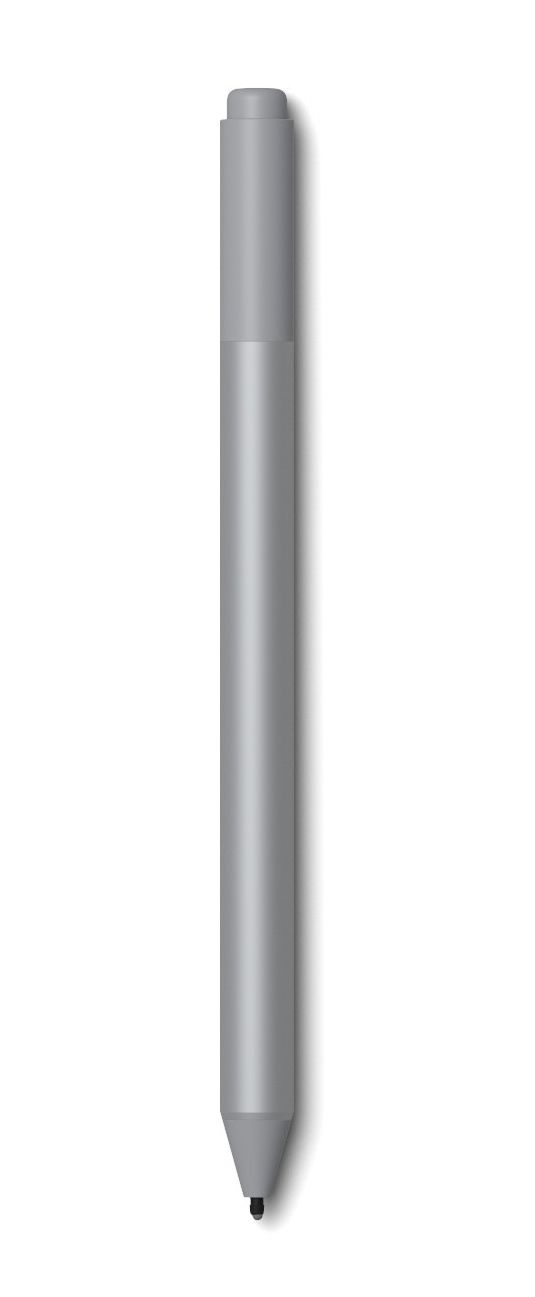
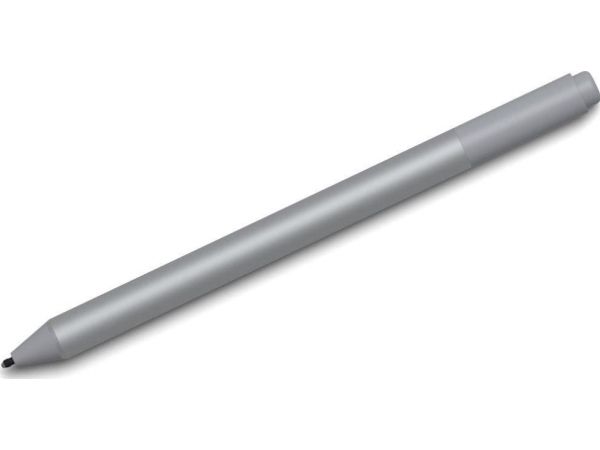
Now better than ever, the new Surface Pen delivers the most natural writing and drawing experience. With tilt support for shading, 4,096 levels of pressure sensitivity, and virtually no lag.
Create uninterrupted
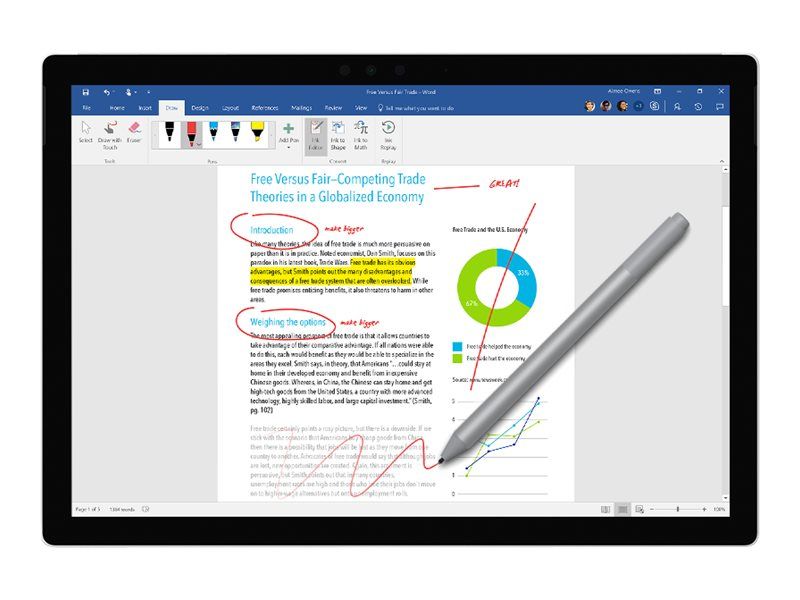
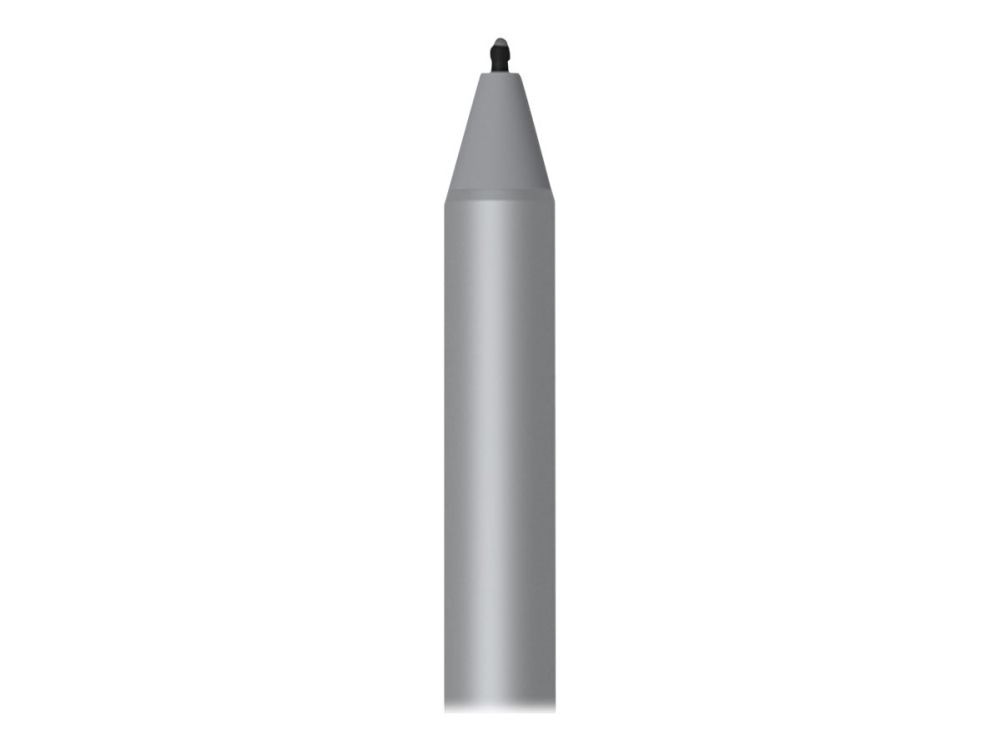
Write and draw with precision ink on one end and a rubber eraser on the other. Tilt your Surface Pen to shade your sketches just like you would a graphite pencil, using the pen tip that feels right.
Write and draw naturally
Sketch and shade with precision with 4,096 pressure points that respond to the lightest touch. Ink flows directly from the tip of your Pen to your screen with virtually no lag.
Bring your vision to life
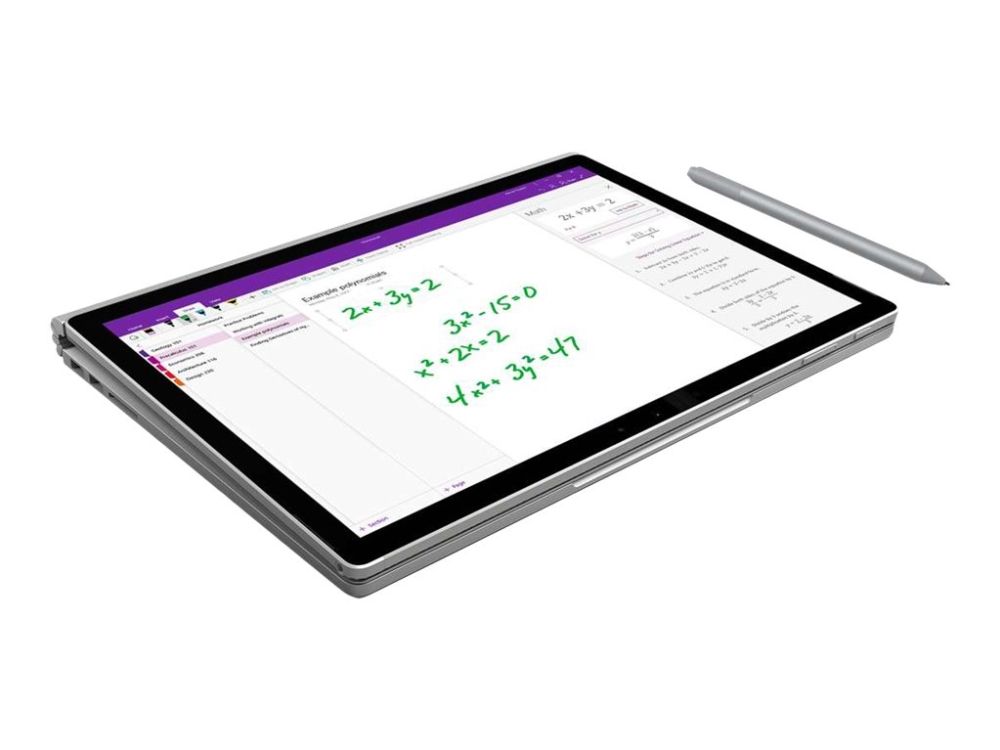
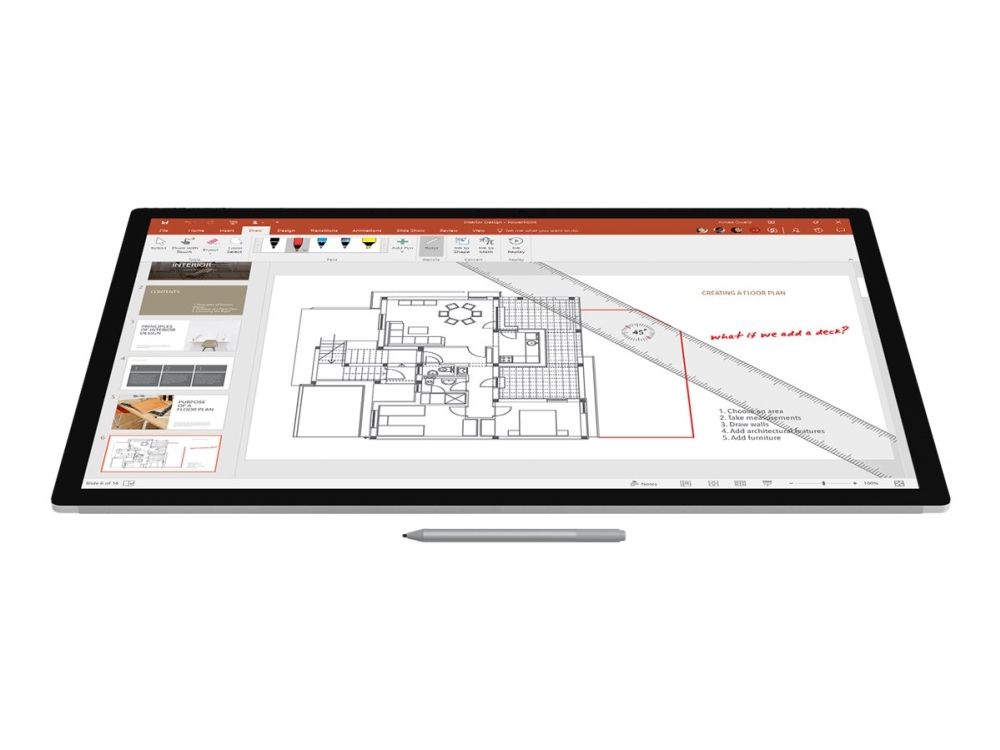
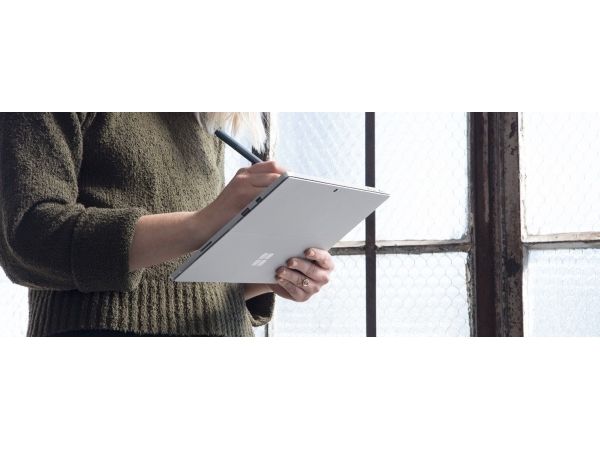
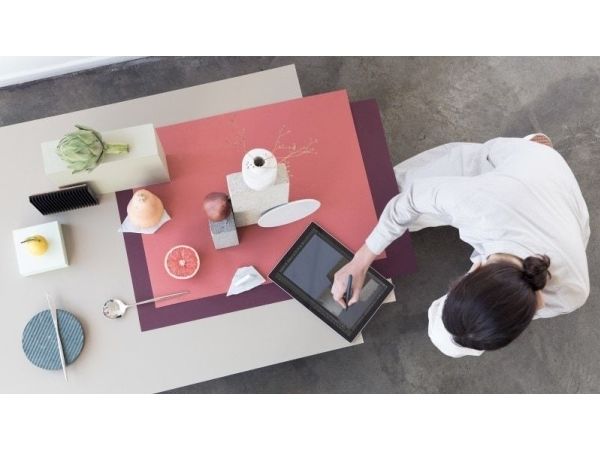
Compose a song, make an animated short, take notes, and draw 3D CAD designs. Use Surface Pen with apps like OneNote, Microsoft Office, Adobe Suite, Sketchable, Bluebeam Revu, Drawboard, and Staffpad.
Express yourself
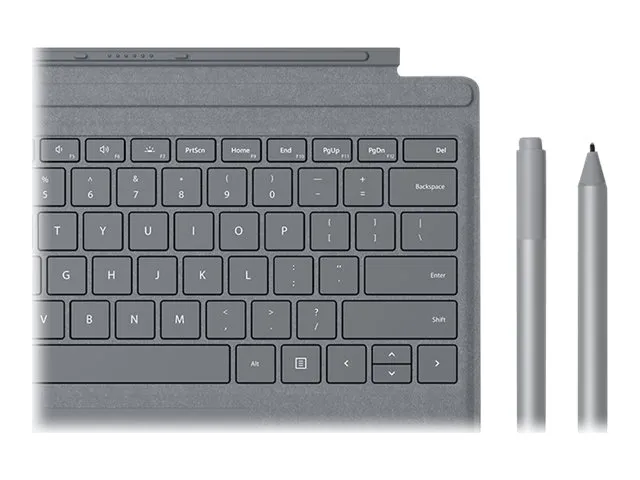
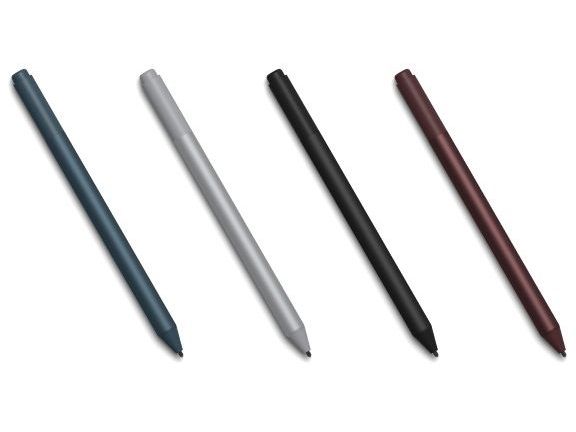
Choose the color that best expresses your style. Surface Pen comes in four colors—Platinum, Black, Burgundy, and Cobalt Blue—that coordinate with Surface accessories.