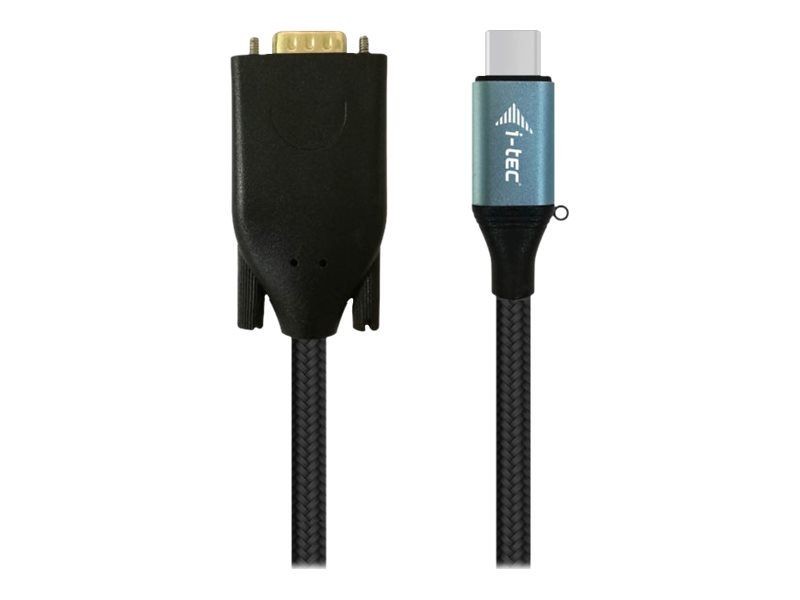
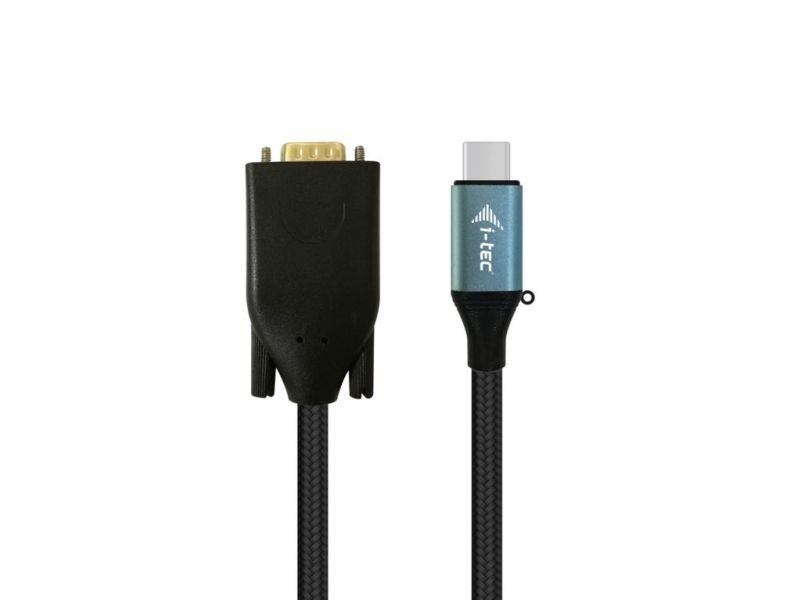
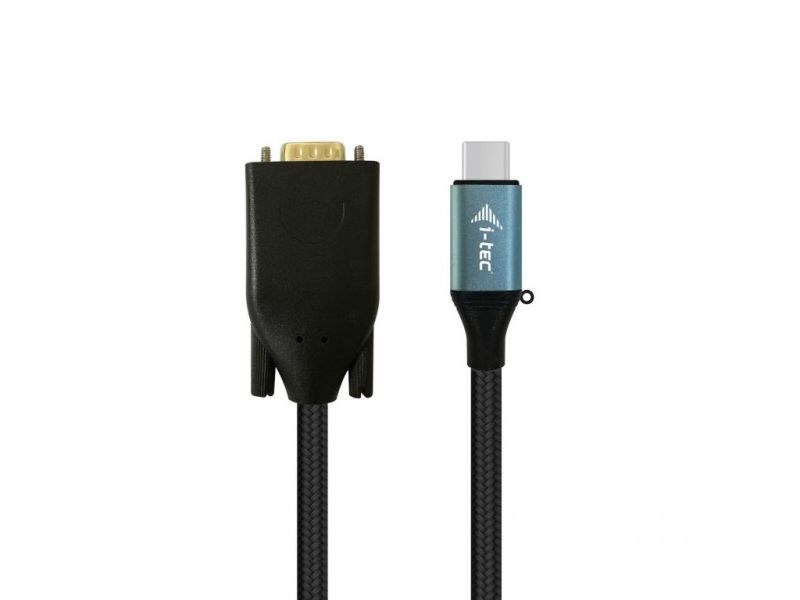
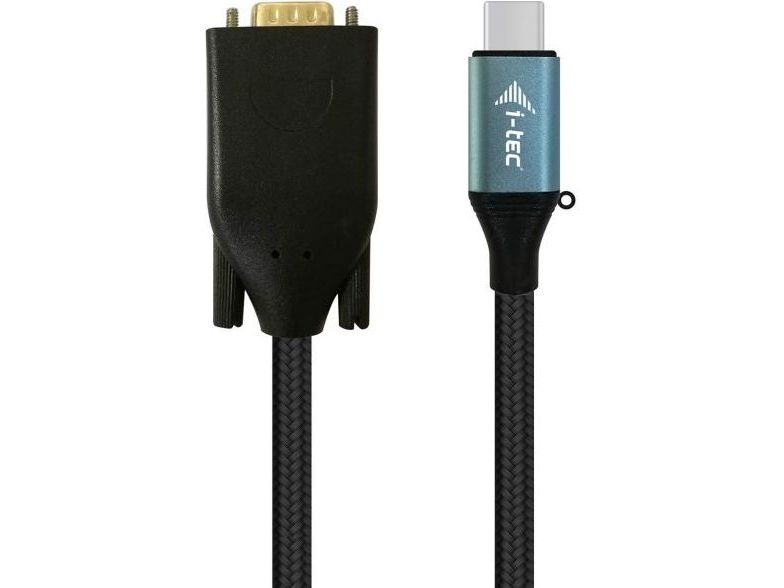
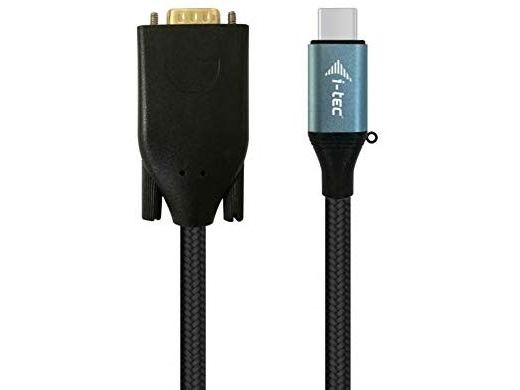
i-tec USB-C VGA Cable Adapter 1080p / 60 Hz 150cm, 1.5 m, USB Type-C, VGA (D-Sub), Male, Female, 1920 x 1080 pixels
FBAC4895-B52C-4E03-B099-A6A8F8B8017B Created with sketchtool. 706D6907-81E1-46A2-B8F9-7B702A1EF2C7 Created with sketchtool. 6A870209-E7F5-44F5-A66F-09E20C85A0DC Created with sketchtool. 0BB04D6C-A9AB-4913-BF4F-5A23954E68E1 Created with sketchtool. 501E26C7-66C1-4DAA-B740-6CFAF55A1B39 Created with sketchtool. C105F7D3-D5EE-43C9-9EE8-05CC42B296D4 Created with sketchtool. D94689D8-7CBB-41C8-AC06-F79D81FF82D5 Created with sketchtool. DA4C7ED9-2512-4D52-94F0-92800F2A6E04 Created with sketchtool. 42E133FD-828F-4CF4-A0BF-560014487A57 Created with sketchtool. F52D9745-4BFD-4506-BEEF-630FD09EF2D9 Created with sketchtool.
Remote stock (5-7 days)
The item is in a remote warehouse, delivery time is 5-7 business days. More info
Delivery options  - Select at checkout
Shipping @price - GLS
12,00
EUR 34,92
Incl. VAT 43,65
Total incl. delivery 58,65
Expand your desktop to external VGA monitor via USB-C or Thunderbolt 3 connector. This cable adapter supports the transfer up to 1080P, resolution up to 1920 x 1080 pixels.

The cable adapter is suitable for use with all notebooks equipped with a USB-C connector which supports video transfer (DisplayPort alt Mode) or with a Thunderbolt 3 connector. The USB-C and Thunderbolt 3 connectors have many benefits. They are smaller and symmetrical, which makes them easy to connect because you do not have to care about connector orientation.

The cable adapter is the excellent choice for designers, graphic designers, gamers, and other users working with more than one screen simultaneously. Using the "Extend" and "Mirror" modes you can work for example with applications on two monitors, or you can work on the first screen and search for information on the Internet on the second screen, you can compare several documents simultaneously without constant switching among the open windows, you can display panoramic images on two screens without the need to have another computer etc.

Using is very simple, just plug the cable adapter into the USB-C or Thunderbolt 3 port on your computer, connect it with a display device via Display Port connector and you can immediately start using. Driver installation is automatic from the system.