The item is in a remote warehouse, delivery time is 5-7 business days. More info
Delivery options - Select at checkout
Shipping @price - GLS
12,00
EUR
60,24
Incl. VAT 75,30
Total incl. delivery
90,30
The function requires that you are logged in. Create a user and use our smart list system to keep track of future purchases, regular purchases or wish lists. Create user Login
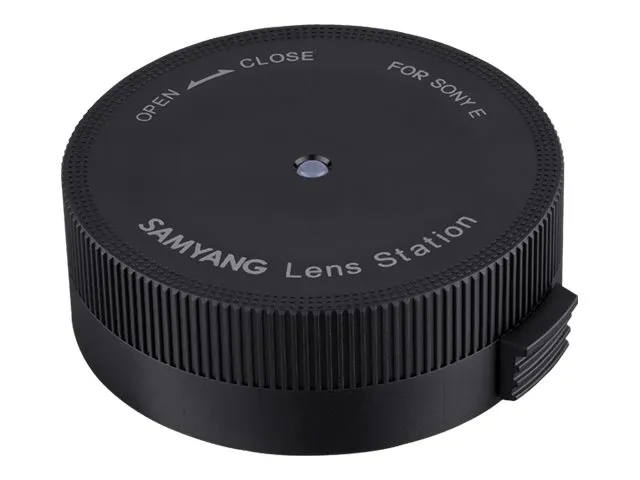
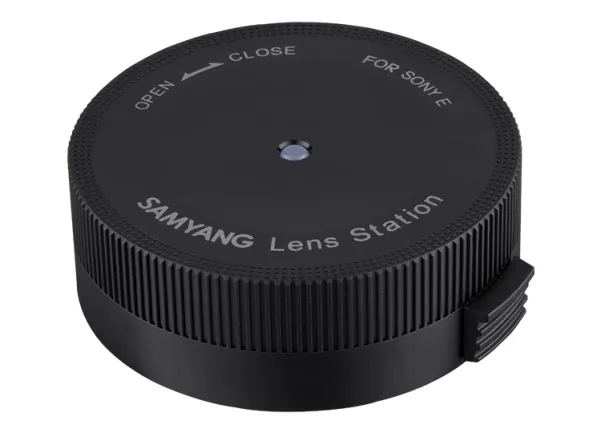
Lens Station Lens Station is a device to customize lens performance and update firmware of Samyang autofocus lens series. Please download ‘Lens Manager’ software to update the firmware or calibrate focus and manual focusing sensitivity.
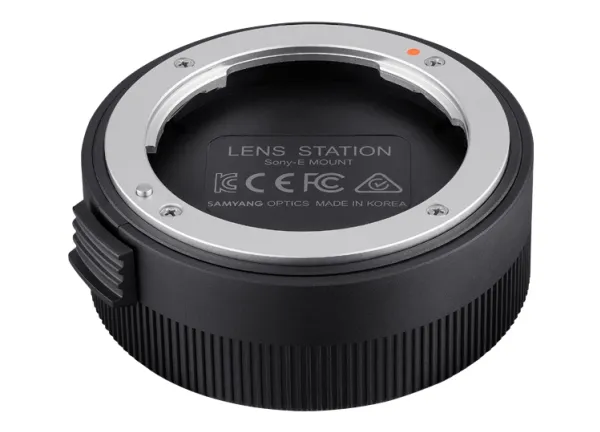
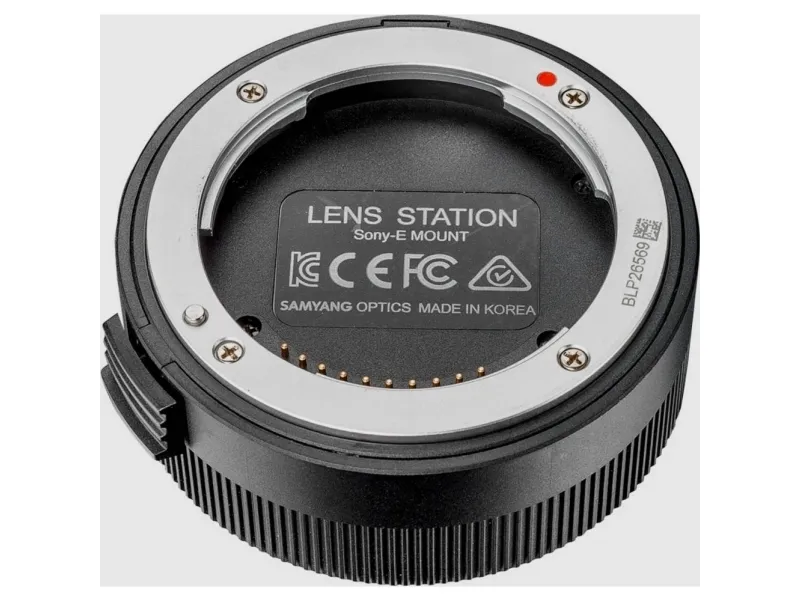
Product Detail ? USB connection port ? Lens installation index ? Electric contact ? Release button
For using Lens station, you have to install Lens manager software on your computer. Lens manager software is available for free from Samyang’s official website. SAMYANG Lens Manager is only available for Samyang’s Auto Focus lens except Samyang’s Manual Focus lens or other brands.
Produktbeskrivelse
Samyang Lens Station - dockingstation med objektivjustering
Tilbehørstype
Dockingstation med objektivjustering
Generelt
Tilbehørstype
Dockingstation med objektivjustering
Tilbehør
Beregnet til
Objektiv
Tilslutninger
X USB
Objektivtilbehør
Objektivtilbehørsstykke
Sony E-mount
The item is known under the following item numbers in our system
EAN:
8809298880996
SKU:
SAM000254
Why do I find that the same product is available on different item numbers?
Manufacturers often release the same product with different item numbers, typically just different versions of the packaging. For example, the packaging may be targeted at different countries.
We try our best to unify the products, but it can happen that the same product appears on different item numbers in our system.