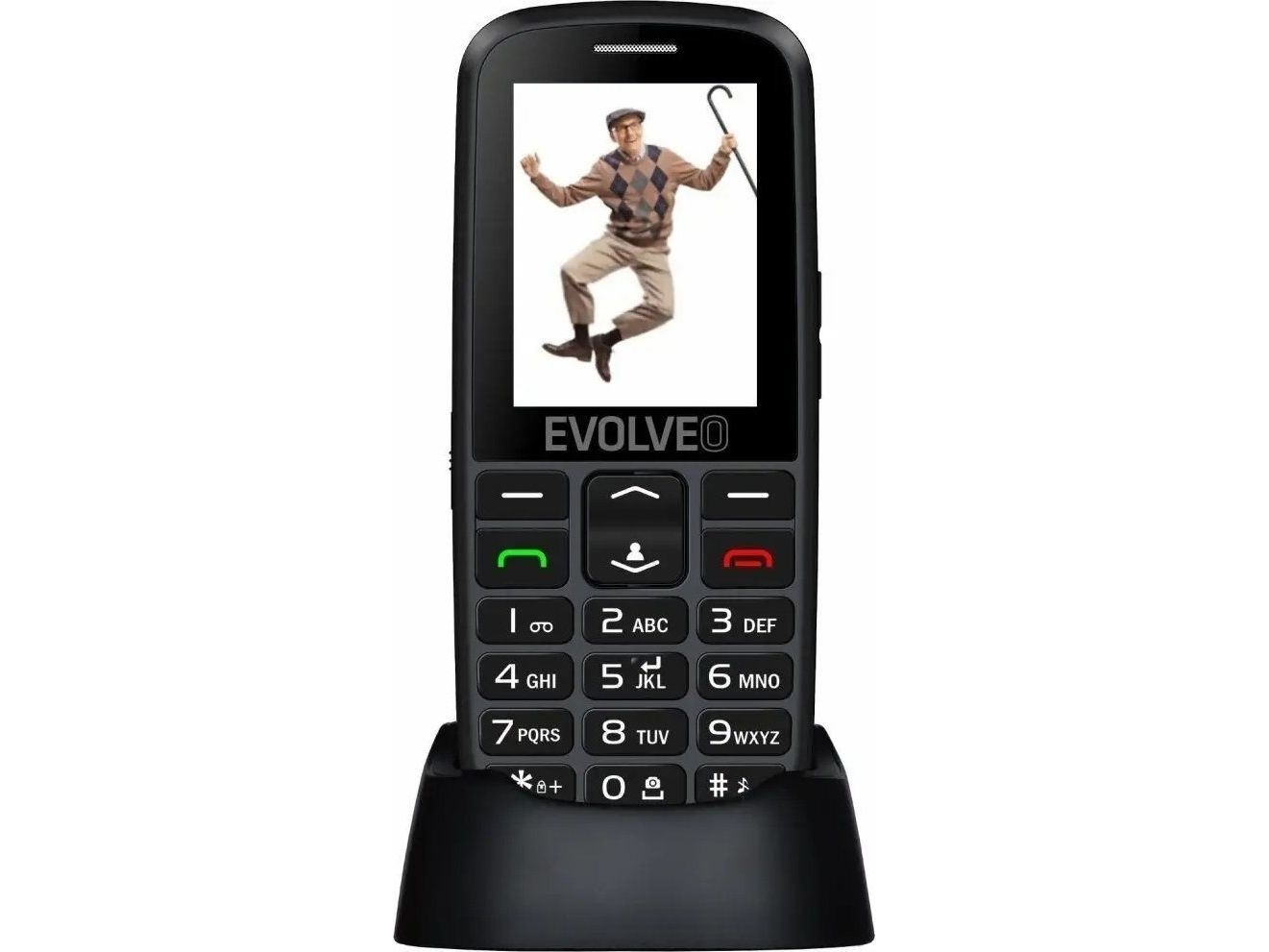
Evolveo EasyPhone EG, Bar, 6.1 cm (2.4"), Bluetooth, 900 mAh, Black
FBAC4895-B52C-4E03-B099-A6A8F8B8017B Created with sketchtool. 706D6907-81E1-46A2-B8F9-7B702A1EF2C7 Created with sketchtool. 6A870209-E7F5-44F5-A66F-09E20C85A0DC Created with sketchtool. 0BB04D6C-A9AB-4913-BF4F-5A23954E68E1 Created with sketchtool. 501E26C7-66C1-4DAA-B740-6CFAF55A1B39 Created with sketchtool. C105F7D3-D5EE-43C9-9EE8-05CC42B296D4 Created with sketchtool. D94689D8-7CBB-41C8-AC06-F79D81FF82D5 Created with sketchtool. DA4C7ED9-2512-4D52-94F0-92800F2A6E04 Created with sketchtool. 42E133FD-828F-4CF4-A0BF-560014487A57 Created with sketchtool. F52D9745-4BFD-4506-BEEF-630FD09EF2D9 Created with sketchtool.
Remote stock (5-7 days)
The item is in a remote warehouse, delivery time is 5-7 business days. More info
Delivery options  - Select at checkout
Shipping @price - GLS
12,00
EUR 52,02
Incl. VAT 65,03
Total incl. delivery 80,03

Do you need a spare part for your phone?

Our configurator shows exactly the parts that fit EP-550-EGB - batteries, displays, charging ports, back covers and much more.

Find spare parts for your model

  • Parts for this model in stock
  • Delivery 1-2 working days
  • Original and compatible parts
Easy to operate with a smart charger holder
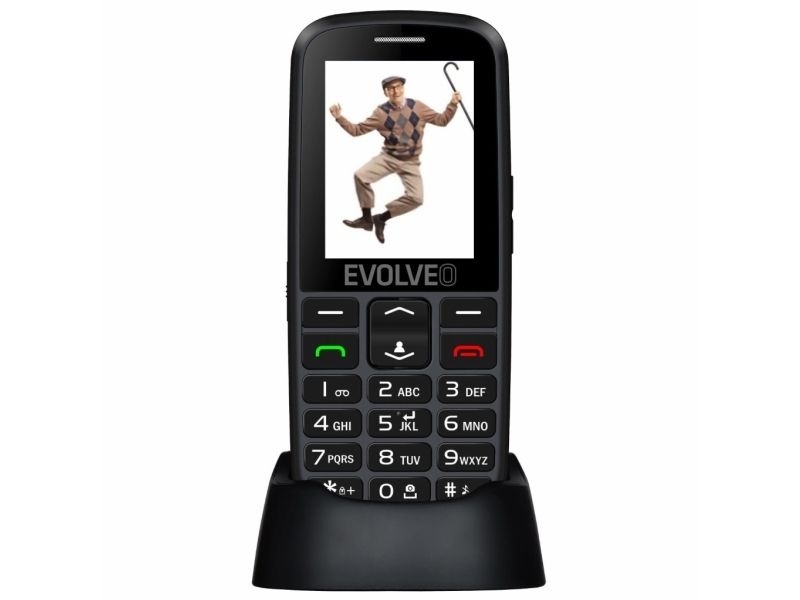
The EVOLVEO EasyPhone EG is an easy-to-operate, elegant, push-button mobile phone. The mobile phone comes in black with a resilient metal front panel. Individual push-buttons on the keypad are spaced out, which makes texting and entering phone numbers easier. The smart charger holder enables you to activate the ringtone on the phone after pressing the button. This function makes finding your phone effortless.

Integrated FM radio
The integrated FM radio with automatic station tuning makes listening to your favorite station a very enjoyable experience. To receive the radio signal you do not need earphones: an antenna is integrated into the device and the sound is played through the inbuilt speaker. The radio can also be left running in the background, leaving you free to text, browse images, or add favorite events to the integrated calendar while listening to the news. When calling or receiving an incoming call, the radio volume is automatically turned down, and then up again when the call is finished.

Adding photos to contacts and speed dial
To make calling easier, the phone enables you to add photos to contacts. You can choose up to eight contacts and add photos to them to identify the caller more easily. Press just one button to display your contacts with added photos. For eight more contacts you can add speed dial buttons, corresponding to the digits 2–9.

SOS call/text message that verifies your location
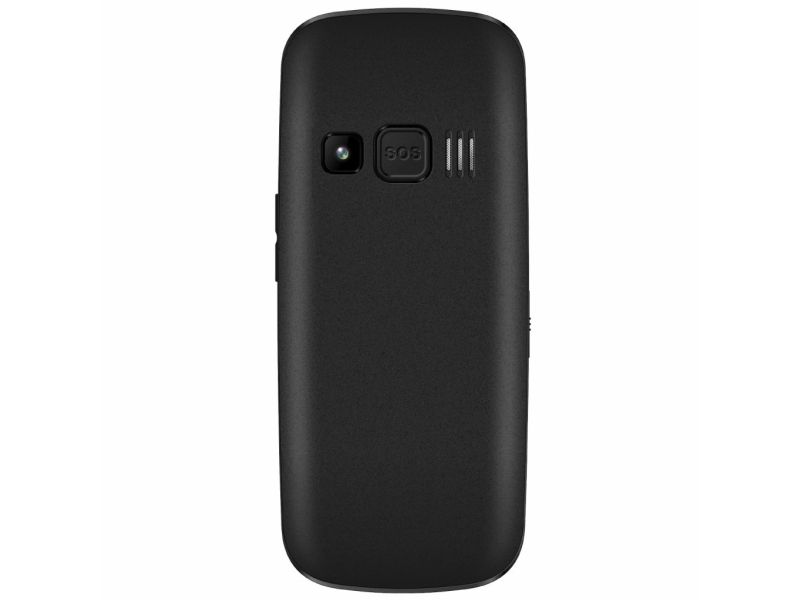
Pressing the SOS button on the back of the phone automatically dials preset numbers and sends out an emergency text message containing information on the user’s approximate position. The position can also be obtained by texting from a smart phone. The mobile GSM network is used to locate the position. An accurate verification of location depends on the strength of the GSM network coverage – in cities, accuracy is dozens or hundreds of metres, outside cities it is less.