Osmo Super Studio Disney Pixar The Incredibles 2
FBAC4895-B52C-4E03-B099-A6A8F8B8017B Created with sketchtool. 706D6907-81E1-46A2-B8F9-7B702A1EF2C7 Created with sketchtool. 6A870209-E7F5-44F5-A66F-09E20C85A0DC Created with sketchtool. 0BB04D6C-A9AB-4913-BF4F-5A23954E68E1 Created with sketchtool. 501E26C7-66C1-4DAA-B740-6CFAF55A1B39 Created with sketchtool. C105F7D3-D5EE-43C9-9EE8-05CC42B296D4 Created with sketchtool. D94689D8-7CBB-41C8-AC06-F79D81FF82D5 Created with sketchtool. DA4C7ED9-2512-4D52-94F0-92800F2A6E04 Created with sketchtool. 42E133FD-828F-4CF4-A0BF-560014487A57 Created with sketchtool. F52D9745-4BFD-4506-BEEF-630FD09EF2D9 Created with sketchtool.
Remote stock (3-5 days)
The item is in a remote warehouse, delivery time is 3-5 business days. More info
Delivery options  - Select at checkout
Shipping @price - GLS
12,00
EUR 34,55
Incl. VAT 43,19
Total incl. delivery 58,19
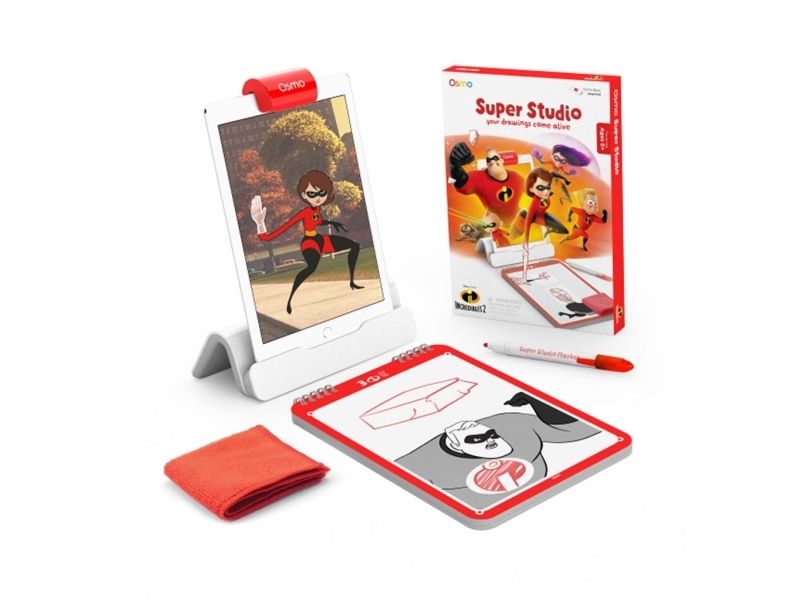
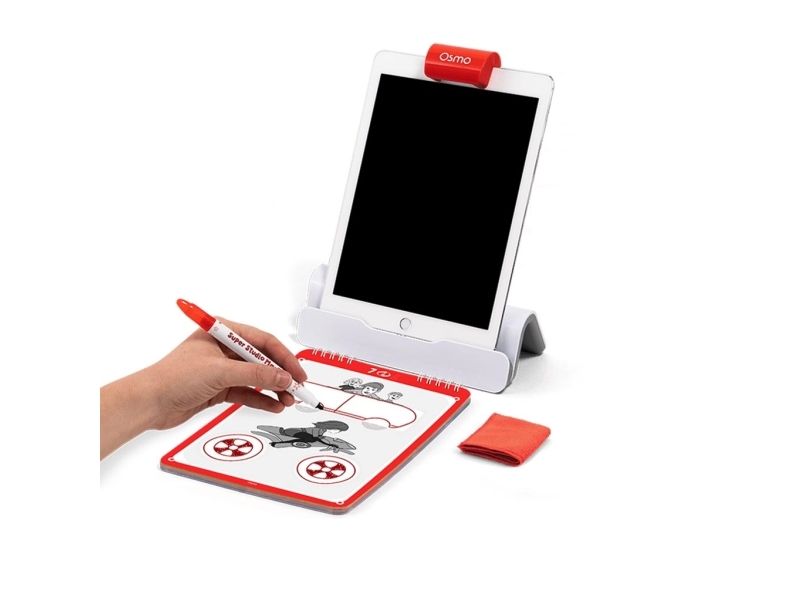
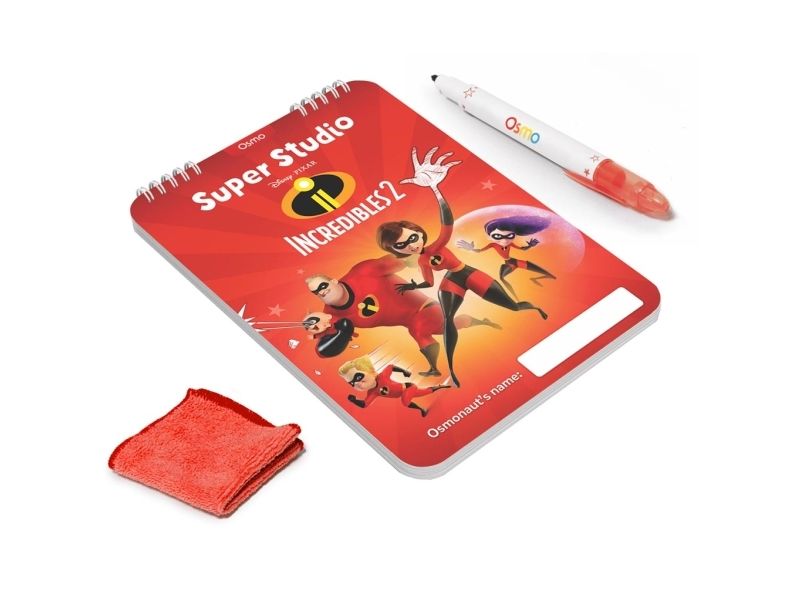
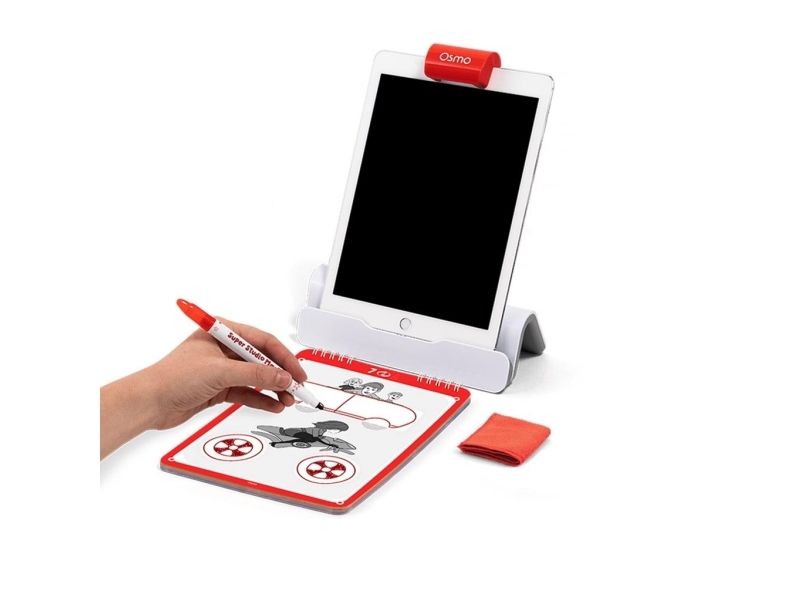
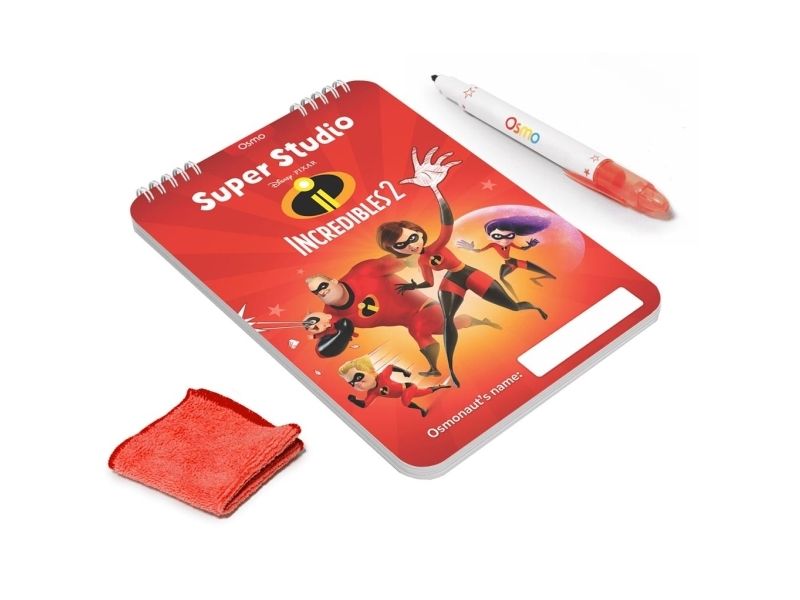
Osmo Super Studio Disney Pixar The Incredibles 2 turns your child?s drawings into animations using an iPad. With guided drawing lessons and instant feedback kids can learn to sketch characters and scenes then watch their artwork come to life on screen. Requires Osmo Base and Reflector from an Osmo Starter Kit.Step-by-step drawing lessons with instant feedbackTurn drawings into your first animations on iPadCreate stories with Disney Pixar The Incredibles 2 charactersIncludes creative tools and a sketchpad with over 30 pagesWorks with a wide range of iPad models (Osmo Base required)Step-by-step drawing lessons with instant feedback The app guides kids through drawing scenes and characters with clear structured steps. As they draw Osmo provides feedback that helps improve accuracy and confidence building foundational drawing skills over time. Turn drawings into your first animations on iPad After sketching on the Super Sketchpad Osmo captures the artwork and brings it onto the screen as part of an animation. This makes it easy to understand the basics of animation and see immediate results from each drawing. Create stories with Disney Pixar The Incredibles 2 characters Kids can draw and animate alongside Mr. Incredible Elastigirl Violet Dash and Jack-Jack. The activities are designed to encourage storytelling and experimentation helping children create their own scenes and hero adventures. Includes creative tools and a sketchpad with over 30 pages Everything in the set is designed for hands-on use with dedicated tools that pair with the app experience. The included sketchpad provides plenty of space to practice iterate and build finished scenes. Works with a wide range of iPad models (Osmo Base required) Super Studio is designed to work across many iPads making it easier to fit into an existing home setup. An Osmo Base and Reflector are required to play and are not included with this product. Package includesSuper Sketchpad (over 30 pages)Super Studio MarkerSuper SweeperProduct specificationsBrand: OsmoProduct name: Super Studio Disney Pixar The Incredibles 2 - Draw and animate with iPadRequirement: Osmo Base and Reflector from an Osmo Starter Kit (required not included)Compatible iPads: iPad 2; iPad (3rd 4th 5th 6th 7th generation); iPad mini (2 3 4 5 6); iPad Air (2 3); iPad Pro 24.6 cm (9.7-inch); iPad Pro 26.7 cm (10.5-inch)Not compatible with: iPad (1st generation); iPad Pro 32.8 cm (12.9-inch); iPad Pro 27.9 cm (11-inch); iPad Air 4 (2020)Setup note: iPad mini and iPad Air and iPad Pro 24.6 cm (9.7-inch) may require adjustment of base inserts for correct fitNote! Osmo Super Studio The Incredibles 2 requires Osmo Base & Reflector from a Starter Kit.