The item is in a remote warehouse, delivery time is 5-7 business days. More info
Delivery options - Select at checkout
Shipping @price - GLS
12,00
EUR
2.565,32
Incl. VAT 3.206,65
Total incl. delivery
3.221,65
The function requires that you are logged in. Create a user and use our smart list system to keep track of future purchases, regular purchases or wish lists. Create user Login

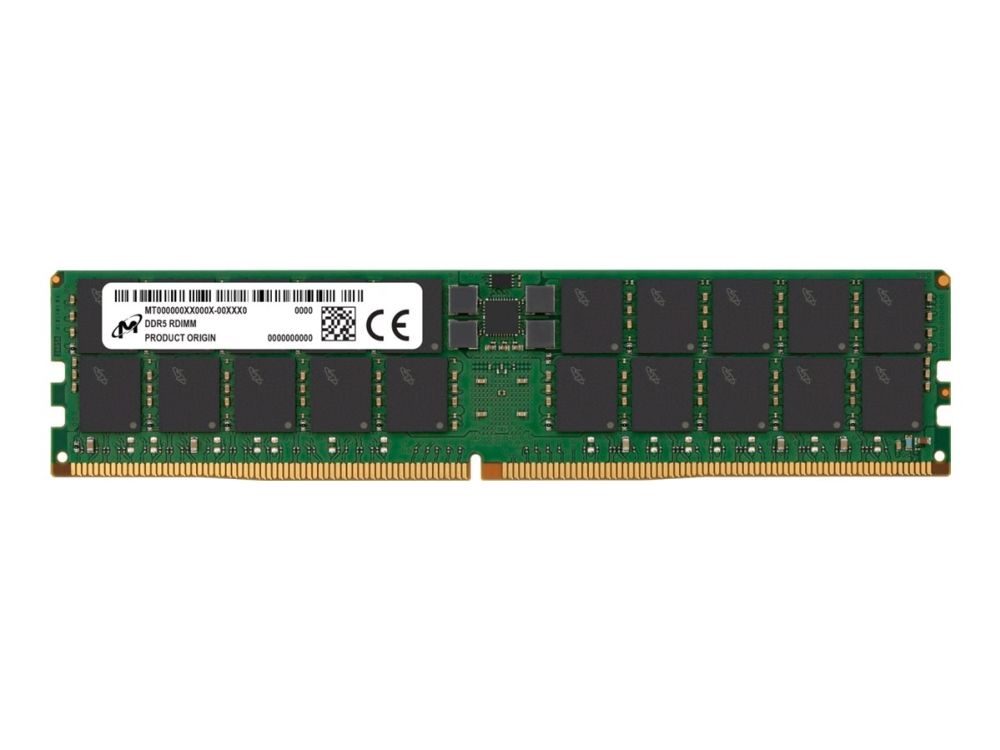
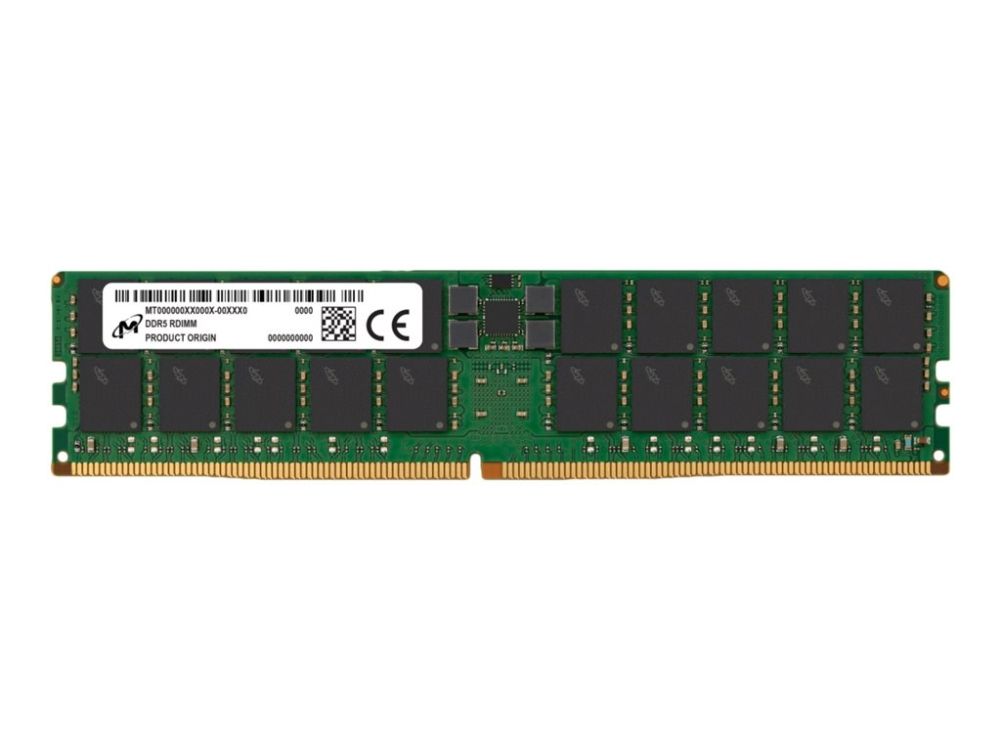
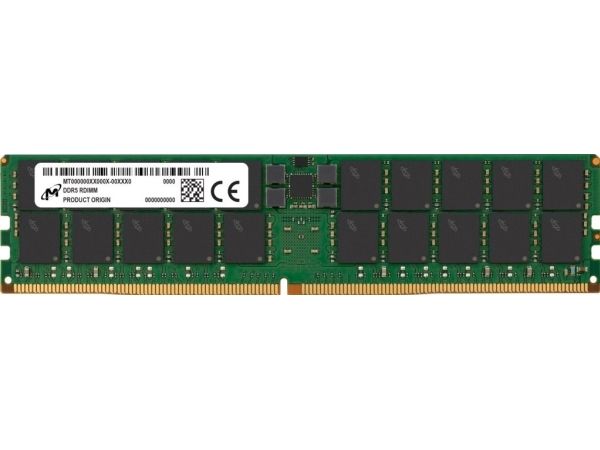
The introduction of DDR5 memory is bringing in a huge increase in performance for every server or workstation using this technology. The clock speed starts with a 50% increase over the last generation of DDR4 memory and already shows additional speed bumps above that to 6400 MT/s. The underlying architecture has been enhanced as well to give additional boosts to the overall system performance. Of course, every application will respond differently to these changes, but for any application using high CPU core counts and is already bandwidth limited by the memory in a DDR4 system, the performance improvement should be shocking.
If you consider the CPU of your server or workstation the brains, then the system memory would be considered the lifeblood of the system. The amount of memory in your system will dictate the overall performance. Generally speaking, the more memory in the system, the higher the overall performance you can expect. System memory installations or upgrades are incredibly easy with the socket used on the motherboard. No special skills or tools are needed to complete the task.
Servers supporting virtualization applications are highly dependent upon the amount of memory installed. Multiple virtualized servers can coexist on the same physical server as long as the total amount of memory installed can meet the need of each individual virtualized server.
When a server or workstation is running an application that exceeds the memory of the server, it is forced to offload portions of the application to the online storage system like an SSD. When the application needs to swap portions of itself out and bring in other parts from the SSD, the latency can increase significantly. By ensuring the system has enough memory to hold the entire database or application, the overall application latency can be greatly reduced, sometimes by orders of magnitude.
Micron Server and Workstation DRAM modules run through an extensive line of tests at both the component and module level before they are released to partners and customers. Enterprise and Cloud customers can rest assured that these modules leave factory only after meeting the exacting JEDEC specifications established for enterprise-class systems.
The item is known under the following item numbers in our system
EAN:
0649528921666
UPC:
649528921666
SKU:
MTC40F2046S1RC48BA1R
Why do I find that the same product is available on different item numbers?
Manufacturers often release the same product with different item numbers, typically just different versions of the packaging. For example, the packaging may be targeted at different countries.
We try our best to unify the products, but it can happen that the same product appears on different item numbers in our system.